NuForce uDAC-2 Digital-to-Analog Converter Review
The uDAC-2:
 |
 |
 |
 |
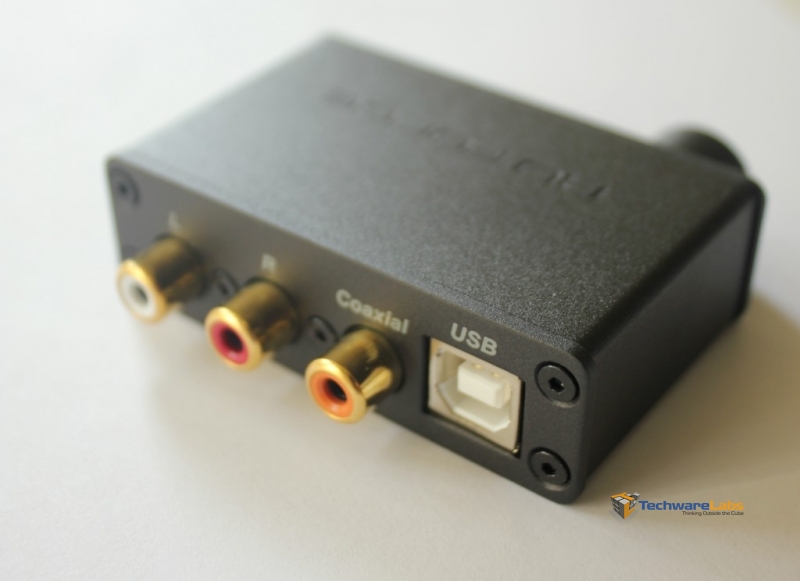
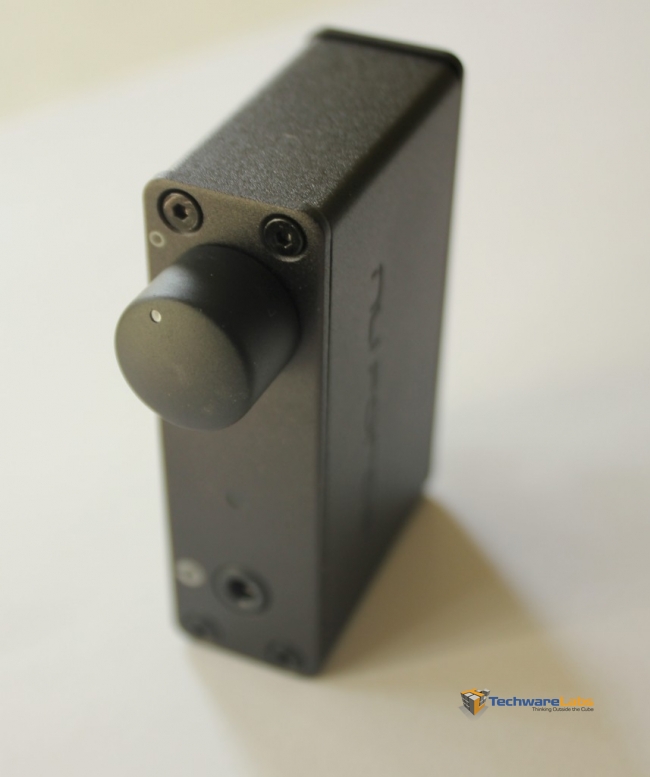
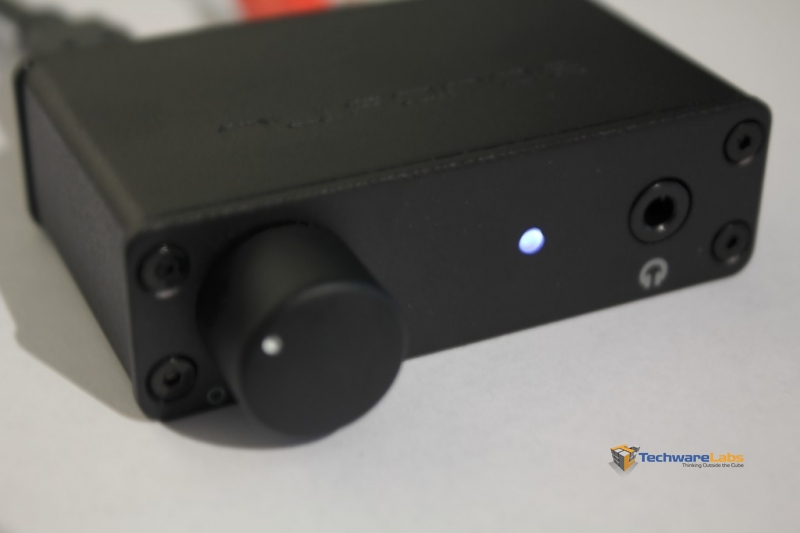
The uDAC’s I/O are very well placed. On the back we have the USB in, two analog RCA outputs and a coaxial out. On the front is a very nice linear potentiometer for volume control, a 3.5mm headphone out and a white power LED which turns off with the volume is turned all the way down. It’s worth noting the the volume potentiometer firmly clicks when turning the volume all the way down and the device entirely powers down. The volume pot is made very nicely and feels good, I mention this because many other products use crappy cheap pots – not the case here!
Extra Goodies:
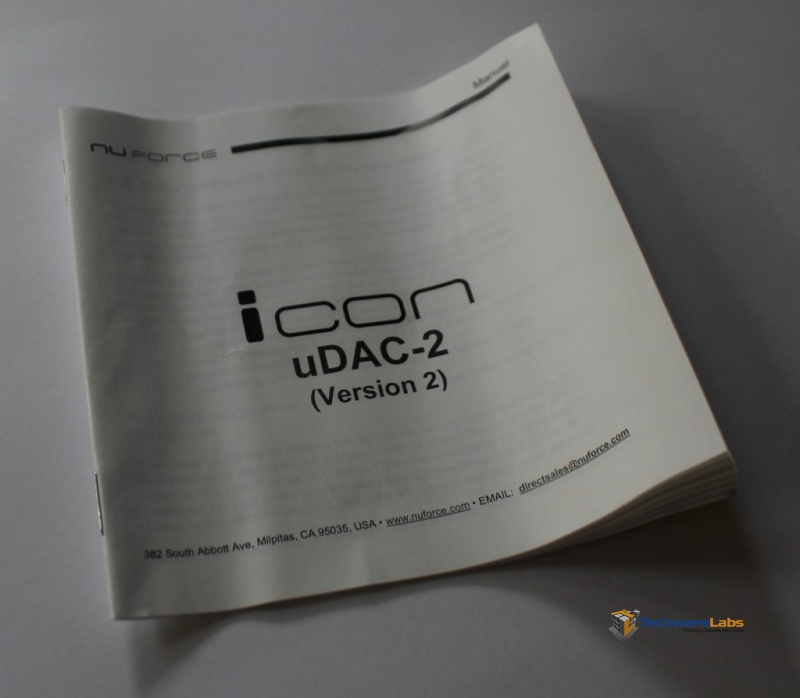
The uDAC also comes with a 1 meter USB cable, necessary to run the device. The uDAC does not come with any other cables, so you’ll need to provide your own coaxial cable and/or RCA cables. I think the idea here is to leave the cables up to the audiophile who is clearly going to have a preference for nicer cables anyway. The uDAC also comes with a small instruction manual, you won’t need it though.
 |
 |
- 3 Comments
- Subscribe
- Download Review in PDF

[…] NuForce uDAC-2 Digital-to-Analog Converter Review @ TechwareLabs […]
[…] gets its hands on the Cyborg M.M.O. 7 Gaming MouseTechwareLabs hooks up with the NuForce uDAC-2 Digital-to-Analog ConverterTechRadar checks out the Canon EF 8-15mm f/4L Fisheye USMTrustedReviews sits down with the Toshiba […]
[…] NuForce uDAC-2 Digital-to-Analog Converter Review @ TechwareLabs […]