The Goodies
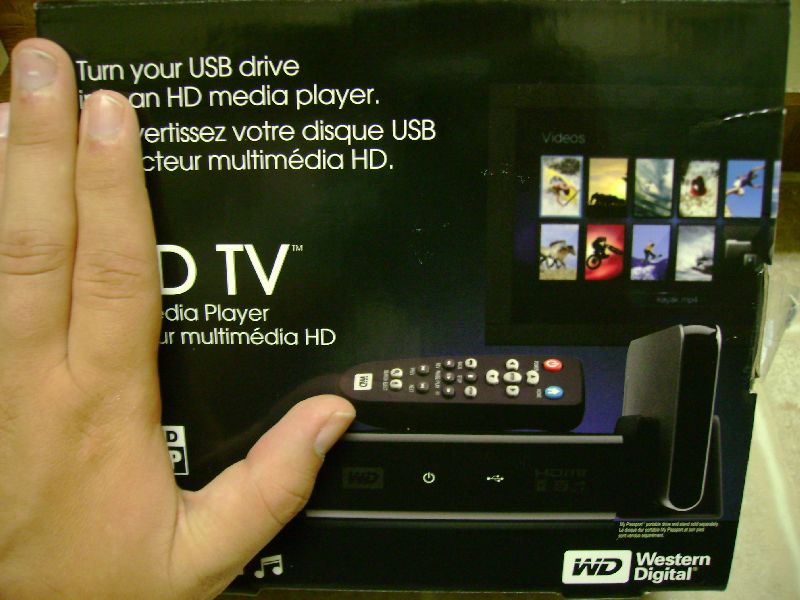
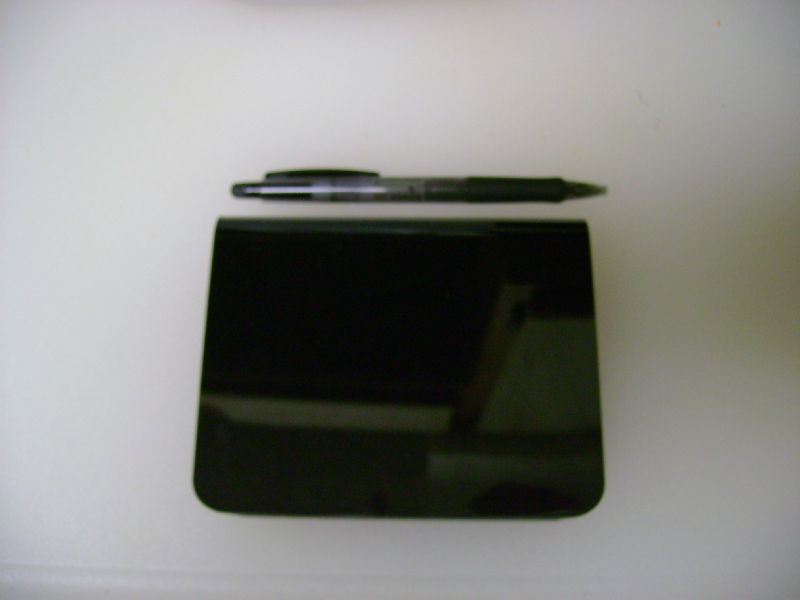
As you can see by the pictures below the box appears to house a small product, in truth the WDTV is only a little bit bigger than what could easily fit in your hand. for size comparison I provided pictures of the WDTV compared to standard objects such as a AA battery and a standard ball point pen. The small size of the WDTV means that it can fit within just about any media center set up and still be a useful addition.
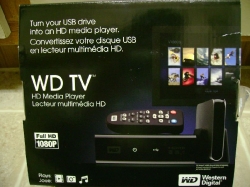
The box pictured below just shows the basic specs and design of the box so you can clearly identify this item next time you find your self in a brick and mortar store.
 |
 |
 |
 |
|
|
 |

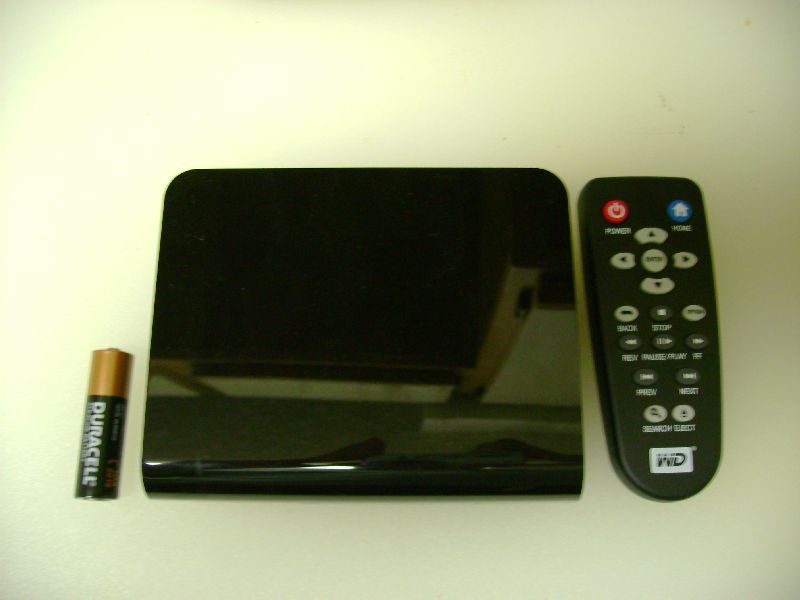 |
as you can see the WDTV is exceedingly small, barely bigger than the battery the remote is also very small, if it was much smaller than it would be uncomfortable to use.

1. I have a WD TV USB player. Problem: Some YouTube downloads in FLV format have time lags between video and audio. I therefore use my FLV Downloader’s conversion programme to convert the videos to MP4 – which shows no such time lags
2. Is there a machine which records TV onto USB sticks?
Is there a Hard disk in the Media Player?
I changed the video settings and now I get a “input not supported” message, how do I go back to the main menu to change it back? is there any “reset” settings button?
Thanks
can i hook this up with my ps3 and xbox 360??
Electro,
The player only supports USB based media in the WDTV’s stock firmware. I am aware that there has been a decent following in the community regarding modding the WDTV and supposedly there is firmware that will allow USB based CD drives. I have not heard of support for USB HD media players working.
Does the HD player supports for playing of movies from BlueRay disks?
The WDTV since I reviewed it has replaced my cable bill I download the shows I want to see copy them all over to an external HD and watch them in upscaled 1080p its awesome.