Out of the Box:
 |
 |
Analysis:
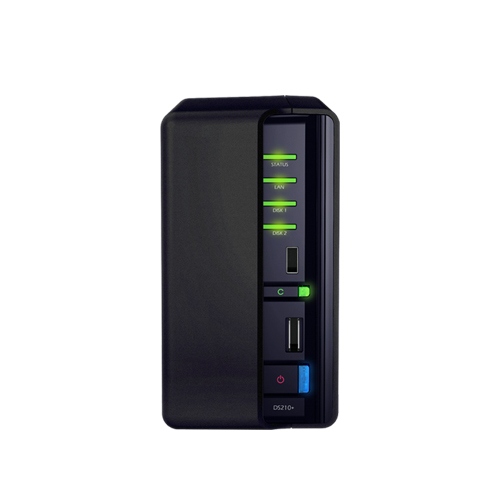
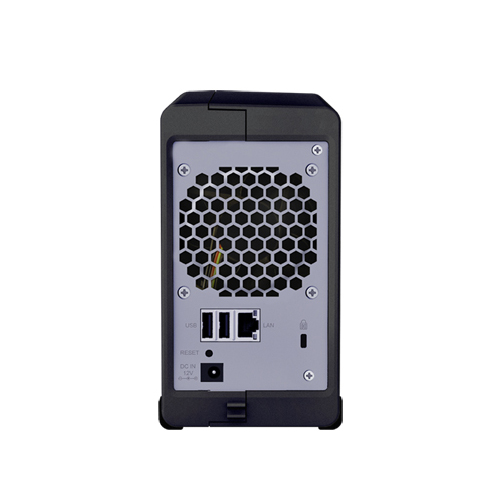
Our DS210+ is equipped with two 1tb drives configured in raid 1. You can see on the front and back the expansion ports that you can use to connect up to two USB printers, three USB drives, or and eSATA drive (or array). The network interface is full Gigabit capable, you could even use one of the USB ports to convert this device to a wireless network NAS. (approved list of adapters).
Software:
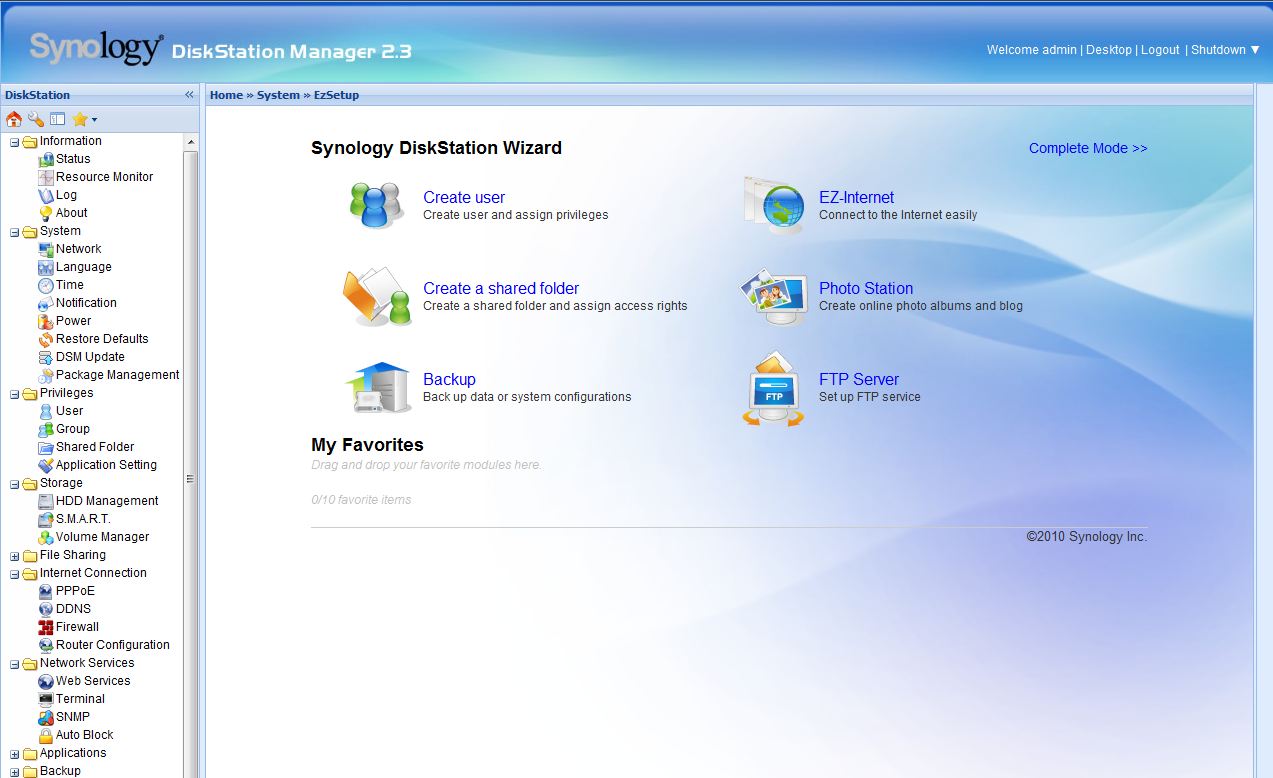
After login screen
From the intuitive menu you can utilize this devices capabilities to
- Download and manage torrents
- Stream music through USB speakers
- record surveillance from your IP cameras
- integrate with dynamic DNS to easily access externally
- access and manage the device via multiple secure methods. (ssh, sftp, telnet, HTTPS)
- serve up to 30 websites.
- migrate data too and from external drives.
- THIS WILL INTEGRATE WITH YOUR IPOD (app available at appstore).

I can’t even fit the whole list in one screen
Everything is very simple to set up via the web interface, and will notify you if you change a setting that requires an additional setting to be configured. So far I have set up the download manager, File Station, and the Surveillance Station.You could spend considerable amount of money for separate devices to attempt to conglomerate the functionality of this one device. I know for a fact software with less than half the functionality of Surveillance station can cost up to twelve hundred dollars for the initial license, and its all remarkably easy to set up, with the intuitive menus and helpful configuration tips, as long as you know how to read you should be able to get this up and running.
Security:
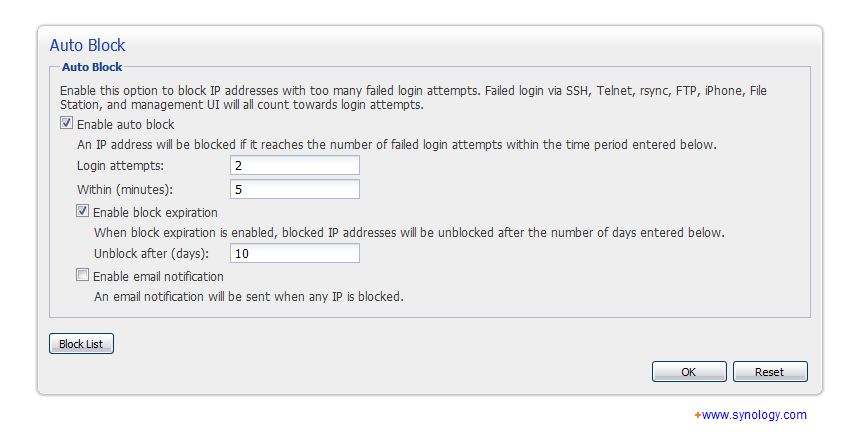 |
I am paranoid about network security. I have hardened firewall securing segments of my home network. The DS210+ doesn’t disappoint, you have complete customization options with your user login’s, and you can even get absolutely brutal with attempt lockouts. No brute force here. In addition you can blacklist IP’s and assign max quotas and custom firewall rules. |
Redundancy:
| Raid 1 isn’t enough for you? The DS210+ has you covered, you can schedule backups to an additional external device, you could even back up configurations and files to amazon cloud service if your that concerned about it. | 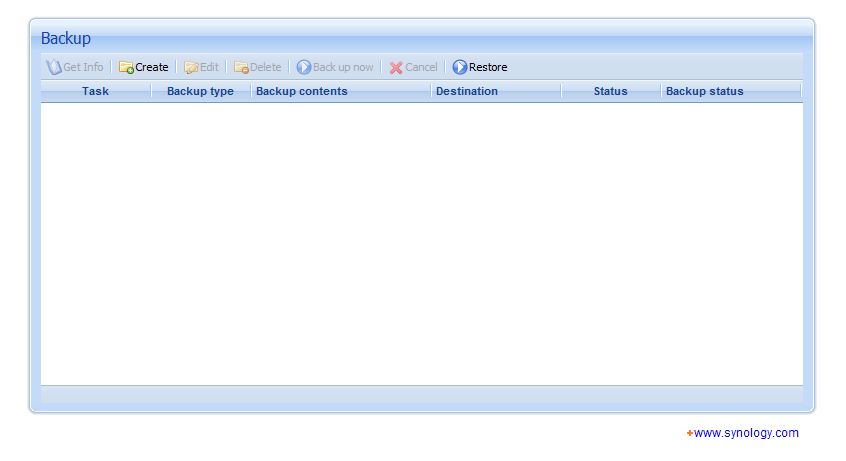 |
USB Copy:
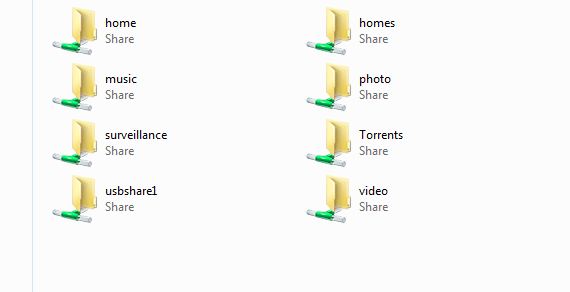 |
This is cool. You can set up a target directory to one button dump the contents of any usb storage device. Any person who regularly migrates files from one location to another. Your computer doesn’t even have to be on. Also when you connect a usb drive, it shows up as its own destination folder in windows networking. |
The Synology DS210+ comes out of their Business Ready line, with the feature set they have included in the Disk Station Manager 2.3 it makes perfect sense. In this increasingly technology driven business market, the capabilities this offers out of the box are almost essential. Aside from the 256 bit AES encryption offering. Any facility utilizing either a static IP address or Dynamic DNS, can cut costs by hosting up to thirty virtual websites in house. So you forgot your presentation at the office? No problem you can download the file via Secure ftp, no worries about someone war driving your financial projections mid-download from a wi-fi hot-spot. The biggest advantage of all of these features is you don’t have to be a genius to work any of these features, all of the modules can be set-up without calling in the entire IT department.

Great post! Network Attached Storage is becoming very popular for domestic application. The site http://www.besthomenas.net can give you detail information regarding features for NAS to be used in the family to share digital files. Cheers, Marc.
I really like your site.. keep it up
Terrific work! This is the type of information that should be shared around the web. Shame on the search engines for not positioning this post higher!