

|
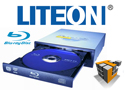


LiteOn DH-4B1S-08 Blu-ray Burner

A Closer Look:
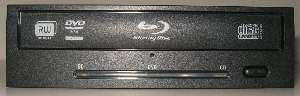
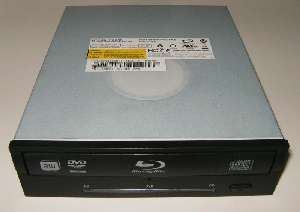
Taking a closer look at the drive itself, we notice that it resembles most other optical drives with the exception of various differences in labeling and the status light bar just below the drive door. The light bar just below the drive door simply indicates which disk media is currently being used (Blu-ray, DVD, or CD). Located between the drive door and then light indicator is small hole to manually open the disk drive door. This can be used if you forgot a disk in your computer and want to take it out without turning on your computer, or if the door is jammed.
 |
 |
 |
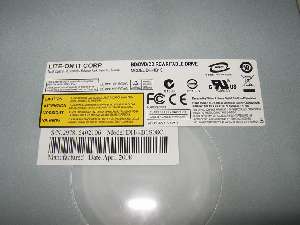 |
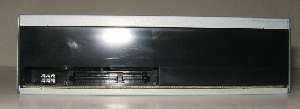
Looking at the back of the unit, you see that the LiteOn DH-4B1S-08 uses your standard SATA connectors. This is a nice improvement over the older IDE drives. That is pretty much the entire drive, when it comes to optical devices there aren't too much that can vary.
Testing:
For testing the LiteOn DH-4B1S-08 Triple Burner, we used a program called Nero CD-DVD Speed, this is included as part of the Nero Toolkit and is also free to download here. We are going to be testing the LiteOn DH-4B1S-08 Triple Burner with one of our standard DVD-CD Burners, the Sony Optiarc AD7170S. We plan on comparing the the speeds that it can read and write DVD's and CDs to that of a normal DVD/CD Burner.
- CD Testing:
- Media Used: Windows XP Professional Install CD
- Media Type: Data-CD
- Media Size: 703 MBs
- DVD Testing:
- Media Used: Windows Vista Ultimate Install DVD
- Media Type: Data-DVD
- Media Size: 4.38 GBs
- Blu-ray Testing:
- Media Used: Talladega Nights
- Media Type: BD-Rom
- Media Size: 20.93 GBs
REALTIME PRICING