

Trillian Pro 2 'Public' Beta Review
Reviewed by James on 09.15.2003
Retail Value: $25.00
Unicode Support
One of the biggest plagues for users of Trillian has been international friends.
The reason for this incompatability was Trillian's lack of Unicode support.
This means it only supported basic English characters. If sent such a character,
just one, Trillian would give you the infamous "Your friend has just sent
you a message using the Unicode character set, and Trillian does not currently
support this. Unicode support will be coming soon!". Well, here it is,
Unicode support! Well . . . not completely, not yet. In our testing, we found
that many characters (please don't ask us what they are) didn't work. However,
this is not (yet) a point off of Trillian's score. After all, it is still in
Beta.
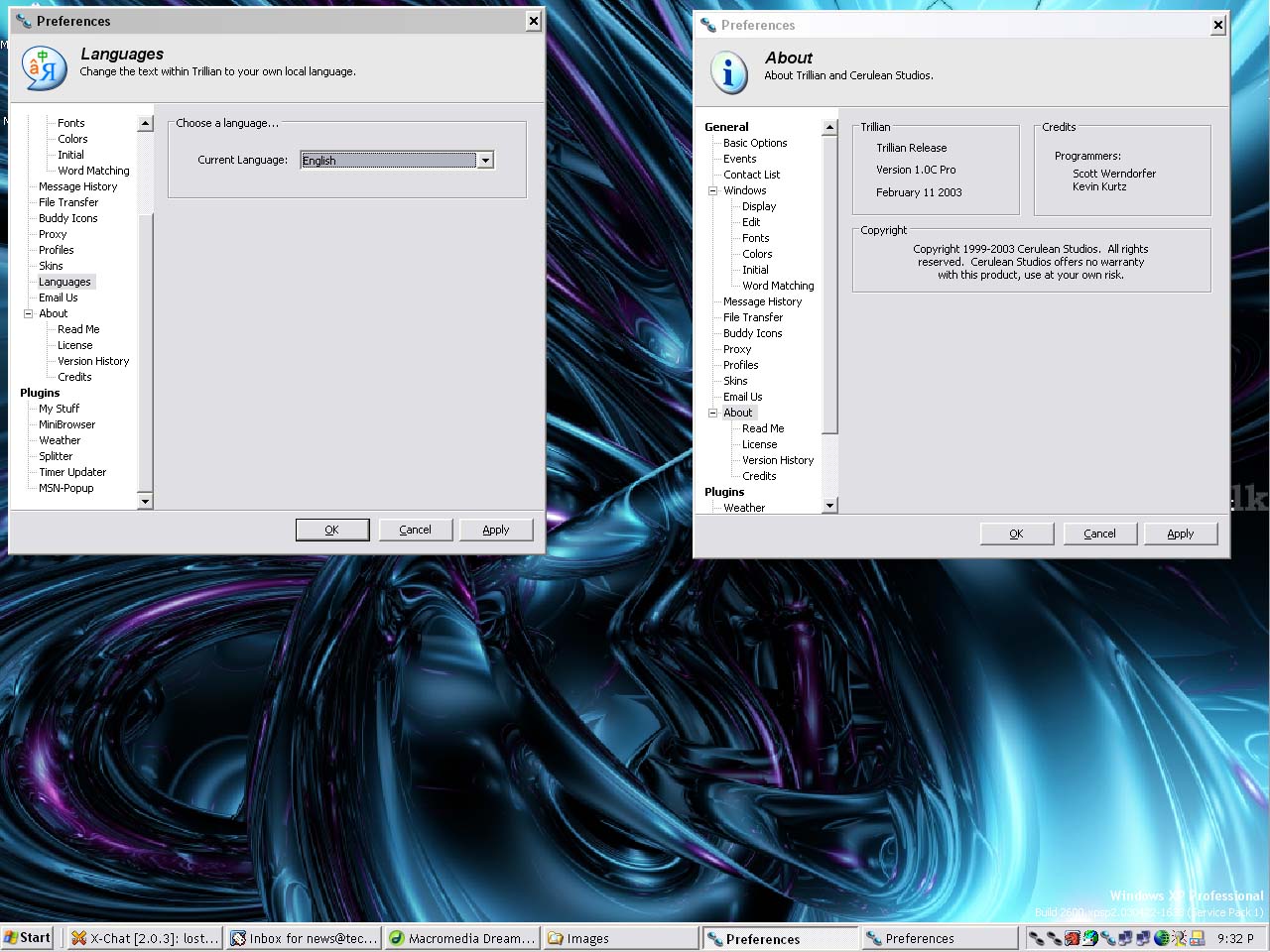
An unexpected feature of Unicode support has been a full internationalization
of Trillian. This means the user can select the language of his choice from Trillian's
language menu under preferences and all of Trillian's menu text and such will
be converted to that language. This will definitely help it become more internationally
accepted. On the other hand, the website does not yet have multiple languages
so those non-English speakers will still need help navigating the site.
Per Connection Contact Lists
Trillian users have been begging for quite some time to be able to separate
their buddies. A major motivation for using Trillian is it's ability to connect
with two different screennames, and the major motivation to having two screennames
is because they are often used for different groups of people. One for family
and friends, one for work, and maybe one for soulmates. However, Trillian has,
in the past, had very poor support for the whole profile philosophy that is
embedded in most programs now and for sure all modern OS's, and it merged all
the buddy lists on each medium. So, not only did your business contact just
get your PRIVATE MSN account, but half your buddies just logged off of AIM because
you overfilled the 200 buddy limit and Trillian didn't tell you. In version
2.0, CS has woken up and built the buddylist so that each of your screennames
on each connection has its own buddylist (all held in buddies.xml).
Unfortunately, separating each of your buddy lists out creates a VERY long list. Not to fear, CS has improved the functionality of floating contacts so that you can grab [buddy1]'s list out from the main buddy list and have it float on the desktop. This funtion allows the user to line up all of his separate lists next to each other, allowing the user to see all of his buddies at one glance. CS has also added drop shadows (XP only) to make the floating buddy windows look better.
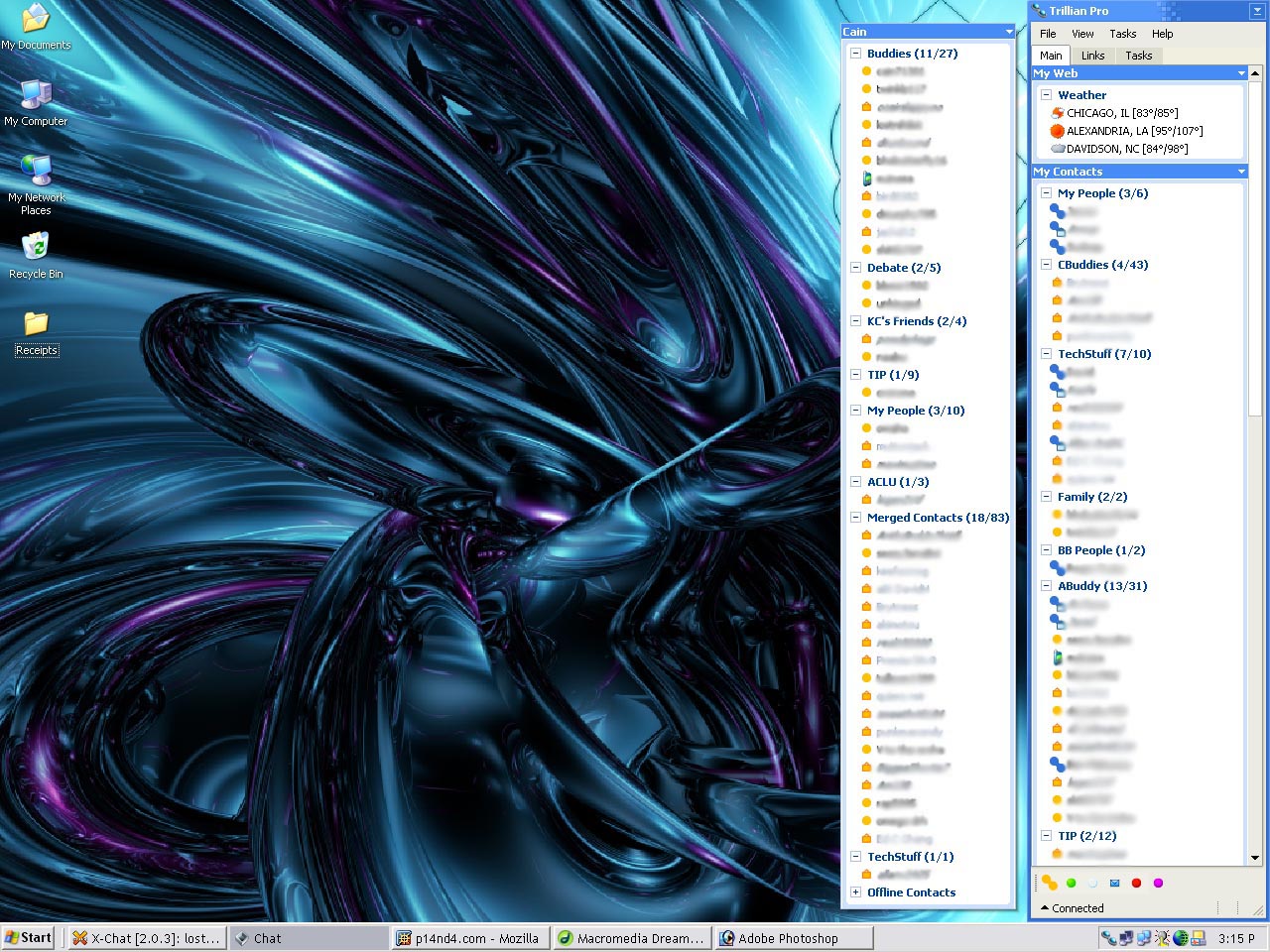
Notice the two buddy lists side by side, allowing the user to see many more
buddies at a single glance. However, the floating bar has the bad habit of being
always on top.
Nevertheless, the floating windows could use some additional functinality. One useful feature would be stickiness so that the floating window can be attached to the main buddy list, thus acting as a second column that can be toggled with the same keystroke as the buddylist itself. Using floating contact groups in this fashion seems obvious to include yet is unavailable, diminshing the usefulness of the floating contact concept.
As convenient as the Per Connection Buddy List is, its GUI realization needs more work. As mentioned earlier the ability to have 400 buddies, on AIM alone, with just two scrennames, produces an impossibly lengthy list of buddies. A smarter implementation would have been to make the separation of the buddylists invisible to the end-user, unless s/he chose otherwise. In this view, the same groups could be used on each list and/or duplicate buddies (assuming they were in the same group) would be 'deleted' i.e. the user would only see one instance. In this scenario, Trillian could maintain it's current working of the default send from option, but also have a context menu option of "send from..." to give the user more power. On this note, however, a nice enhancement has been added to the buddy window which allows you to see from which screenname you are sending an IM.
| « Program History | SDK 2.0 » |