

|


Synology DS207 Disk Station NAS Server

Closer Look
The DS-207 NAS comes with everything you need including the network cable. The box is very informative and the manual is well written. The DS-207 looks a lot like some of the other external USB enclosures on the market, very clean in appearance. It measures roughly 9” x 6.5” x 3.5”. The inside is pretty straightforward. Two SATA drives connect with 8 small Phillips head screws. The SATA and power cables are the perfect length. The fan is powerful enough to keep the drives cool, but is also whisper quiet.
The front of the DS-207 has a good sized power button, a USB copy button and status lights for both drives and the network connection. The rear a fan, DC 12V power port, LAN port and USB ports for connecting additional external hard drives.
Testing the Product
Installing the hard drives into the DS207 is pretty straight forward. Synology provides excellent product documentation in the manual and on their website that walk you through setting it up. After installing the drives you have to install the Synology Assistant software on your computer. This software will locate the DS-207 on your network, allow you to assign it an IP or use DHCP and allow you to configure the drives in RAID 0 or RAID 1. After this, everything else is done through a web browser. You create volumes and shared folders. Then you need to setup user accounts and group and then assign them permissions on each shared folder. Integration into my existing Small Business Server domain was super easy. In fact, every feature works and the setups are easy and secure, easier than a Windows or Linux server that’s for sure. The whole setup from opening the package to sharing files took around 20 minutes.
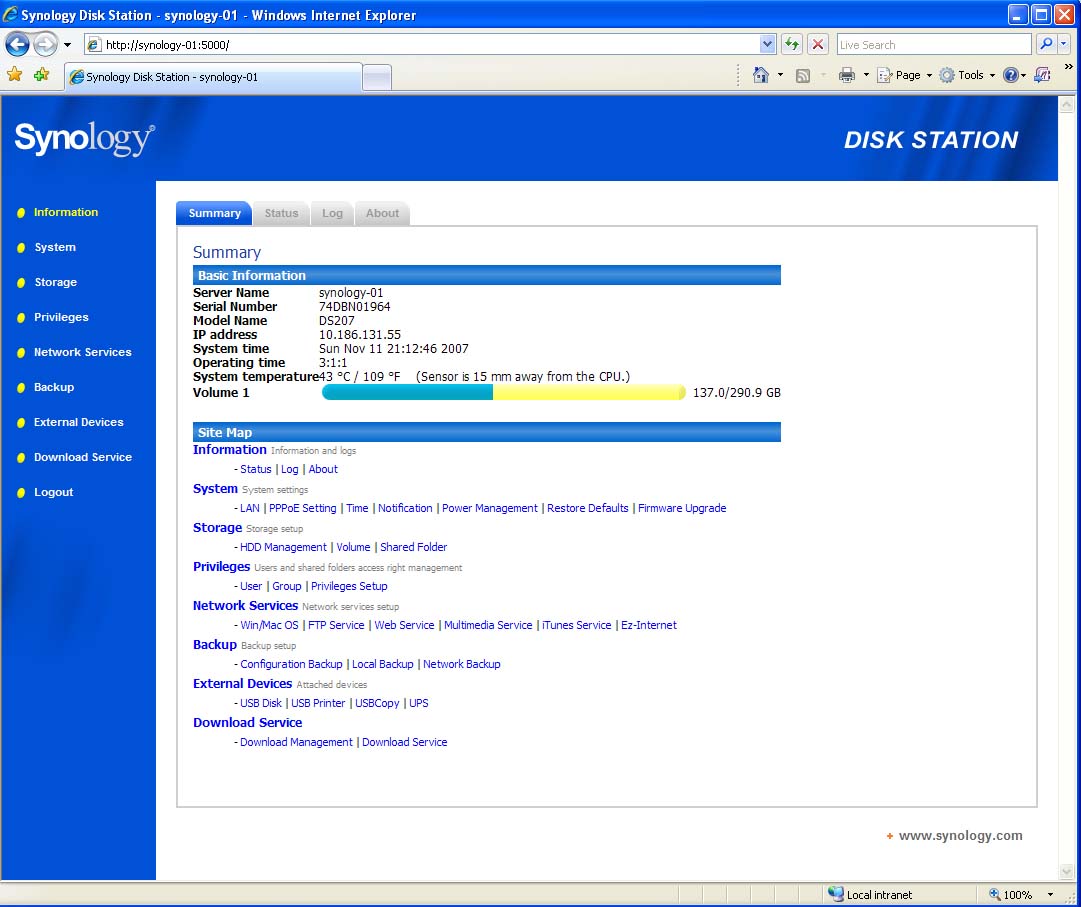
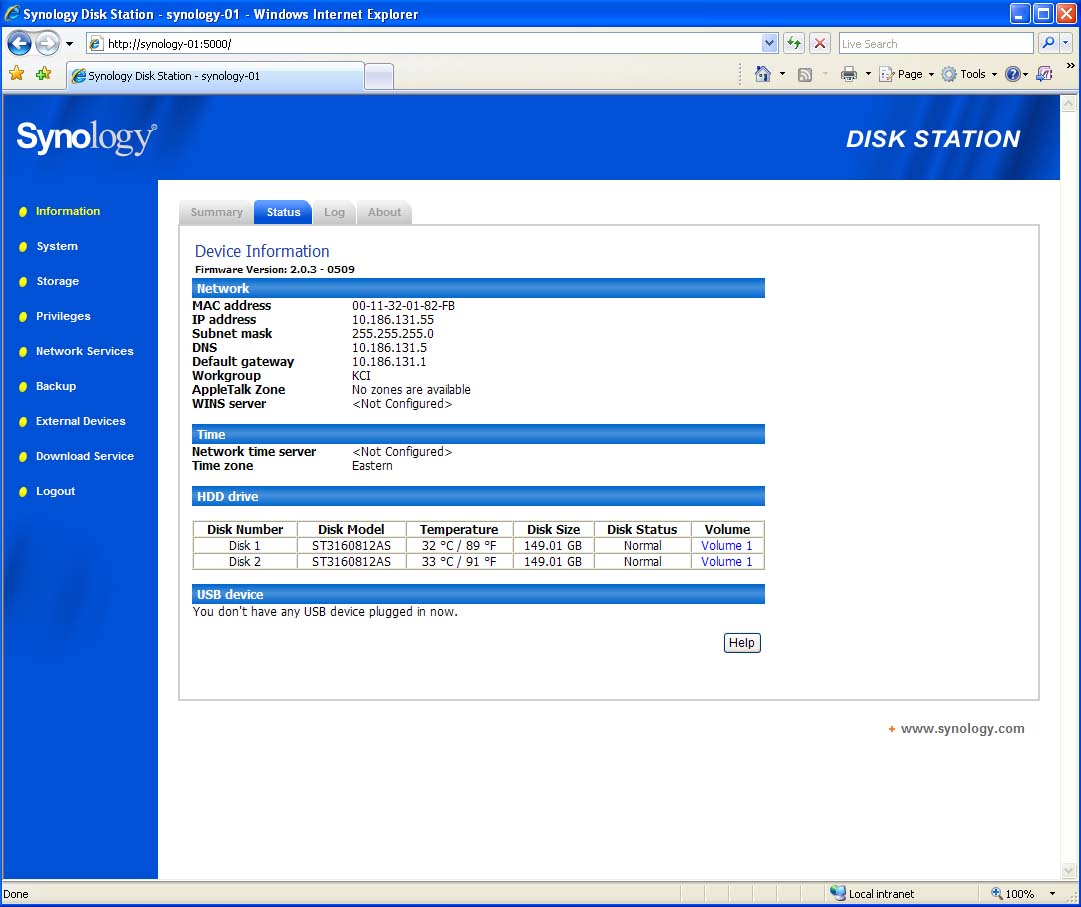
Click on the Thumbnail for a Larger Image
Conclusion
I like this product, I really do. If you have the need for more file storage, a media server or want to run a simple website in-house then this is the cost effective solution you’ve been looking for.
Additional Resources
http://www.synology.com/enu/index.php
| « Overview | More Reviews » |