

| Transcend JetFlash 110 1GB USB Drive |

|
|


Contents
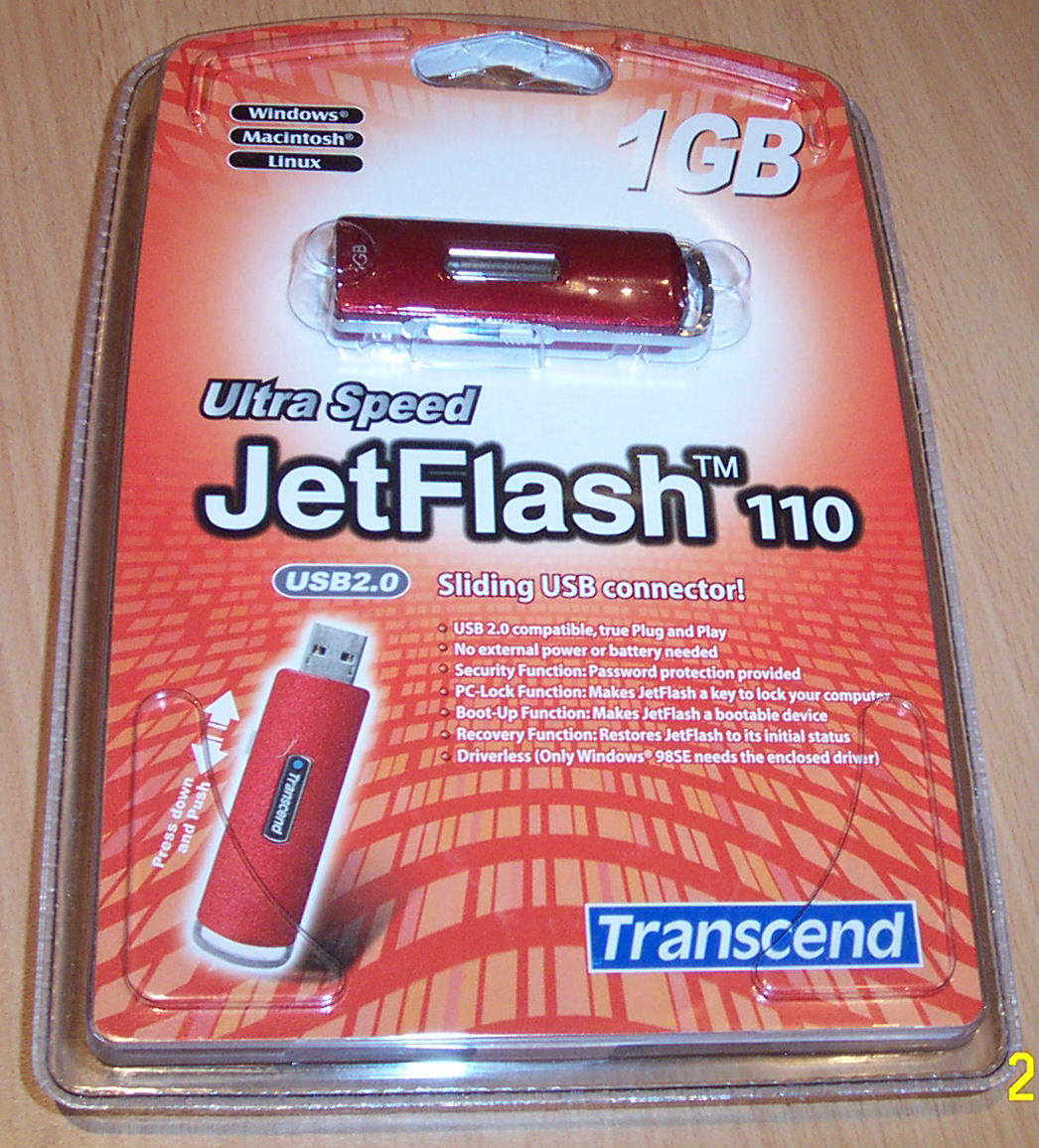

- 1GB USB Drive Unit
- Neck Strap
- Wrist Wrap
- Driver CD
- USB Extension Cable
- Quick Installation Guide
- Warranty Card
Software Driver CD
The Bundled Driver CD contains drivers specifically for Windows 98SE as other Operating Systems will already have support when plugged in - including Linux with Kernel v2.4+. The CD also has a bunch of utilities for your new drive mentioned below and looked at in greater detail a little later on:- JetFlash 110 Utility(Win32)
This utility resides in your System Tray and can be activated once the USB Drive is inserted. Adds PC-Locking, Partitioning and Bootup functionality to the USB Drive. - JetFlash 110 Recovery Tool(Win32)
This nifty tool restores the drive to the factory defaults if something goes wrong.
Software: JetFlash 110 Utilities


- Partioning
You can partition the USB stick so that it makes two seperate partitions, one public - viewable by all - and the other private, which requires you to login before viewing the contents of the folder. This methodology of partitioning is something of good innovation to users, as the size of the drive is big it can easily accomdate for partitioning for these reasons. - Create Bootable Partition
Another nifty feature is the ability to set the USB stick as a MS-DOS bootable disk and is compatible for Windows 98/ME or XP only(not 2000, Mac or Linux). - PC-Lock Function
The PC-Lock function can use the USB Drive as a Key, locking your machine for the set amount of time.
Physical Appearance
The unit itself is quite small, take a look at the comparison between some common items.
Compared to the Cyclone USB Stick the JetFlash 110 is atleast 20% smaller thanks to the retractable USB connector. Heres what the unit looks like retracted, and with the USB connector visible.


While the connector being able to retract is cool, as well as unique, it does however have its downside. Think a little head, say 2 months into using it in your daily life at work. First, unlike the cap (which will shield the connector all around) when the unit's USB Connector is retracted, there is still the possibility of little bits going inside, especially if you dunk it somewhere - pencil cases, pockets etc - and not have it around your neck. The other is that the retractable switch is a tad annoying at times to push back and forth. Innovative, yes! Troublesome, sometimes!

| « Introduction | Test Setup » |