

| The Squeezebox by Slim Devices |
|
|


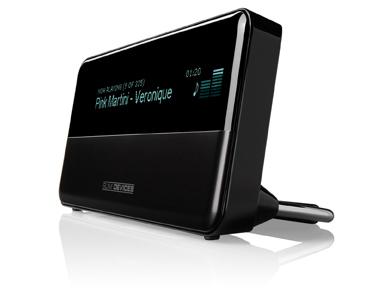
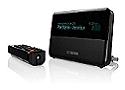
We proceeded to then start the SlimServer on our Win2003 Server and turned on our wireless router and adding the mac address for the Squeezebox the the routers address filter. Let me first say, that by reading the Owner's Guide First and knowing what I needed to know to navigate the menus to set the unit up with our wireless network, that setting the Squeezebox on our 128 bit WPA-TPIK protected network only took us approximately 5 to 7 minutes tops! We were amazed at the ease in working through the welcome screens, wireless connection screens, and wireless protection screen settings that were both quick and easy, even if you had not read the manual! Before we new it, we were finished, connected and astonished to see the Squeezebox display describing its actions, such as Connecting to the wireless network and Contacting the DHCP server which were very welcome sites. Then suddenly the unit was up and running, I navigated from the "Now Playing" menu to the "Browse" menu, then over to the Music Folder sub-menu using the supplied remote with ease, and found the first of my music folders and as quickly as I could hit the button to play a song, the song was playing. Very fast and clear, the quality of the sound was impressive with no noticeable deterioration in sound quality.
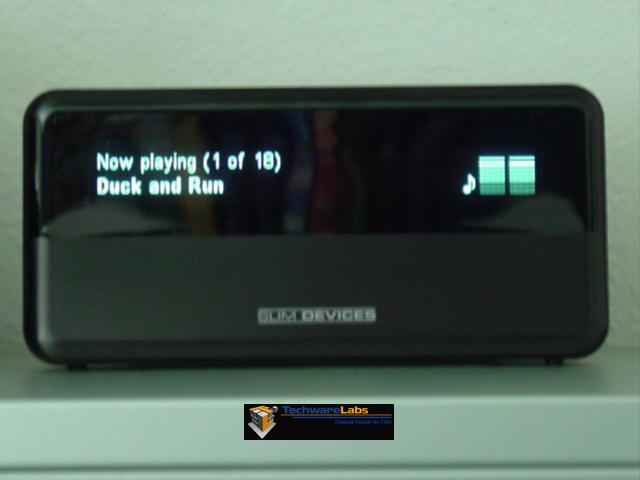
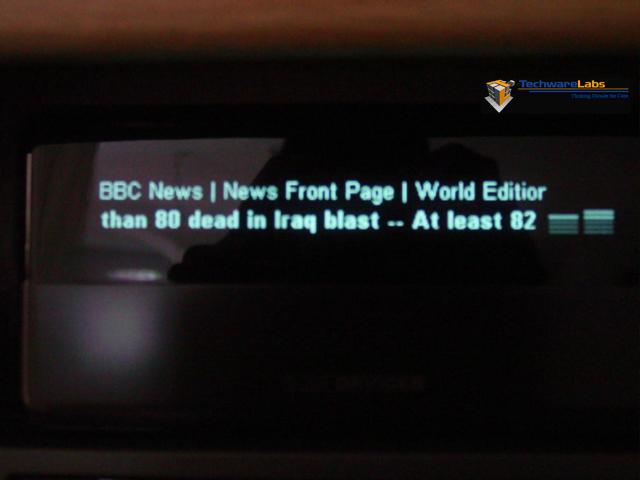
I would like to apologize for the picture quality shown, as this was due to a very slight movement while keeping the aperture open for light-absorption in order to try and show you how bright the display is on the unit. Flash images as shown below, just cannot do justice to the beauty of the Squeezebox.
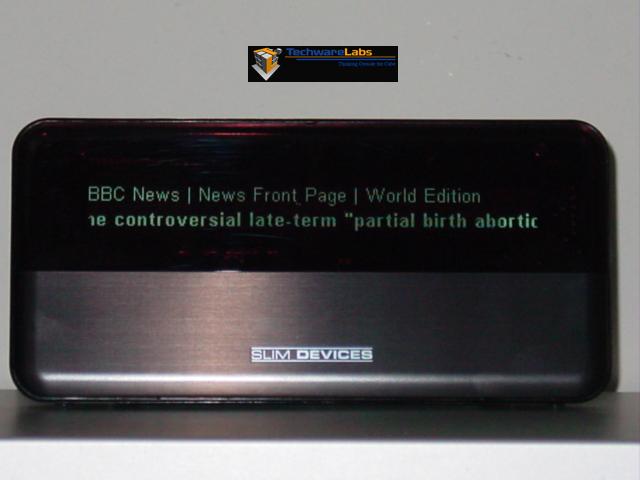
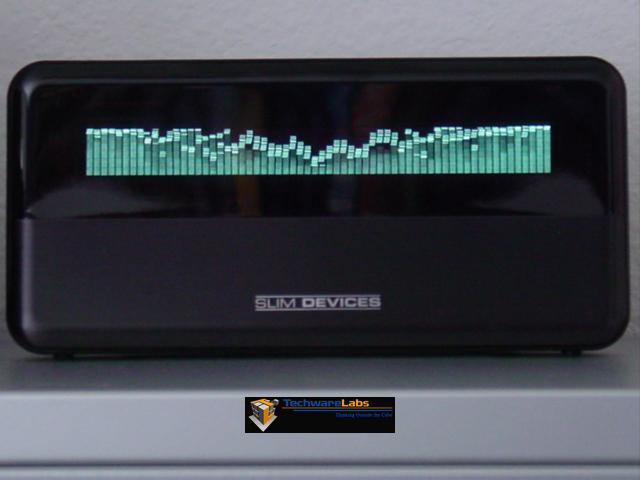
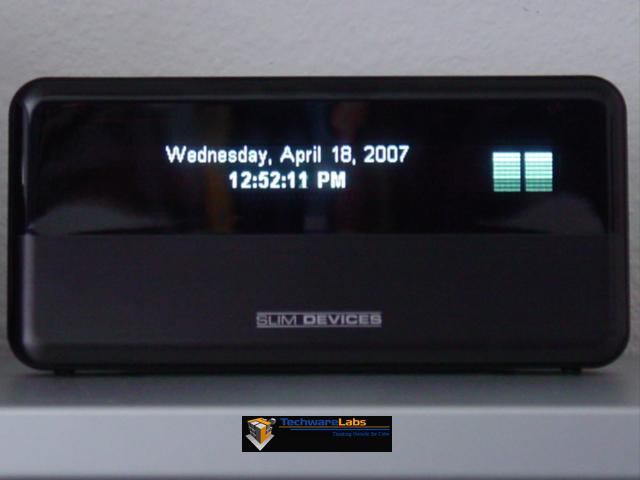
The image above does show one of the many modes that the SquuezeBox has. Here, while not playing music, the Squeezebox has a screen saver mode that you can set via the remote or via the SlimServer software to display a variety screen savers from Slim Devices such as this RSS News Ticker mode. Other screen saver modes are a Spectrum Analyzer mode, Date & Time mode, VU Meter mode, RSS mode (above), Snow mode (small ticks of light come down to form words on your display) and the Now Playing mode. Click on each of the thumbnails below to see the various screen saver modes. Note that on the RSS feed image (CNET News) the text looks garbled due to the horizontal scrolling of the letters, while the camera aperture was open for 1 second.

| « Input and Output | SlimServer Software Interface » |