Introduction: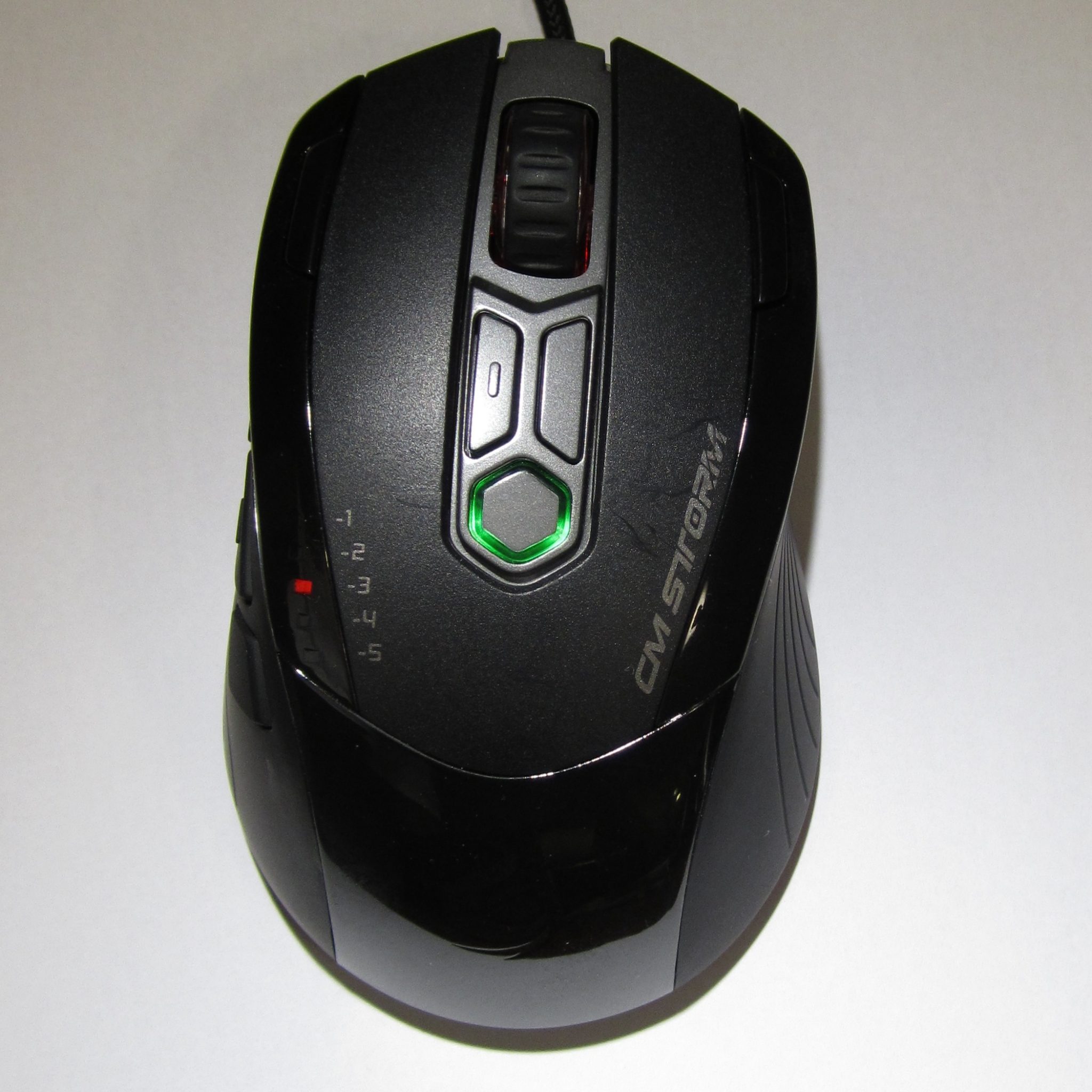
Cooler Master has recently seen fit to branch out their product line with their new Inferno mouse, joining the Sentinel Advance in the lineup for those who, according to Cooler Master, prefer games like World of Warcraft, and other button-hungry, macro-requiring RTS and MMO games. You lose the questionably-useful OLED display and independent X/Y sensitivity levels (I know some people claim to love it, but I haven’t even figured out how to use them without nausea!), and gain… buttons. And they doubled the on-board macro memory to 128 KB. It’s really quite a nice looking piece of gear, too – they’ve added some unusual LED lighting; the forward-firing lights come on in response to mouse buttons in the most unique of the programmable modes. Our first impression was moderately positive – but once again, we at TechwareLabs are opinionated folks with high standards… typically set high by Razer and Logitech. Thankfully, the PC mouse industry has dragged itself out of stagnation lately; innovative products like the Magic Mouse with its sleek, swooping multi-touch interface, at least three different new types of mouse sensor, Mac drivers for gaming products, and solid competition for the Big Two. The pressing question? Is this part of that solid competition I just mentioned, or is it just another OEM’s fly by night attempt to catch on? We’ll be figuring that out shortly. Read on.
Packaging:
 |
 |
|
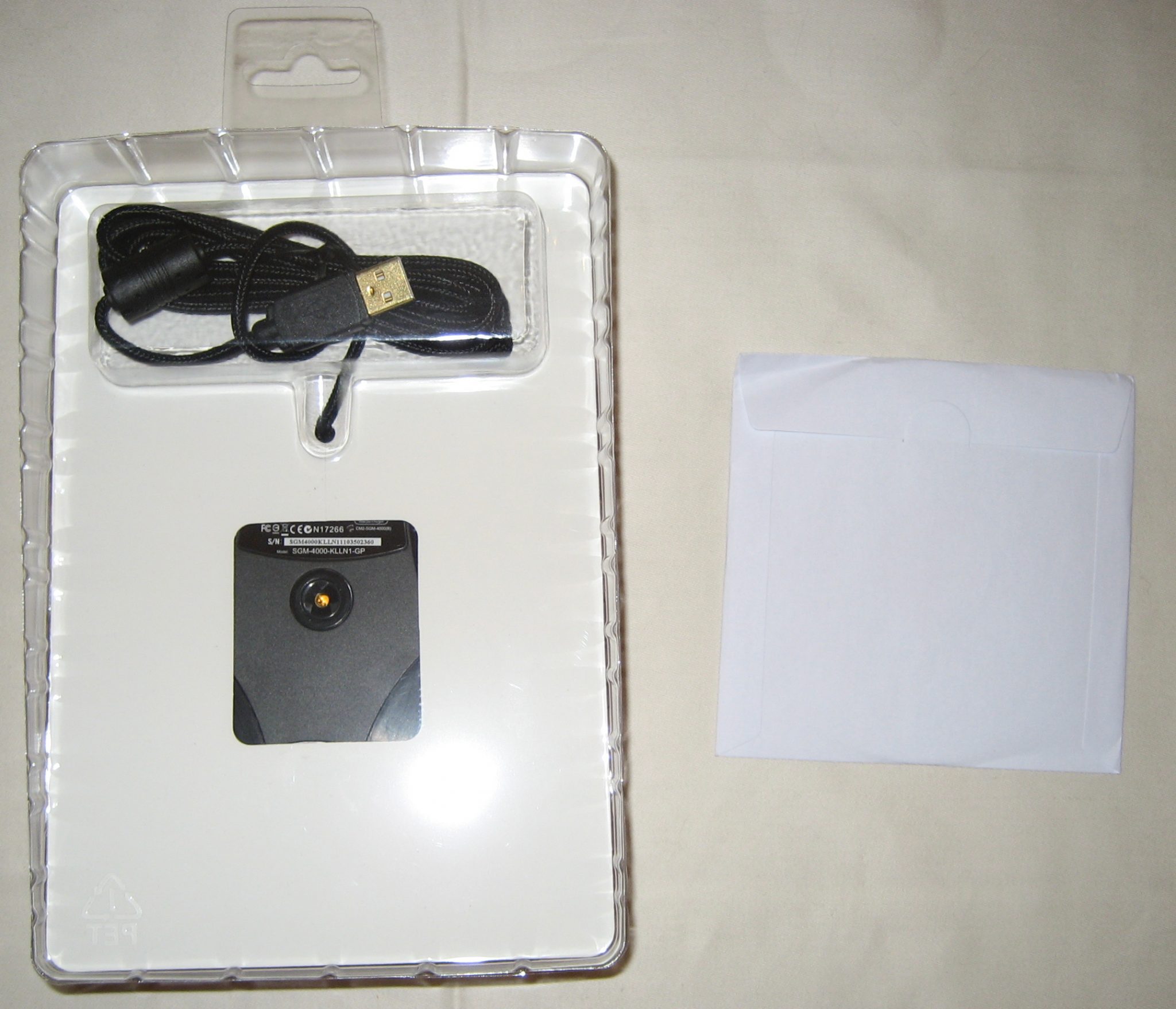
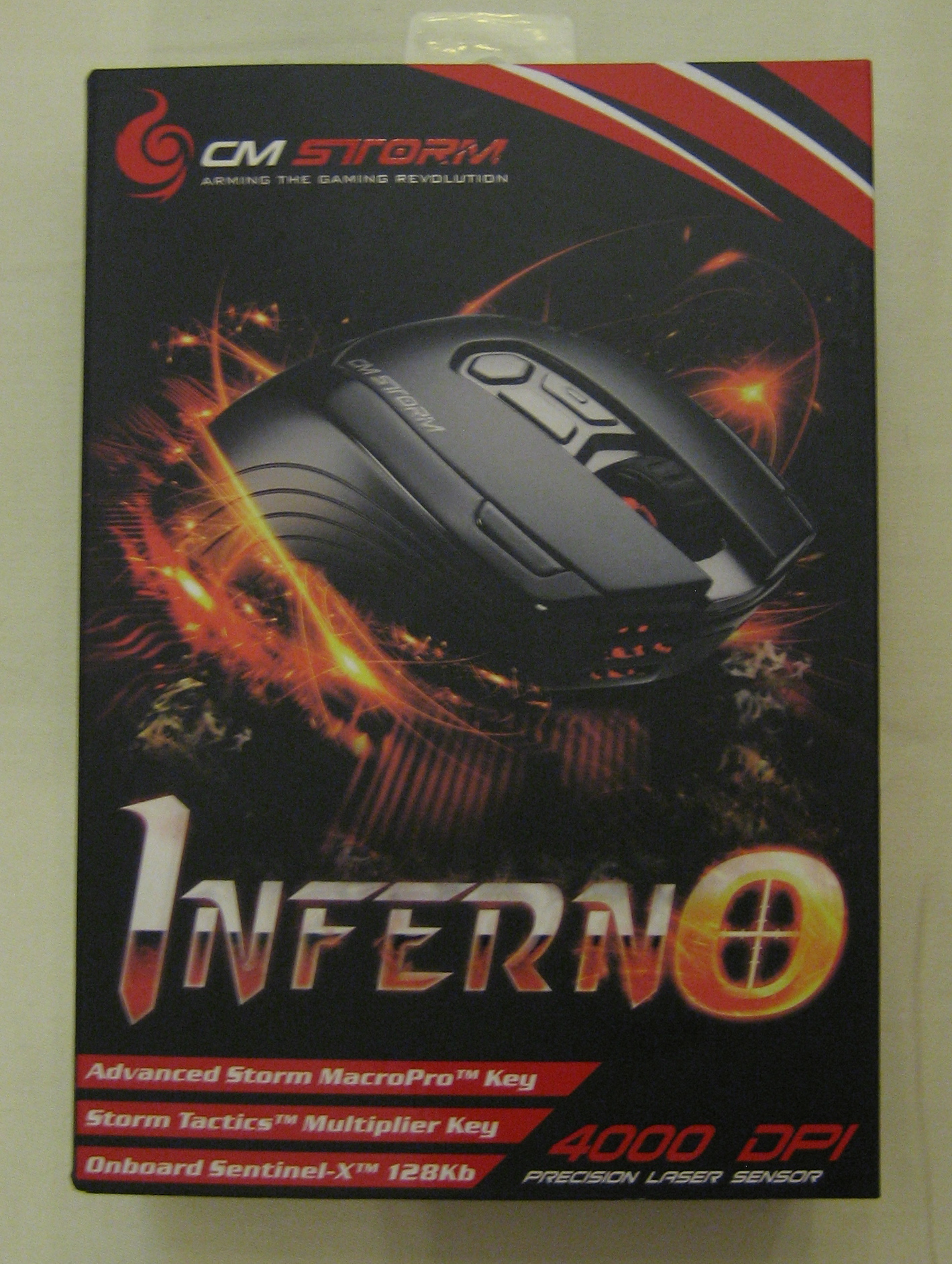
The Inferno came to us in a fairly standard cardboard box with flip-open covers and a black-and-red color scheme that reflects the mouse’s built-in LED lighting scheme. On the back is an accurate, un-cluttered feature list; inside the cover, an annotated picture highlighting the novel features Cooler Master has packed into it. Two of these are pretty typical in a modern gaming mouse; macro recording, and rapid-fire (which you may recall being popular back in the Super Nintendo era). Inside the box, held shut with a round patch of tape, is a driver disc in a sleeve floating free (1.0 drivers, naturally, but they’re only a little obsolete – at the time of writing, the web was hosting v. 1.1), and a refreshingly accessible HDPE insert containing the mouse itself. “Refreshingly accessible” in this case means that the insert slides right out of the box, and back in with only a little more care, and that the plastic is emphatically not ultrasound-welded, requiring extensive plastic surgery to remove. Still, there’s enough air space to cushion all but the most severe bumps, jostles, and dings during shipping.
Let’s have a closer look at that feature set they’re advertising…
A Closer Look:
I’ve tested a lot of mice – for TechwareLabs, and before that when I was buying my own kit. I can’t even recall the number of high-spec mice sitting in a shoebox under my desk, going all the way back to the first Microsoft Intellimouse with an optical sensor and PS2 interface. I have become very hard to impress. While a long feature-list will impress a lot of neophytes, I find it distressing when manufacturers try to sell a bug as a feature (Five Profiles! With no way of telling them apart!) or make a big deal out of the most typical detail (Made of plastic!). The good news? Cooler Master didn’t pull any shenanigans of that nature. Here’s how they call it:
| Superior Gaming-grade Precision | The Inferno utilizes a superior laser engine to ensure extreme stability and a point tracking performance. Enhanced to increase your gaming needs, it provides lossless performance at optimized speed ranges boosted to endure all types of tactical movements for sheer accuracy. |
| This is very badly written. They’re using a dual-laser sensor offering unusually high levels of detail at the given DPI (4000, by the way) – and you can really whip it around, since it’s good up to 112 inches per second. This is enough that you shouldn’t ever have to worry about overdoing it. The lift-off distance is only 2mm, so when you need to reposition your mouse on the pad, it won’t interpret that as movement – but it’s not so tightly tuned that an uneven surface is likely to cause issues. | |
| Onboard Sentinel-X™ 128KB | The Sentinel-X™ microprocessor safeguards your mouse settings and stores up to 3 different game profiles. The stored profiles can retain macro, scripts, and other customizations, letting you plug and play and triumph on any PC system without the need of additional software. |
| Plenty of memory for profiles, in my experience. Unlike the typical mouse demonstrating “Too Many Profiles Syndrome”, the profile button (not reprogrammable, by the way!) changes color depending on which profile you are using, three programmable ones and a burned-into-ROM profile useful for when your settings go seriously FUBAR in the middle of something important, offering a reasonable failover option. | |
| Advanced Storm MacroPro™ Key | The versatile MacroPro™ Key allows easy access to actuate pre-programmed firmware commands, such as Macros, Scripts, Mouse motion, and actions. Automated repetitive actions can be easily implemented for complex MMO games and/or other Windows applications. |
| Overplayed, and it’s a good thing – this key can be bound to any function the mouse is capable of. In FEAR, I find it placed ideally for toggling bullet time without taking my hand off the movement cluster. Having said that, macro functionality is definitely present… but more on this later, as it’s not exactly a sterling highlight of the mouse. | |
| Rapid Fire Tactical™ Key | A pure assault apparatus – built to fire multiple rounds from a tactical mouse and or keyboard command. Conveniently placed next to the left mouse button, this tactical key is one click away from a load of sustaining fire, giving you the utmost edge to frag your opponents and stay alive in all combat situations. |
| As above, this is overplayed – it’s another programmable button that can be whatever you need it to be. Actually, when I discovered my respect for this mouse while playing FEAR, I left it set as a turbo key. At least theoretically, this is really useful – but FEAR is not the best place to be abusing semiautomatic weapons; either they have a loooooooong reload like shotguns and BFGs, or they’re lead-hose machineguns that can’t fire fewer than three to five bullets at a time. In something like Counterstrike, this would be an incredibly useful little feature. | |
| Storm Tactics™ Multiplier Key | Storm Tactics™ Multiplier Key offers unique key combinations built to offer 32 extra button outputs for macros, scripts, rapidfire, and other unique commands. Easy to optimize for the most intensifying MMO sessions, Storm Tactics Multiplier™ Key enhances character reactions with top-notch combo command. |
| Now this here’s an interesting one. I was originally hoping for the ability to program it as a RAT-9 style “hold down for low sensitivity” mode, but sadly I was disappointed. On the other hand, this is how you can satisfy your button addiction with only 9 (“Only 9” he says!) programmable buttons – hold this down, and you double your effective button count. Hold it down and press a chord – multiplier + M1 + M2 – and you get even more than double. This is… really pretty slick. If you need a ton of keybinds, and don’t like the World of Warcraft mouse or the Razer Naga, this may very well be right up your alley. (Or don’t have the scratch – at $50 MSRP, this puppy’s significantly cheaper than its competition!) | |
So… no outright fabrications, or catastrophic misfeatures so far. Surprisingly, I’m surprised they didn’t flog the braided cable sheathing more, as at this price point, that is a rare feature (indeed, they go so far as to airbrush it out of the product shots!). And a fairly nice one – plastic jacketed cables tend to take a kink and then never fully straighten no matter how you may work at it. Braided synthetic? Not so much. I’m getting excited – let’s go blow off some steam in something punishing.
Testing: For Science!
 |
 |
 |
 |
 |
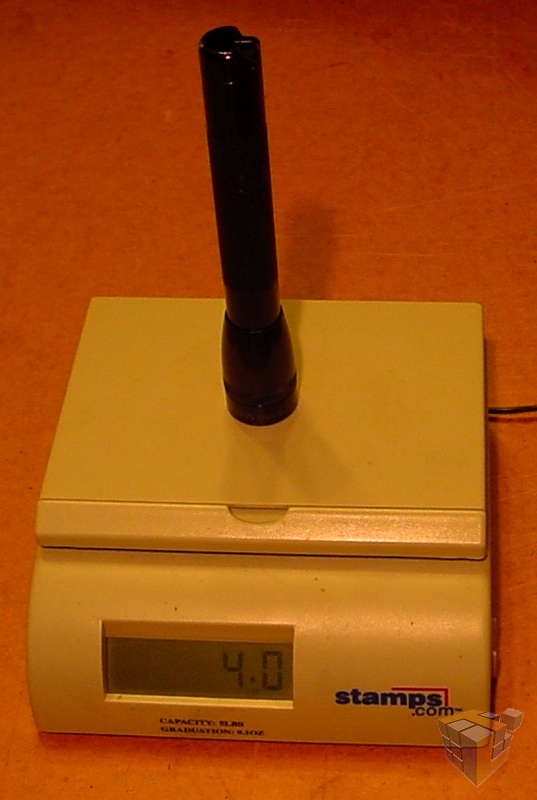 |
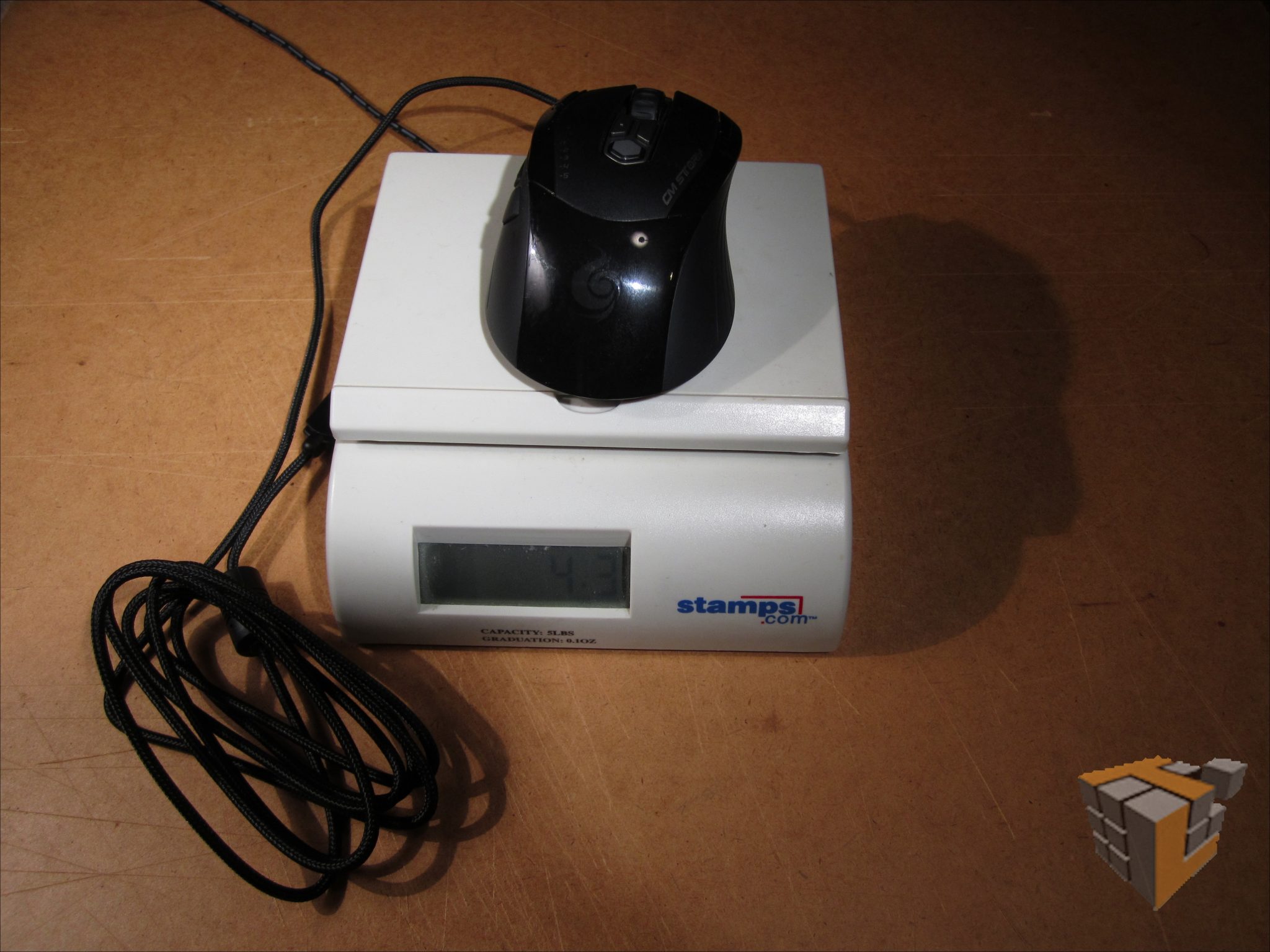
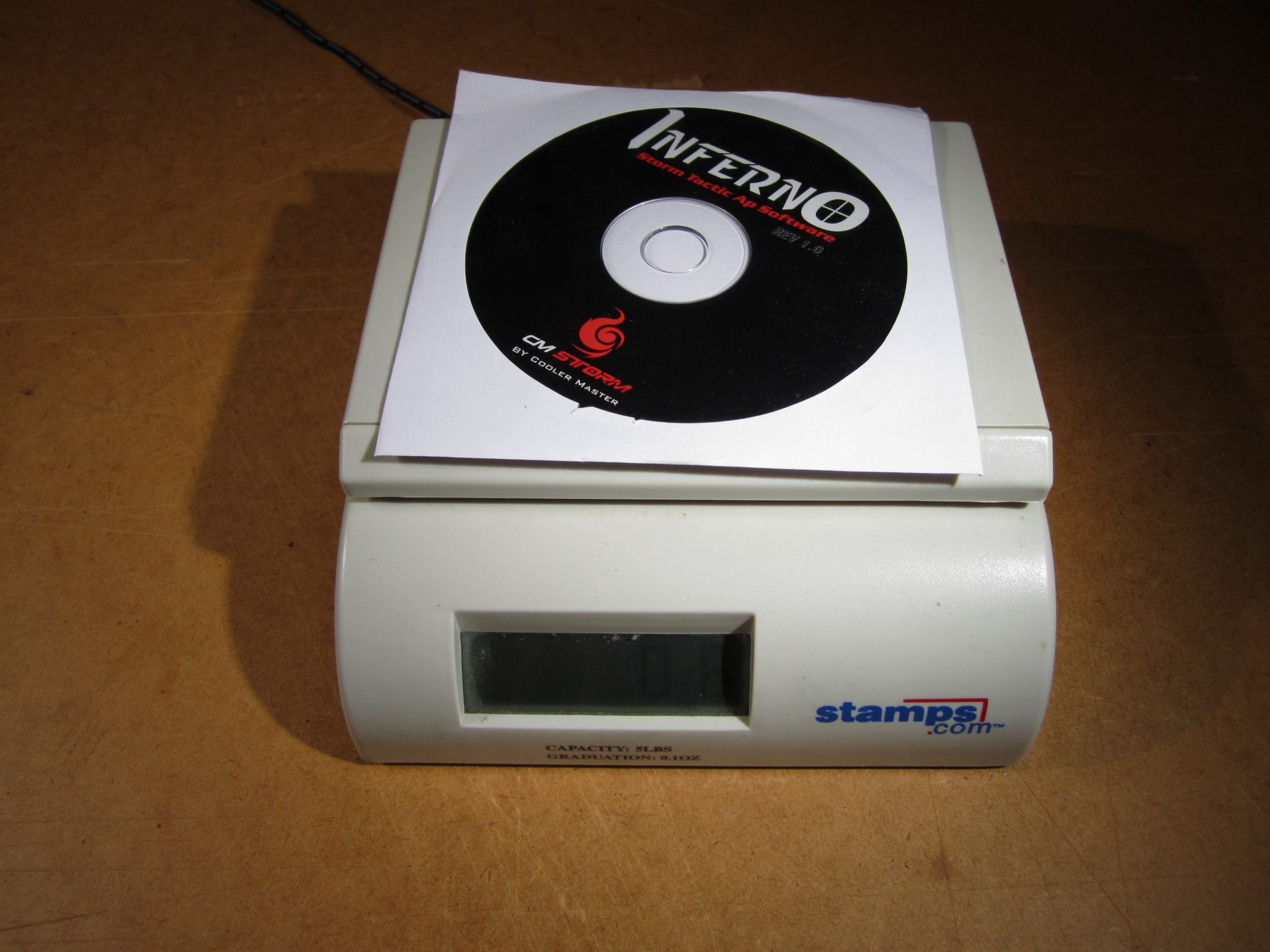
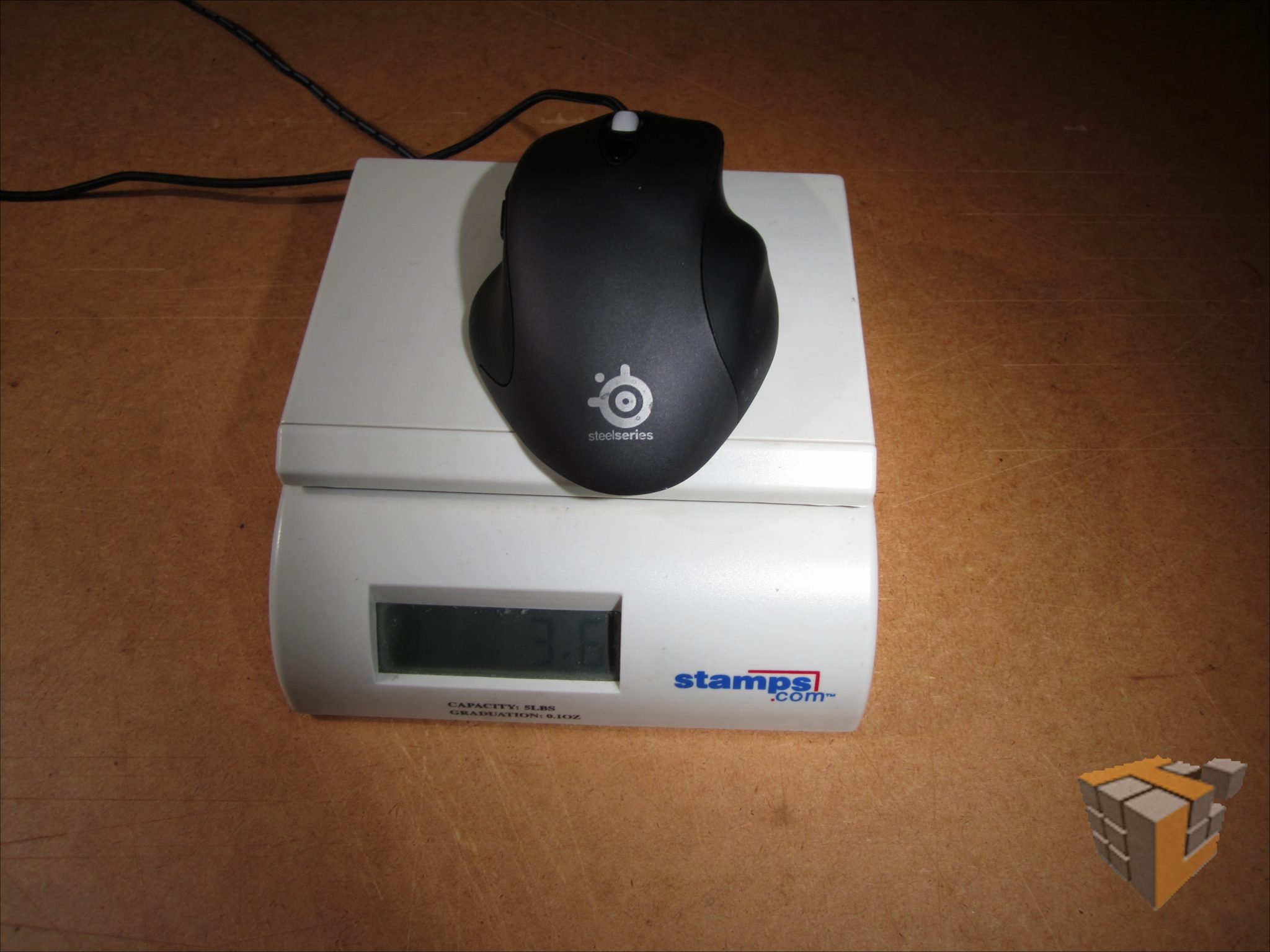
Having taken a look at the packaging for telltale signs of win and fail, let us now crack it open and experience what is inside. For starters, a lot of people I’ve spoken with hold very strong opinions on how much a mouse should weigh. This is not hard to test, fortunately — on my postal scale, the Inferno clocks in at 6 ounces with cord, and 4.3 without – actually, this is almost exactly the same as the Logitech G9 fitted with weight cartridges in the fashion I prefer most. That’s a good sign. 6 ounces with cord is on the heavy side, slower to start moving but steadier in motion; hand jitter is mitigated with a heavier mouse. This is especially nice when you’re planning an eighteen-hour gaming fest fueled by Bawls, Mountain Dew, and espresso, or simply get twitchy when you’re concentrating.
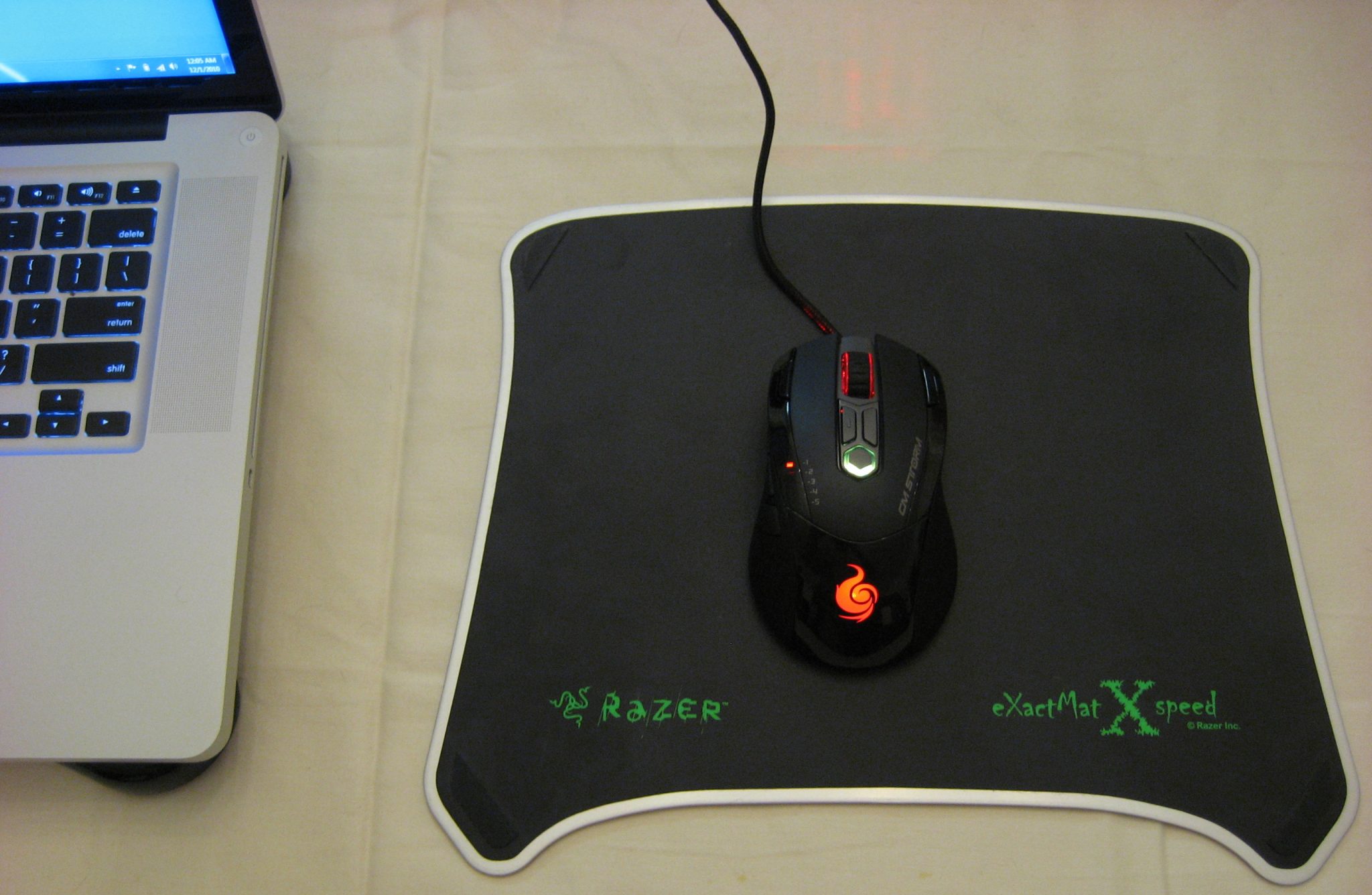
The other factors that go into mouse response are mousing surface, and the teflon pads that give modern rodents their glide. The former is somewhat beyond the scope of this article, but I’ve been enjoying the Inferno on the GrowUp Hien Kai surface, it works well on varnished wood (a testament to the sensor, though my desk no longer sports that factory sheen), and feels quite nice on generic cloth pads. The Wolf King Sniper and the Evo-G MP series both produce a tightly controllable glide with very little overshoot. The Razer ExactMat’s control side is much like a louder, rougher Hien Kai, and its speed side is … teflon on teflon. I couldn’t find any real mousing surface that the Inferno balked at. It chokes on carpet, but that’s to be expected. And why is that? Three, startlingly expansive, teflon feet at the lower left and right corners, and across the top. Thoughtfully placed, too – they covered all the spots that the weight of a palm-gripping user would tend to cause to drag, and unlike some that will not be named here, the teflon stays stuck exactly where it should be. There are two schools of thought here, and a compromise – smaller teflon feet tend to offer less friction, but short service lives – more stress on smaller adhesive-backed-teflon patches means they wear down quickly, or peel off prematurely. The vast tracts ‘o land here typically mean longer, trouble-free lives for a mouse, at the cost of somewhat increased friction. Whatever Cooler Master did, it’s a surprisingly smooth ride for such big pads.
Testing: Subjectivity and Virtual Violence
A selection of popular, up-and-coming, and classic games were carefully selected for this test… in other words, I wanted to play Team Fortress 2, FEAR, STALKER, and the Monday Night Combat beta this week. Fortunately, this combination clearly revealed both the strengths and weaknesses of the mouse and its driver software, which I will discuss briefly in the next section.
Starting with Team Fortress, we have a game where all important functions can be handled in four buttons and a wheel. Not including wheel click, at that. The good news? Tracking was somewhere between adequate and excellent, when you could content yourself with one sensitivity level. This is where the first problem came to my attention – the sensitivity buttons are side by side horizontally, and the linear LED sensitivity display is vertical. Mildly annoying and counterintuitive. Worse? The display doesn’t fill up as it increases, the dot just moves. Worse still? It’s upside down compared to the conventions of “up means increase”. I quickly found myself just sucking it up and not using it; the default spacing is less than useful and I actually find that more than two settings are superfluous for TF2. In TF2, it is merely adequate. There is nothing wrong with the way the mouse works, but its special features are simply wasted, and the user interface is needlessly complicated.
The good news is I switched to FEAR soon after I got sick of playing TF2 without my favorite tool. Here, while we no longer care about “voice comm” and “call for medic”, we need aim, melee, heal, grenade, fire (duh!) and the ability to select grenade types… long story short, buttons buttons and more buttons. I’m sure I’ve forgotten at least two more. Ah, bullet time by using a very short macro on the macro key, (L-control) and a perfect opportunity to test out the Rapid Fire Tactical™ Key. Also, wanting to put flashlight on mouse, I bound that to [m-shift + M1]. I then cut loose and… was pleasantly surprised. After being disappointed in TF2, I was seriously enjoying my ability to control everything without taking my fingers off the movement cluster. Having bullet time on the mouse instead of fumbling for the control key while jumping out of my seat? The difference between win and fail, to put it bluntly. Shift-click for flashlight? Nice to have, when you use it so very much. Rapid fire? Not so much – if it’s not a lead hose, it’s got a second of cycle time. Okay, I blame FEAR for that one, I can’t blame the mouse. The programmable sensitivity is a non-issue with bullet time, and I never even felt the temptation to dial it up or down.
Moving on to STALKER, using the “macro” button to cycle fire mode and shift-macro to cycle backwards beats reaching across the keyboard. The rapid fire button was used for throw grenade; shift-rapid was cycle grenades. The rest of the bindings were fairly standard with middle-click use; I was not merely pleasantly surprised but I’ve decided that this is my new mouse for STALKER. Since in my experience sensitivity adjustments are more strategic than tactical in STALKER, I never ran into the peculiar issue mentioned before.
Monday Night Combat is yet another button-frenzy game with about as many keybinds as TF2… and it adds perks that also need their own buttons. I’ll spare you all the long-windedness, and simply say that this reinforced my initial opinion – the more a game benefits from keybinds, the more the Inferno starts to shine.
Testing the Driver:
 |
 |
 |
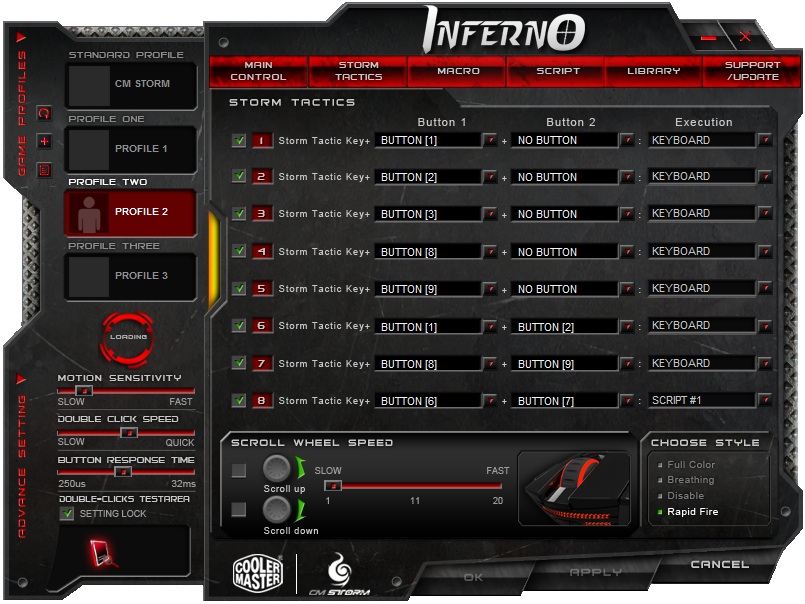
And now the driver software which I promised to mention: The Inferno is supposed to be capable of some very advanced macro programming. However, I was never able to make it do anything I wanted to, as the software’s UI is terrible. Scrollbars in the context menu invoked when assigning functions to a button? Okay, I can see it. Limiting these context menus to five visible entries regardless of screen real estate? Bad call. There’s a lot of flashy stuff, and a generally difficult, counter intuitive user interface. Fortunately, once you’ve got it set up, you never need to see it again thanks to on-board profiles. The good news is that 1.1 seems to have removed all the stability issues in the 1.0 driver. Also, to be fair, it only hung twice while trying to flash new settings to the mouse – these drivers are not, as I have them configured, memory resident. This will be welcome news to the sort of folk who pare out every unnecessary service, piece of graphical chrome, and excess process in the hope of squeezing out every last frame per second from aged or marginal hardware, or just want a clean and stable system while playing.
In Conclusion:
The Inferno is a fairly decent mouse on its own merits. The wide, illuminated mouse wheel feels nice, gently tactile while rolling, and is never hard to click. The bonus buttons are far enough away that you’ll never hit them by accident, but never so far that you’ll have trouble hitting them. The profile in use announces itself with a tri-color LED under the profile switch. The thumb buttons are sufficient, and have been growing on me. If you’re a southpaw, you’ll find the Storm easy to hold, but you’ll regret that Cooler Master didn’t go whole hog and make the thumb buttons ambidextrous as well. Were I one for prognosticating, I would speculate that a lefty version of this mouse may be waiting in the wings if the initial offering does well. Which it deserves to – while the software has some very rough edges, you only ever need to look at it once, and all of its competition – dedicated MMO mice – cost at least half again more than the Inferno. Even FPS gamers and simulation lovers would do well to give the Inferno a look, for when you pare away all the bonus features, you’re left with what is really a nice mouse. And if you need those bonus features? It costs like an entry-level gaming mouse.

[…] R.A.T. 7 Review – the ultimate mice?SteelSeries Siberia V2 Special Edition Blue Sneak-Peak ReviewTechwareLabs Review: Cooler Master Inferno Gaming MouseSteelSeries Siberia Neckband Headset ReviewSandberg Street Gear US Play Review @ […]
[…] TechwareLabs Review: Cooler Master Inferno Gaming Mouse […]
[…] Siberia V2 Special Edition Blue Sneak-Peak @ Kitguru- Cooler Master Inferno Gaming Mouse @ Techwarelabs- CES 2011: OCZ Technology @ ThinkComputers- CES 2011 Coverage Compilations @ Futurelooks- Cyborg […]