
Introduction
Today, we will be looking at a most unusual beast, the Creative Sound Blaster X-Fi Titanium HD. The Sound Blaster name instantly brings up thoughts of gaming audio, and the X-Fi chip certainly provides the muscle for that. Take a look at the card itself though, and you could be forgiven for thinking that the designers could not have cared less about gaming. The box prominently features talk of SNR, THD, ASIO drivers and interchangeable op-amps—all the hallmarks of a music-oriented card.
The designers at Creative have taken on an apparently impossible task: try to make a card that pleases gamers and audiophiles alike. The goal is a lofty one, and the price certainly reflects those sought-for heights. So, nothing for it but to hop off the cliff and see if this card rises to the heights, or plummets to the ground.
Creative’s Take
“The Creative Sound Blaster X-Fi Titanium HD is powered by the second-generation Creative X-Fi Xtreme Fidelity audio processor for PCI Express slots. The Creative Sound Blaster X-Fi Titanium HD combines captivating industrial design with audiophile grade Digital to Analog Converters (DACs) and components to produce a 122dB signal-to-noise ratio, the highest SNR ever produced by a Creative sound card. A replaceable Op-amp is also a distinguishing feature allowing users to customise audio output with colouration that is refined to their personal tastes.”
Additional product specifications include:
- RCA Line Out for audio playback up to 122dB, 24-bit/96kHz Digital-to-Analog Converters (DAC)
- RCA Line Input for recording up to 118dB, 24-bit 96kHZ Analog-to-Digital Converters (ADC)
- 0.001% Total Harmonic Distortion + Noise (THD+N)
- Headphone output for audio listening up to 115dB 33 Ohms, and 117dB, 330 Ohms, at 24bit/96kHz
- Replaceable Op-amps
- Hardware-accelerated 3D positional audio and EAX 5.0 effects that provide a truly immersive experience with headphones and speakers
- Dolby Digital and DTS encoding enables one-step single-cable connection to home entertainment systems
- TOS-link optical-in/out
- 1/8″ microphone-in
- 1/8″ headphone jack
- Creative ALchemy to restore EAX and surround sound that is otherwise lost in DirectSound game titles running under Windows Vista and Windows 7
- ASIO recording support with latency as low as one millisecond with minimal CPU load
- Works with Windows Vista and Windows 7 operating systems
All of this talk of audiophilia attached to a Sound Blaster card is historically unprecedented for Creative. In the past, Sound Blasters have been more game-focused, whereas the E-MU line has been geared at audiophiles and audio recording professionals.
That said, the list of features is fairly impressive. The RCA line-out port provides a convenient output path to external headphone amplifiers, which usually take RCA input to help minimize channel cross-talk. The RCA line-in is useful if you are inclined to record lots of older vinyl albums to digital backups—though the fact that the line-in shares physical plugs with the TOSLINK line-in and line-out means you will be doing some frequent cable swapping to use this card to its fullest potential.
A Closer Look
First, as always, we will take a look at the packaging and the physical shell of the product.

The front eschews fancy graphics in favor of showcasing the product front and center, with the name splashed across the front in big bold lettering.
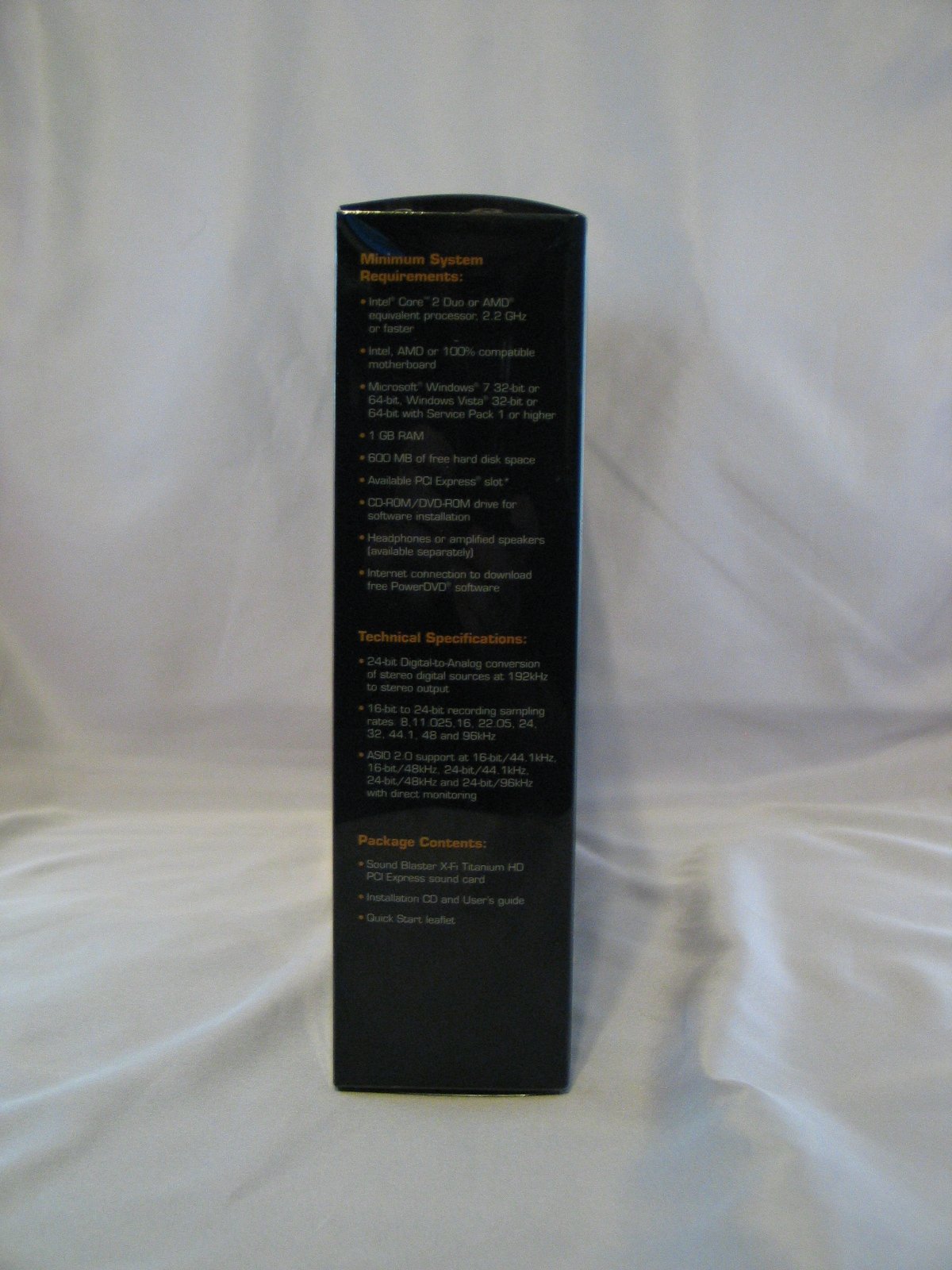
On the side, we have a list of all those dreary but essential details: minimum system requirements, package contents, &c.
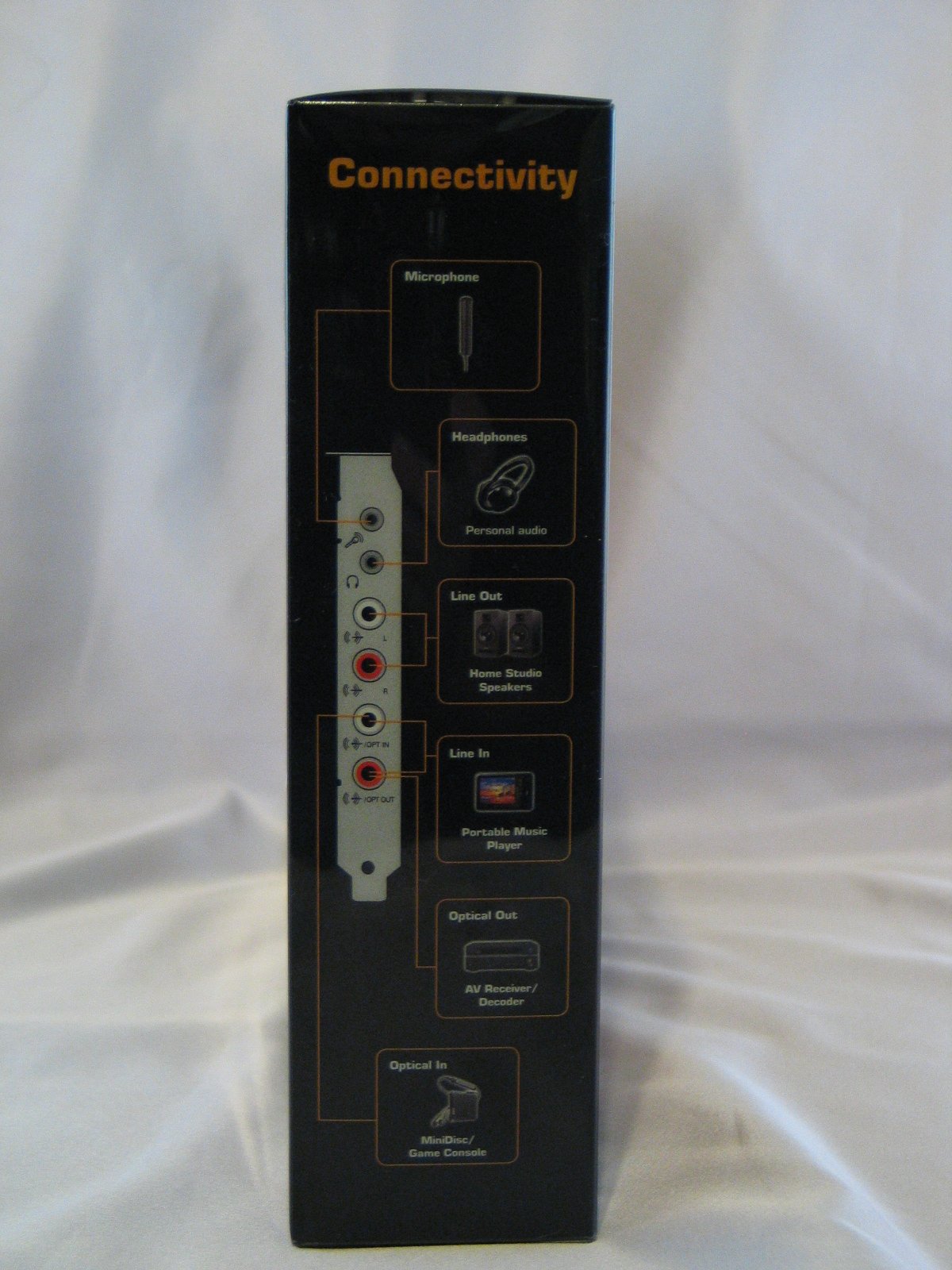
Over on the other side, Creative has provided a diagram to help decipher the mildly confused tangle of ports on the back panel.
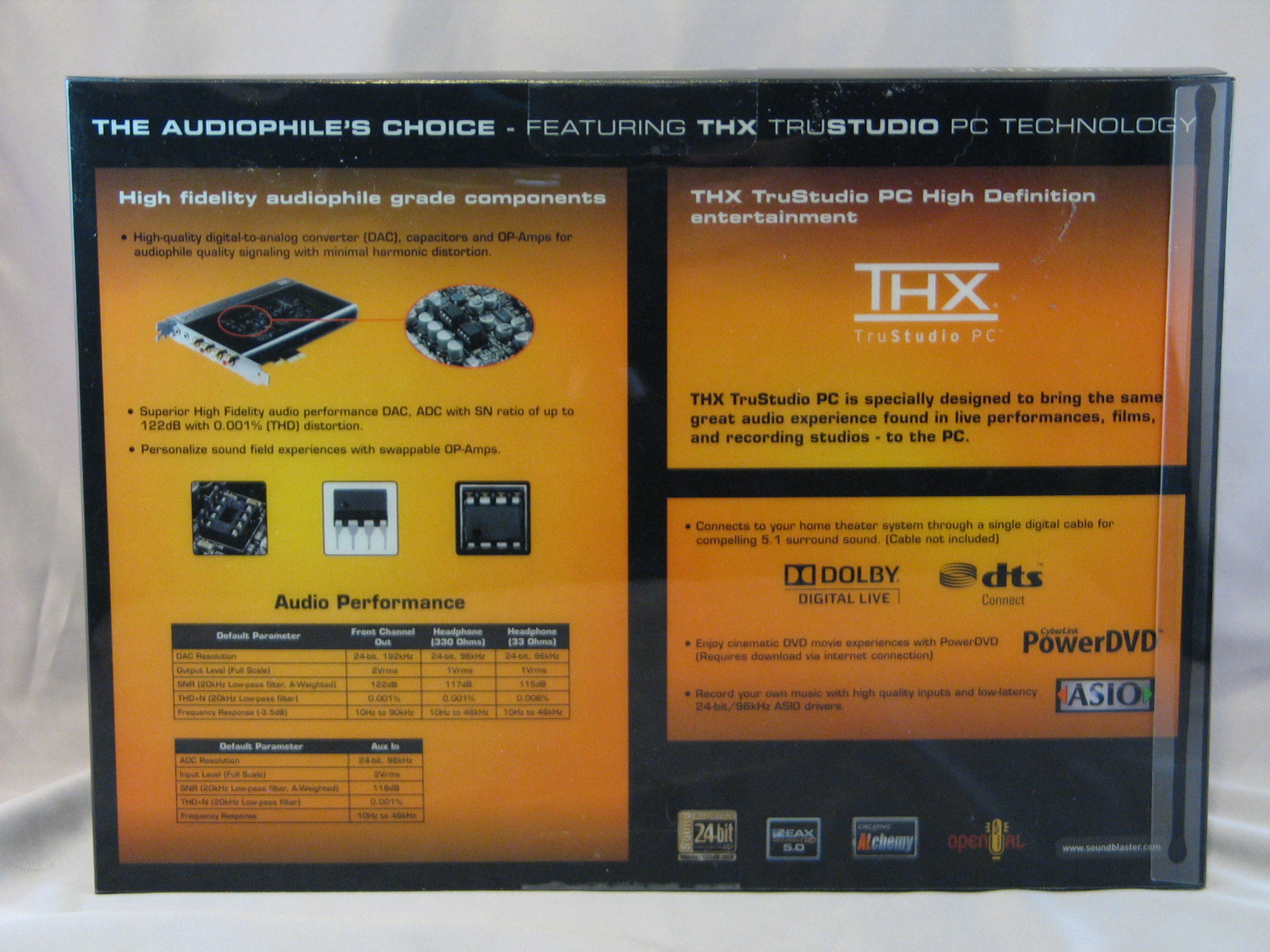
On the back, more specs, and some ad copy.
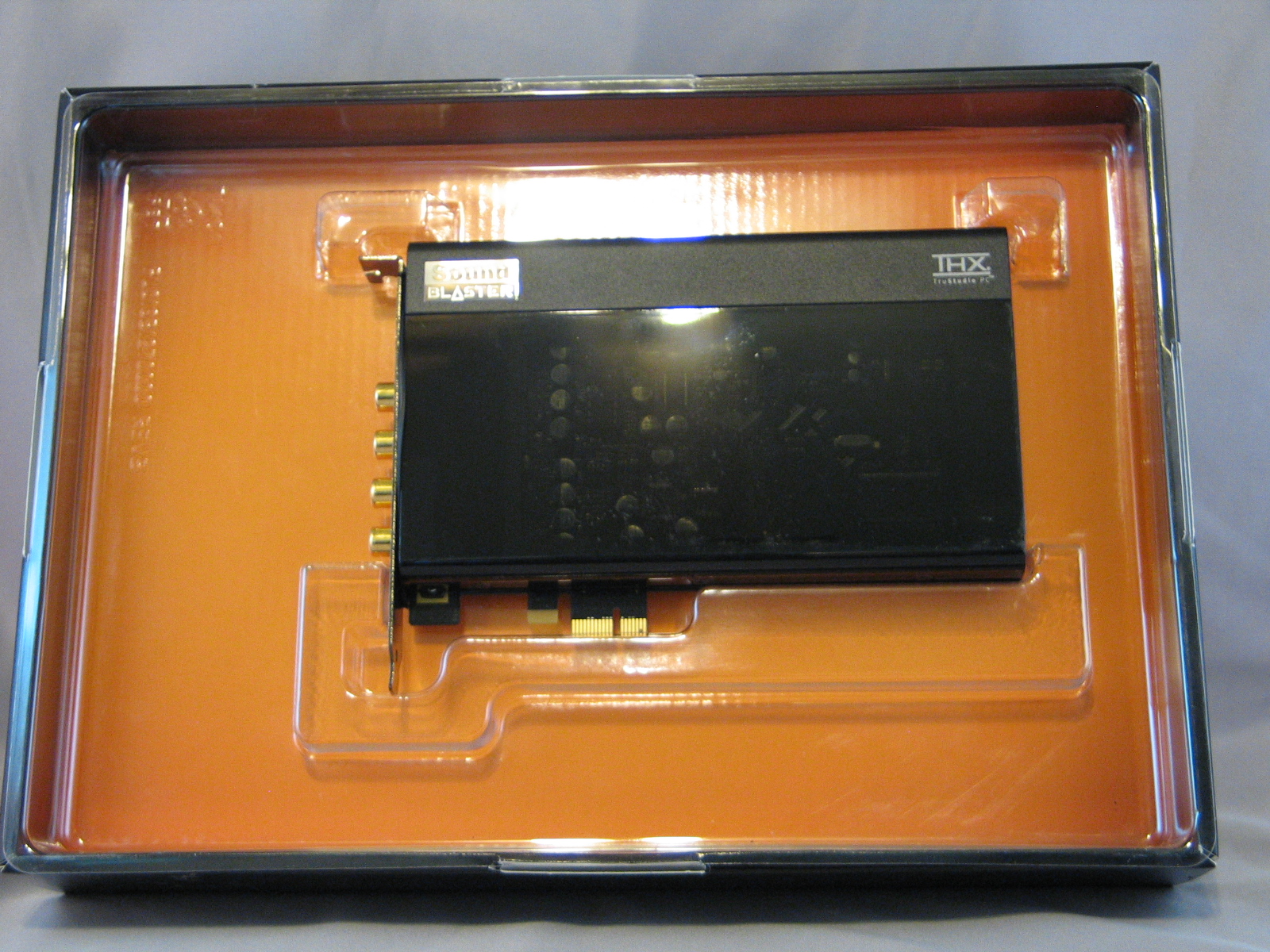
With the outer shell removed, we see the card itself. Rather than continue with the metal shield used in previous models, Creative has opted for a smoked plastic shell. Since sound cards do not get hot or even very warm, the obvious purpose is to protect the capacitors and chips from any incidental damage during handling. This is a practice we could stand to see more add-in card manufacturers adopt, if only to cut down on the number of installation problems.
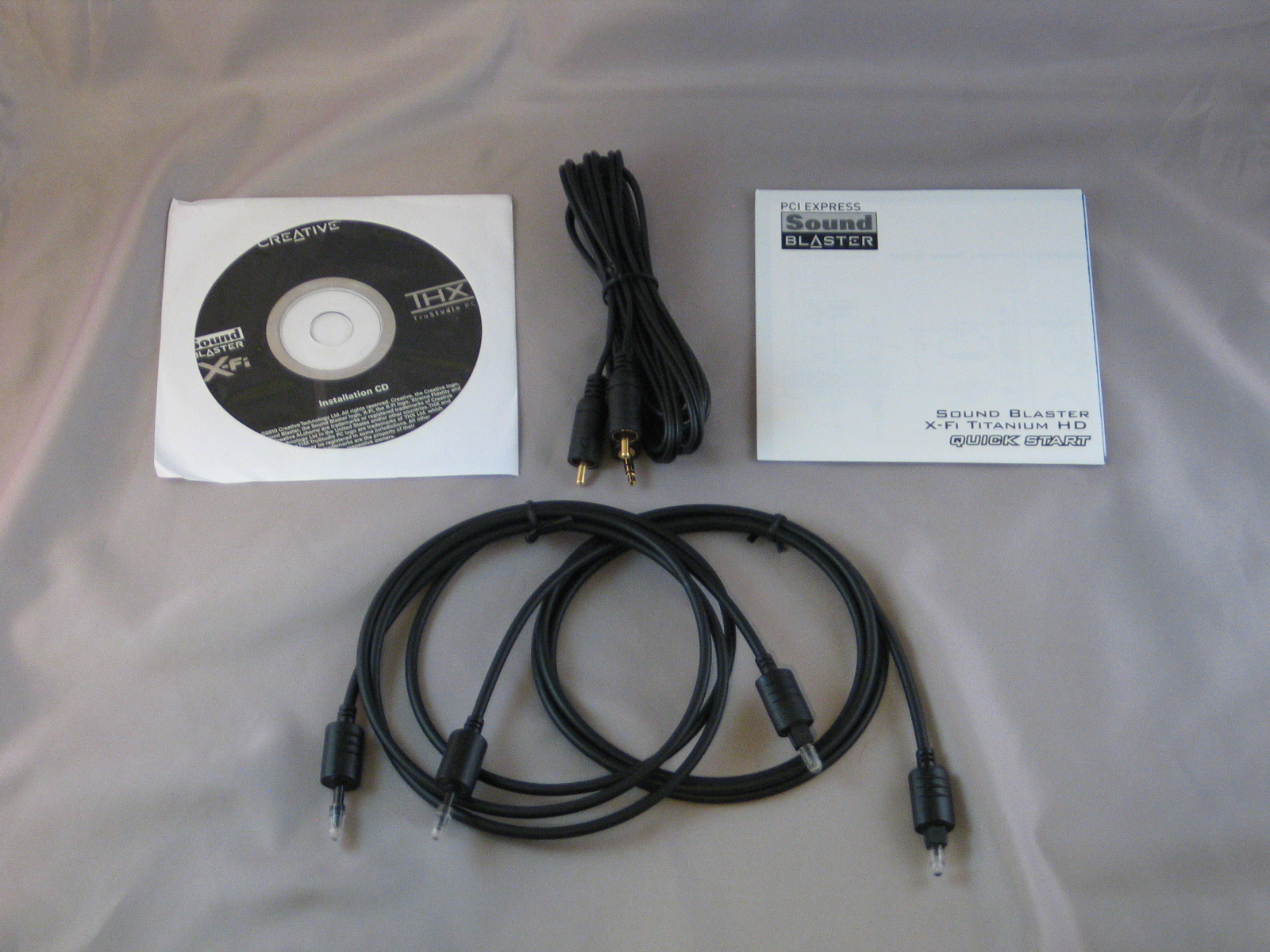
Opening up that big orange box behind the card, we see the other bits and bobs Creative has included. Aside from the expected driver disc and quick-start guide (I swear, most manufacturers are positively allergic to printing genuinely helpful print documentation) we get a pair of optical cables and a RCA stereo to 3.5mm miniplug cable. The contacts are gold-plated, and the cable itself gives signs of being shielded; definitely a cut above the average “el cheapo” patch cable. The optical cables are set up to work with the X-FI HD’s unusual plug layout; one end of each cable is fitted with a slender probe connector that reaches down into the RCA plugs on the back panel.

Looking at the back panel itself, we see something radically different from the usual layout. Normal microphone and headphone miniplug jacks are provided, and are conveniently positioned to plug a voice chat headset in by feel—with a bit of practice, anyway. The next two plugs provide RCA line-out, and can be used with the provided RCA to miniplug cable to hook into any ordinary two channel computer speaker set. The next set of plugs are the confusing ones; they can provide either analog line-in via RCA stereo, or digital line-in and line-out via TOSLINK.
Notable by their absence are any kind of analog surround outputs. The SPU on this card is quite capable of 5.1 or 7.1 output, but the only way you will get it is through an optical link. That said, if you are after surround sound for gaming or movies, this card is not aimed at you anyway.
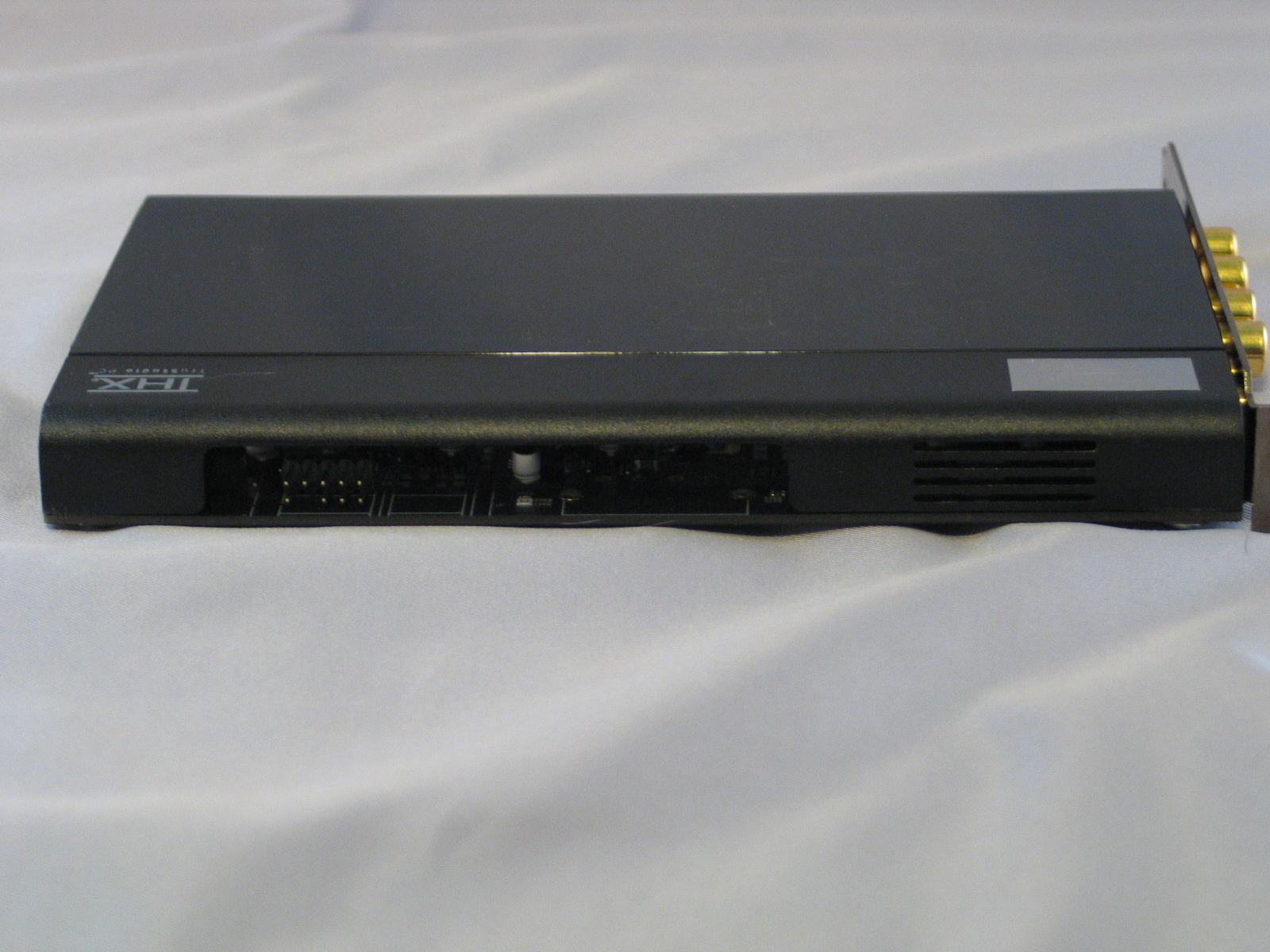
Along the top edge of the card, the shroud has been parted to allow the front-panel header to peek out. Use of the front-panel header provided with most cases is unlikely with this card, given how poorly shielded those headers are against electrical noise, but it is nice to see Creative is not leaving anybody out.
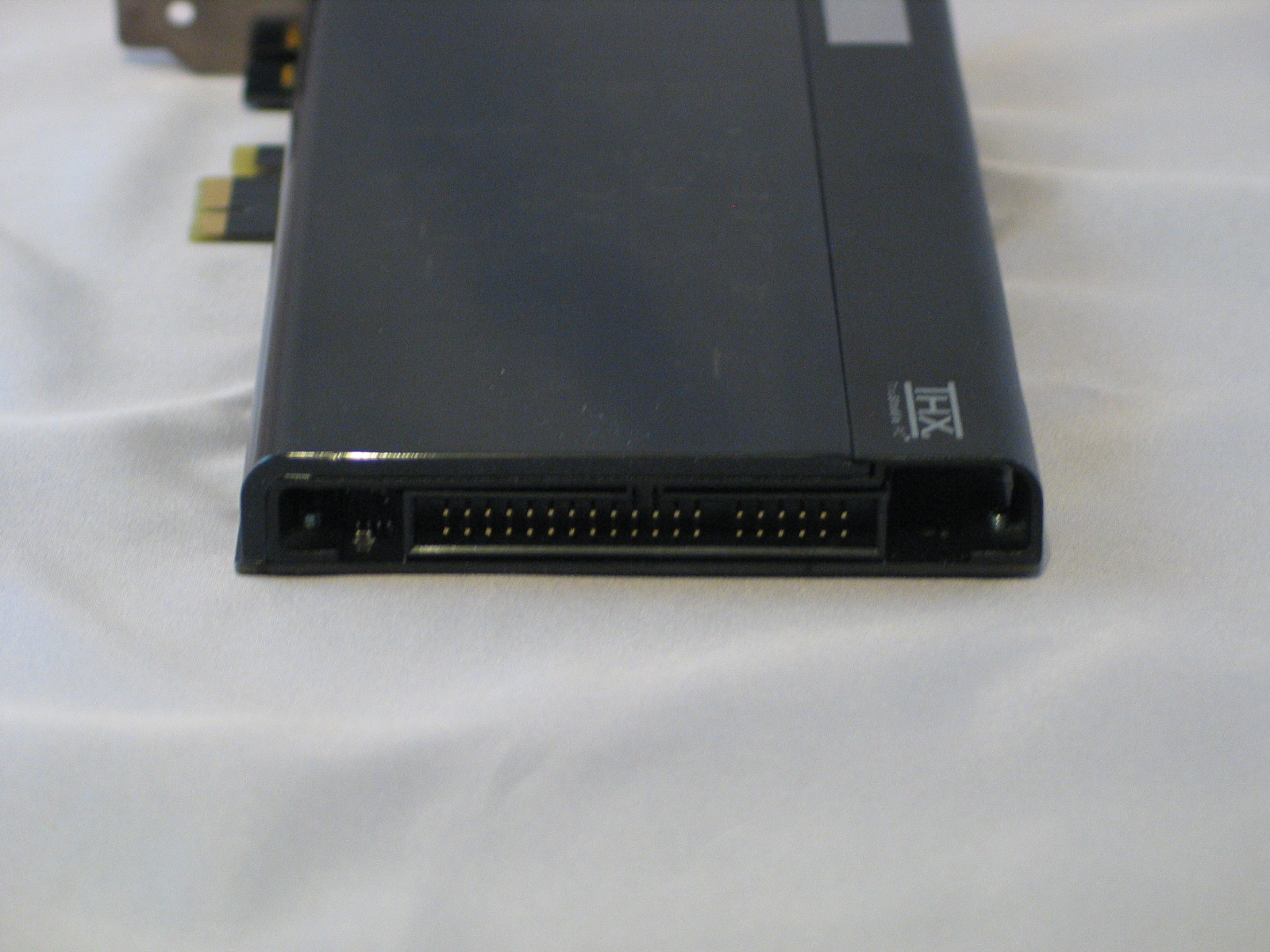
Along the front edge of the card, we see a port curiously reminiscent of an IDE or floppy connector. This kind of port is typically meant for a proprietary “I/O Drive” that is usually sold as an addon, but this time around Creative has announced no plans for such a device to accompany the X-Fi Titanium HD. Such an addon would be welcome, as they use digital signaling to bypass the electrical noise problem that plagues most front-panel audio.
Installation
Installation of the card itself was about as uneventful as you might imagine: open case, remove dummy-plate from expansion slot, insert card, anchor with screw, close case. I elected not to hook up the front panel audio to my case, as the unshielded header cable causes irritatingly loud whines, clicks and pops to intrude on both incoming and outgoing signals. I wish I could blame the case manufacturer for this, but, as with the infamous “short gigabyte” con game with hard drives and SSDs, this is a case of “everybody does it equally wrong”.
Installation of the drivers was a very atypical experience for a Creative card, and positively so. Where in the past they presented a quick-and-dirty launcher app that ran you through 5-8 separate installers, the X-Fi Titanium HD’s driver disc does everything with a single, streamlined installer. It asks you the bare minimum of questions—which optional programs do you want, where should everything go—and it sets to work, installing everything and launching the unified updater program at the end of it to make sure everything is current. It seems that Creative has finally gotten their act together on drivers, and we commend them for it.
Testing
Test System
Testing was done on the following system:
| Test System | |
| CPU | AMD Athlon II X4 645 @ 3.1GHz |
| Heatsink | GlacialTech Igloo 5760 |
| Motherboard | Jetway Hummer HA-09 |
| Chipset | AMD 890GX |
| Graphics card | Sparkle GeForce GTX 465 |
| RAM | 2x4GB SuperTalent DDR3-2000 @ 1600MT/s, CL9 |
| Sound | Creative Sound Blaster X-Fi Titanium HD |
| Speakers | Klipsch Promedia 2.1 |
| Headphones | Klipsch Image S4 |
| SSD | Crucial RealSSD 256GB SATA 6Gb/s |
| HDD 1 | Seagate 7200.10 500GB |
| HDD 2 | Western Digital Caviar Green 5900RPM 500GB |
| Optical Drive | Plextor PX-B120U BD-ROM |
| Power Supply | Sparkle Gold Class SCC-850AF |
| Case | Silverstone Fortress FT-02 |
| OS | Windows 7 Ultimate |
| Drivers | Forceware 258.96 |
Speaker System Audio Test Clips
As this is a card aimed at music lovers, I naturally ran it through a wide variety of music. Clarity and frequency response were excellent, with volume levels being perceptually flat across the board. Some sound cards will tend to over-emphasize certain frequencies in an attempt to compensate for low-quality speakers—especially cheap on-board sound chips. The X-Fi Titanium HD makes no such assumptions, driving out the sounds as pure and even as it can. Dynamics were spectacular; pianissimo and fortissimo sections both came in with perfect fidelity. (That’s very quiet and very loud, for the Italian-impaired.) Additionally, I tested the high-bit-rate playback capabilities with the high-resolution version of the Nine Inch Nails album, The Slip, which is available in 24-bit/96khz FLAC for free from their website. While this studio-produced album does not benefit as much from the higher resoulution as a live concert recording would, it still came through with incredible clarity and fidelity.

For gaming, I tested it with an old personal favorite, Unreal Tournament 3. Positional audio was excellent, with footsteps, weapons fire and voice chat all coming in crystal clear.
For movies, I tested it with the Blu-Ray release of the 2010 version of Alice in Wonderland. Dialogue was crisp and clear, and sound effects came in clearly with good positioning and no muddiness. The CMSS stereo expander came into play here, providing a fair simulation of surround sound with just two speakers and a hard-paneled back wall.
Conclusion

So, is this card worth the investment? With a list price of $179.99, it is certainly not cheap. For that price however, you’re getting a card which is quite possibly the best of both worlds: EAX and post-processing for games, RCA outputs and up to 24-bit/96khz playback capability for high resolution audio. If you’re a gamer who spends as much time rocking out as you do piling up the frags, then this is probably the best card on the market for you right now.

If you and others have an expressed interest in more sound card reviews I will certainly have more published. Please let me know.
I just signed up to your blogs rss feed. Will you post more on this subject?