
Not all sequels are worse than the original:
In mid 2009 Western Digital released the WDTV which promised to deliver all your USB based media directly to your TV either by HDMI or component video. It was the beginning of what would promise to be a rather interesting fight between manufacturers to determine which set top media box would offer the best in terms of function and price, ultimately winning your affection and your hard earned cash. fast forward to today with the release of the WD TV Live Hub a all inclusive media player with support for a number of online media streaming services as well. The WD TV Live Hub expands on its predecessors by including an internal hard drive as well as support for services like Netflix or Pandora radio, overall on paper the Live hub looks amazing and with the $199 price tag it should be. Join me while I review the Western Digital TV Live Hub to determine if it is as awesome as it seems or a complete bust.

- Form function and beauty.
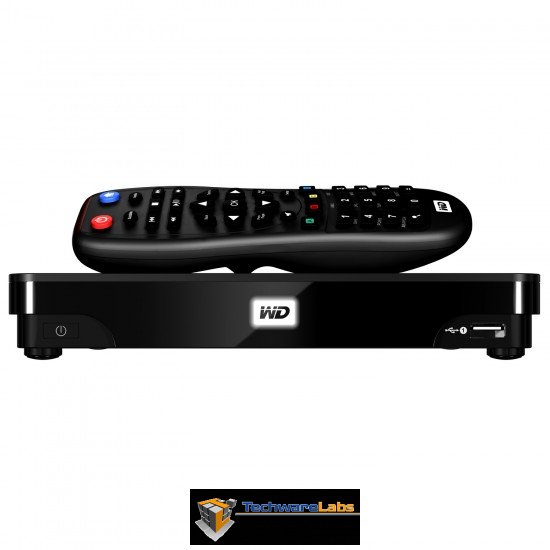
Company take:
Centralize your media and play it on any screen. Access Internet favorites and stream movies, Full-HD 1080p playback and navigation. Whether it’s your own videos, music and photos or internet entertainment, you can play it all in the comfort of your living room in brilliant high-definition. Put your personal media on the high capacity, built-in network hard drive and stream it to any screen in the house.
Testing the WD TV Live Hub is fairly straight forward, I will be throwing a smorgasbord of file formats on it as well as sampling a variety of internet streaming options to determine the viability of the WD TV Live Hub as a full home streaming and media playing device.
A closer look:
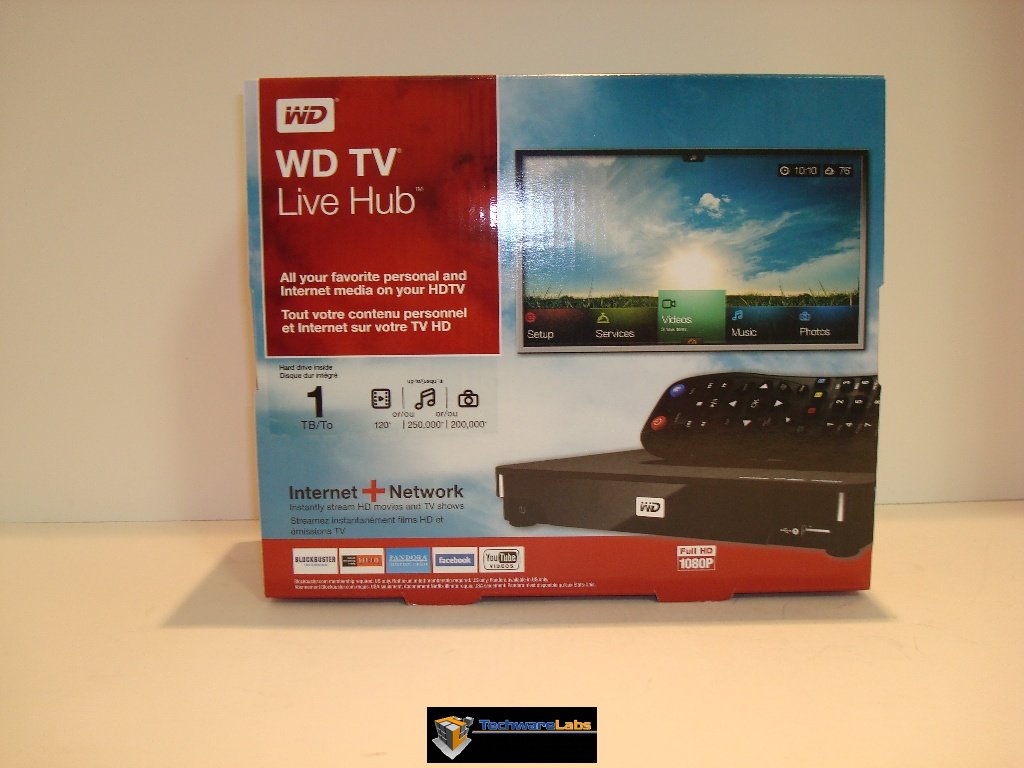 Out of all the media streamers we have reviewed this is the first that I would pick up off a shelf to buy on product description alone. |
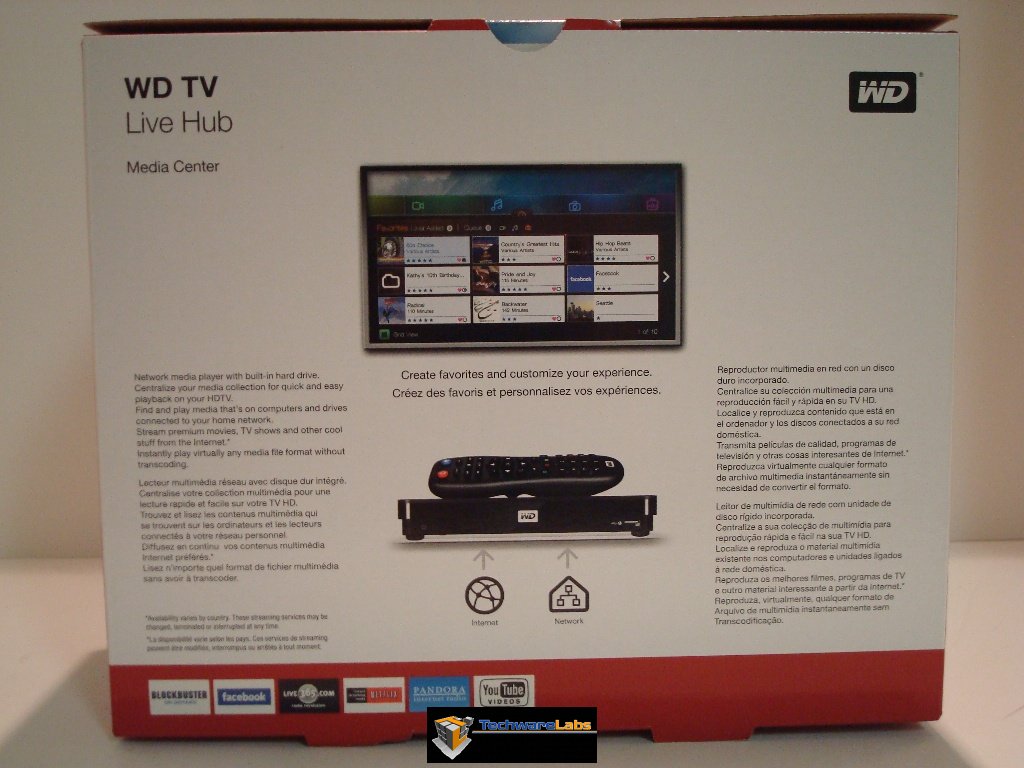
Back of the box with a nice description of the product contained within. |
Like I stated in the description, this is the first media streaming product that we have reviewed that I would pick up and after looking over the box feel informed enough to go to the register, the only hick up to me would be looking at the price tag… dropping $200 on an impulse is a tough thing to do. The information on the box as well as the overall color and design is a huge improvement over the original WD TV.
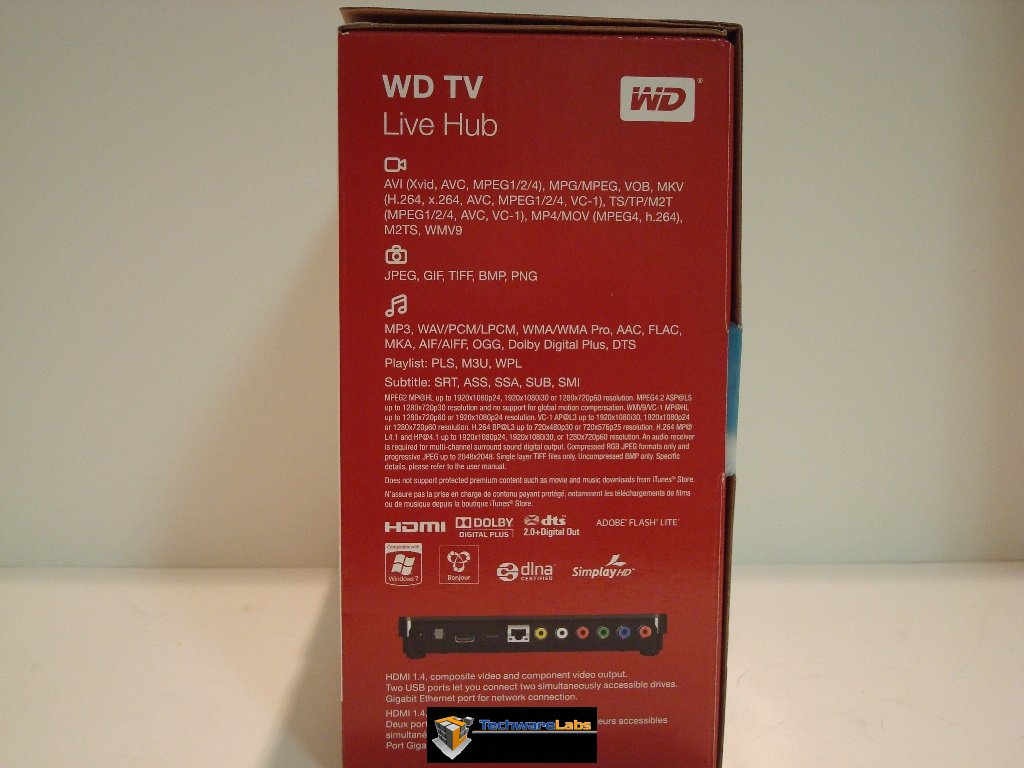
Side of box – includes all the supported file formats, as well as a view of the rear of the unit showing me the connection options. |
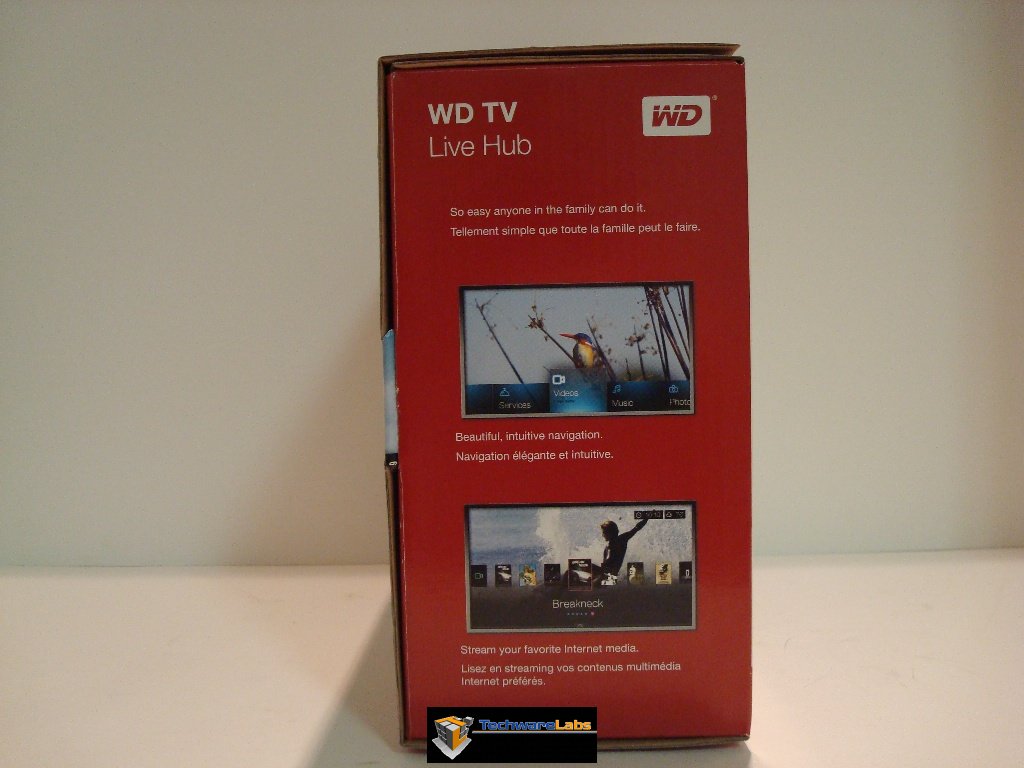
Shots of the UI which is a great improvement over previous models, more on that later. |
On the sides we have a large amount of supported file formats and unfortunately a decent amount of fine print regarding supporting those file formats.
Getting close and personal:
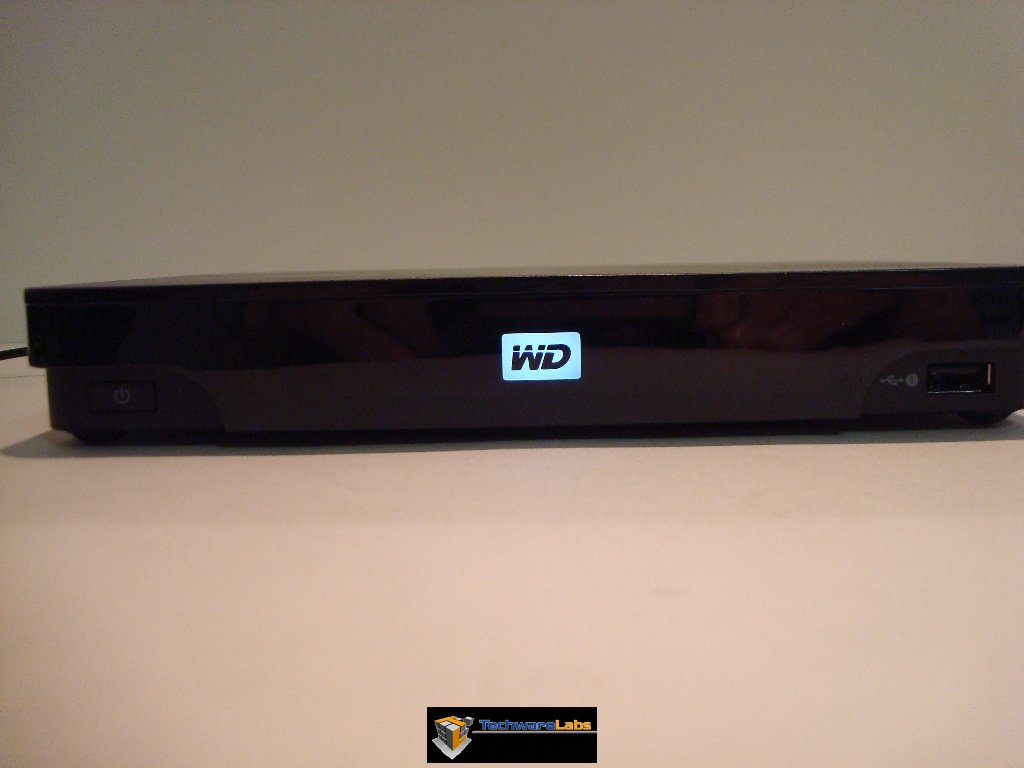 |
Front of the unit while powered, The units front WD light is also used to let you now its processing things in the background as well. The light itself is thankfully controllable from the menu. Also on the front of the unit is the power button (bottom left ) and a front facing USB port. |
| Located above the front USB port the only other decals other than the WD one located on the front. As you can tell the WD live Hub supports HDMI, DTS 2.0+ and Dolby Digital plus. |  |
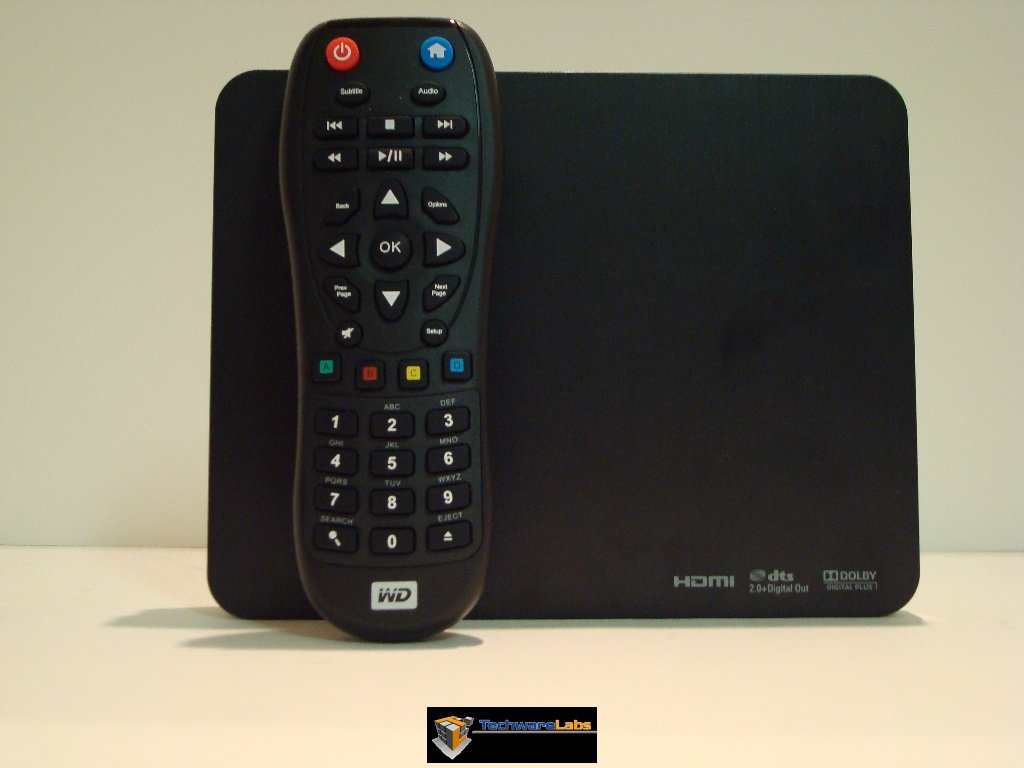 |
Much improved over the previous generation the remote is now slightly smaller than a full sized remote and quite comfortable in hand. It is also larger than the unit. |
| As you can see, the remote is similar to that of the original with several key differences. First is the size of the buttons are a bit larger, Western Digital is using the color coded buttons which allow changing certain view options on the fly as well as accessing certain menus, also you will note that the actual number keys are lettered much like that of phones allowing for quicker text entry. I would also like to point out that the remote is replaceable with any of the Logitech harmony options out there. |  |
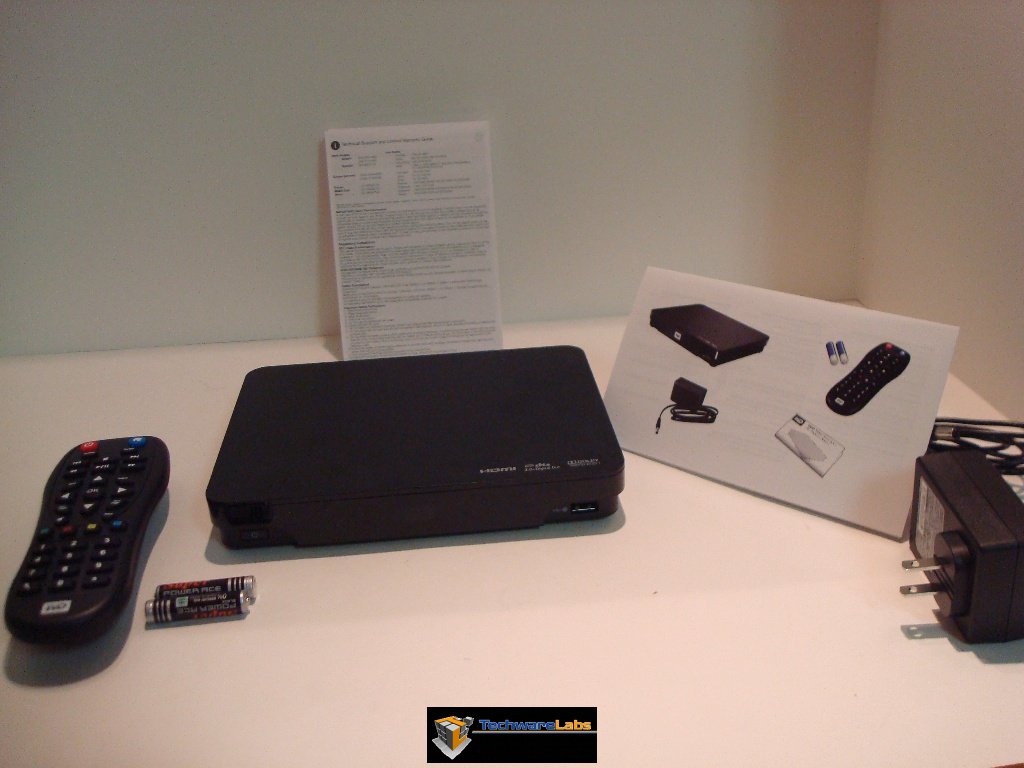 |
Beyond the unit and the remote you also get batteries for the remote ( always a nice gesture ) and a color instruction manual giving you a quick getting started read. Behind the unit you have the limited warranty which is worded much like any other – defect they cover, everything else you do. The cable for the power supply is much the same as most electronics with a length of 4ft. Sadly it does not come with any component of HDMI cables which seems a little cheap considering its $200 price point. |
Testing setup
| TV | 42 Inch Toshiba LCD TV |
| Reciever | Onkyo SR TX SR-702 ( 7.1 Surround) |
| Speakers |
5.1 Surround setup using Polk audio RM 7200 Set |
| Network |
Netgear wireless N/Gigabit Ethernet router + Dlink DNS 321 NAS |
| Comparable devices | Popcorn hour PCH C-200, WD TV HD, HTPC |
Western Digital Live Hub Specs
| Model | WDBABZ0010BBK |
| Chipset |
Sigma Designs SMP 8654 AD+ Realtech RTL8110SC(L) |
| Ram |
4x 64MB NANYA DRAM (256mb) |
| USB ports |
2 – one rear and one front facing |
| Storage |
1 TB WD Scorpio Blue drive |
| Audio/Video Out |
Component, Composite A/V, HDMI 1.4, Optical audio |
| Network | Gigabit Ethernet (10/100/1000 Mbit) |
| Video formats | AVI (Xvid, AVC, MPEG1/2/4), MPG/MPEG, VOB, MKV (h.264, x.264, AVC, MPEG1/2/4, VC-1), TS/TP/M2T (MPEG1/2/4, AVC, VC-1), MP4/MOV (MPEG4, h.264), M2TS, WMV9, FLV (h.264) |
| Audio formats | MP3, WAV/PCM/LPCM, WMA, AAC, FLAC, MKA, AIF/AIFF, OGG, Dolby Digital, DTS |
| Subtitle | SRT, ASS, SSA, SUB, SMI |
| Internet media | Blockbuster online, Netflix, Pandora, Media Fly, Deezer, TuneIn radio, Flingo, Facebook, YouTube, CinemaNow, AccuWeather.com, Flickr. |
| Media Serving |
Built in NAS with local storage, Twonky Media server, Itunes Server |
| Firmware version |
2.06.10 |
What makes the WD TV Live Hub so different from other players is not just the addition of Internet media streaming, the limited NAS functionality, or the plethora of supported media formats, but the combination of the lot combined in a small quiet package that can fit in with any home entertainment center. Most ” All in one media packages” offer very little of one of these packages. Take for example the Popcorn Hour PCH-C200 which offers very similar functionality. I works reliably as a media player but only barely has Internet media streaming. The PCH-C200 can be a NAS and in some regards better than the WD Live Hub due to an extra SATA port. The WD Live Hub has an ace up its sleeve when it comes to being a network player though, in both Windows and OS X after a quick walk through you can click local media and send it directly to the Live Hub for immediate playing by streaming from your local PC. The Live hub also works with other Western Digital Live devices to stream to multiple points on a network. With the price being $100 cheaper and locally available at retailers the Live Hub is obviously superior especially considering the popcorn hour uses a similar chipset as well.
User Interface
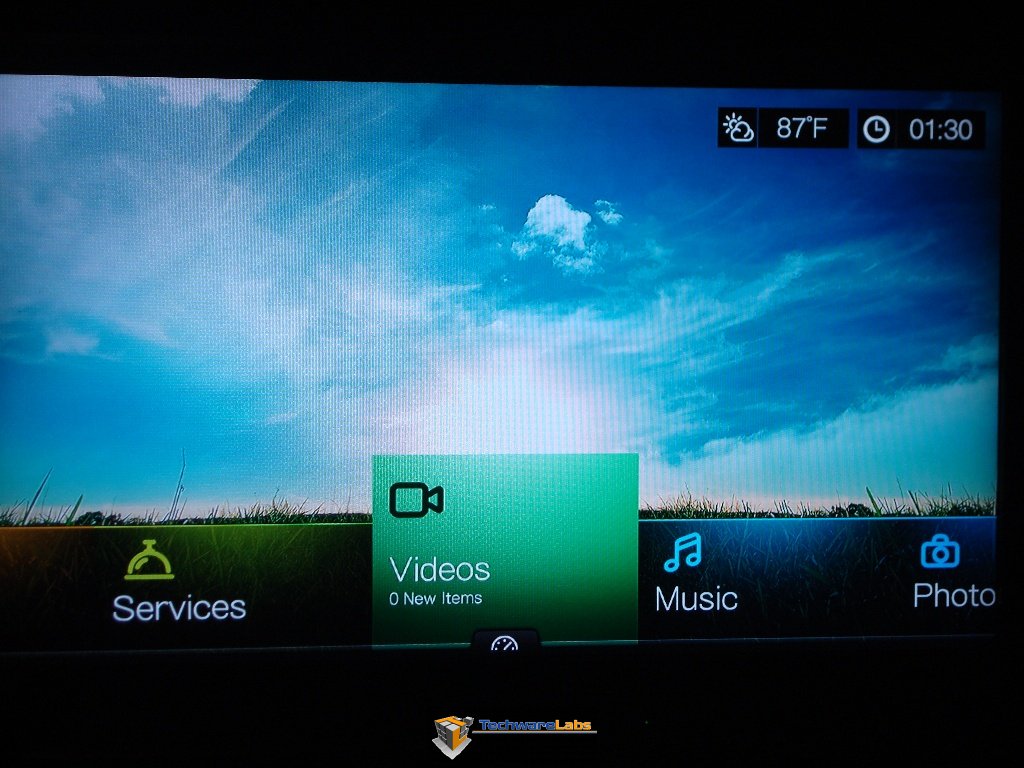 |
The user interface on the WD TV Live Hub is far superior to any of the previous UI’s supplied in the past renditions of the WD TV series. The current iteration is closer to that of a skinned HTPC than that of a traditional set top box. Overall the UI is smooth with very few pauses or hiccups even when streaming to several devices. |
| One of the nice features, and one you see request a lot by the communities backing various media streamers is a built in scraper for meta data regarding local and networked media. The one baked into the Live hub is rater nice in giving basic plot summary as well as pulling the artwork for each file. The data for the scraper is stored in XML files instead of the more traditional .NFO files but this shouldn’t be too much of an issue. It took about an hour or so to complete scraping of around 600 movies during the scraping I the Live hub was still useable and in fact allowed playing of video, this is something not usually feasible by most devices on the market. | 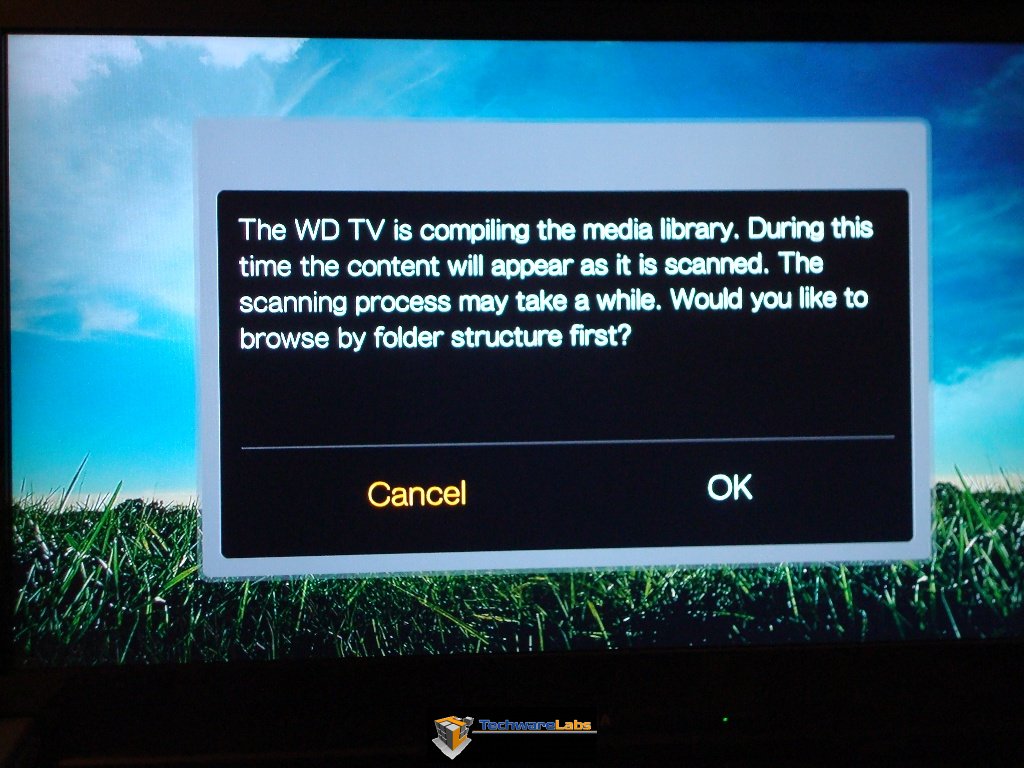 |
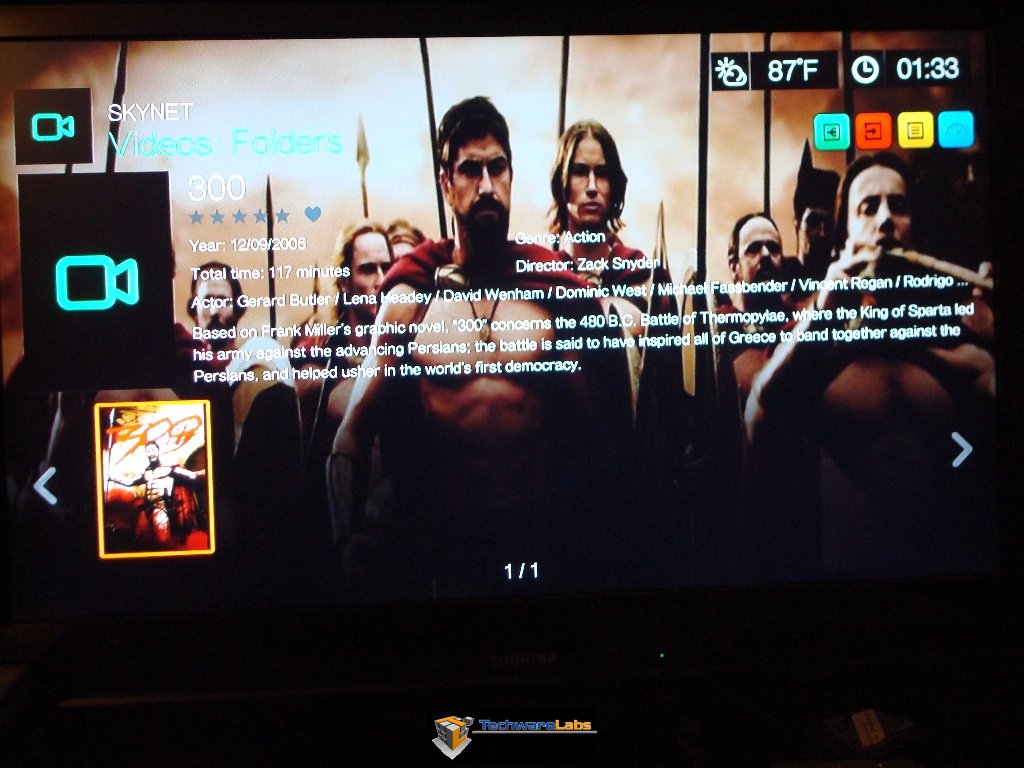 |
While my camera did not capture this to the best possible way I assure you that when viewed normally this info is quite readable.
You can apply personal ratings on movies as well as set them as favorites or place them in a queue for future watching. |
| The only real limitation I have found with the Live Hub’s scraping UI. The UI will not handle TV shows, it will take thumbnails if you set them up but it will not auto scrape them. | 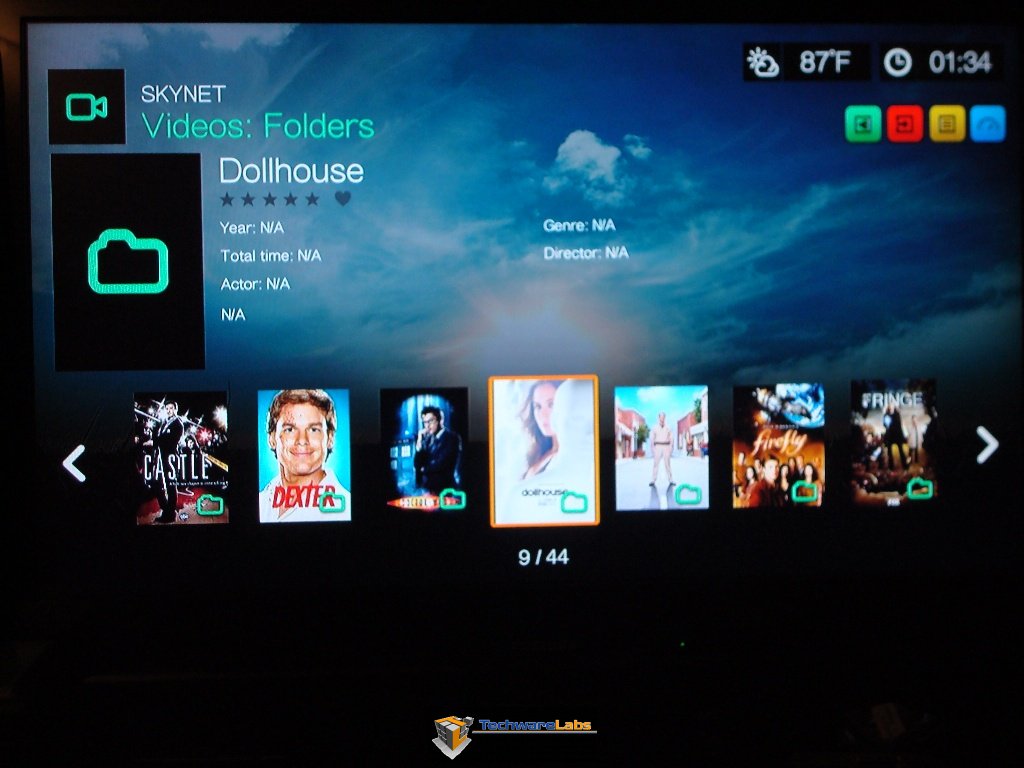 |
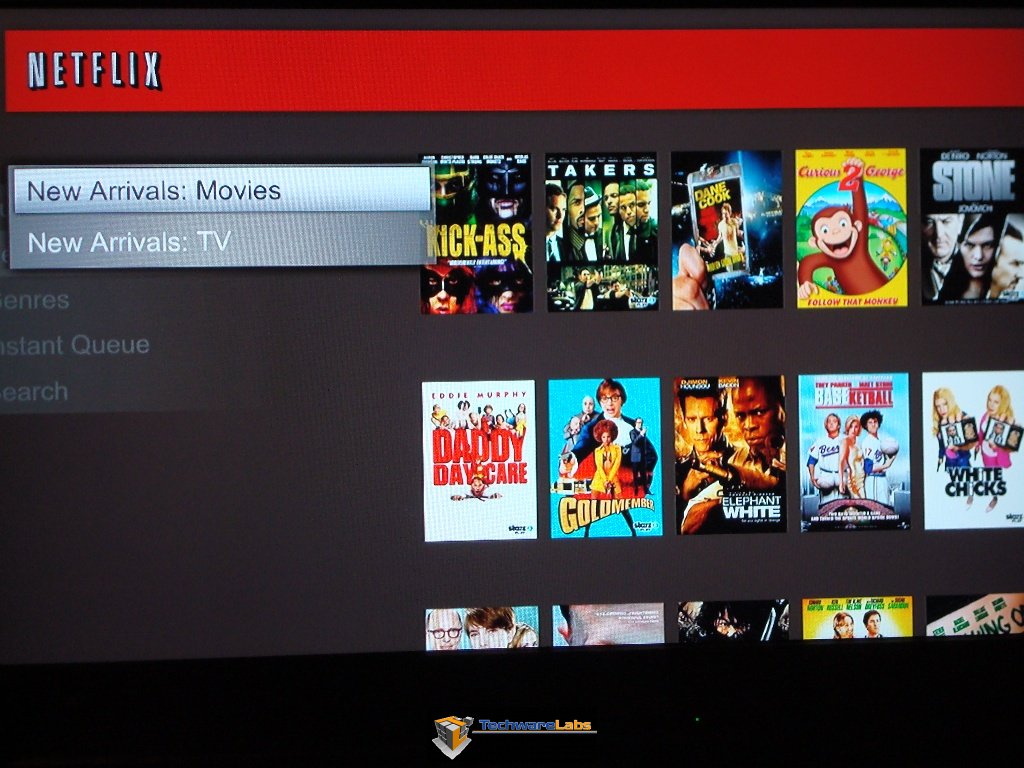 |
While I did not have a Roku box handy to test against I used the PlayStation 3 for Netflix testing. Ideally you would think the PlayStation to be vastly superior to the WD TV Live Hub, but in practice the Live Hub comes out as a smoother and speedier experience when transitioning between shows. Both devices offer the same content and the same support of 5.1 surround and HD quality on videos. |
Overall I had great success with all the files I used. With the exception being a DVD I ripped using MakeMKV which although the codec (Mpeg2 ) and the container (MKV) were both labeled as supported the file would not play. This appears to be an isolated issue as other files that were encoded using the same software played just fine. I Played 1080p files with a high bit rate with no problems what so ever. My only pain point during the entire test was getting newly added files to show up. Apparently when you have Media Library on you need to power off the device then start it back up to refresh the database, afterward all the new files show up just fine. This is a non issue if you don’t update your files frequently or plan to shut the device down all the way. Alternatively you can shut off the media scraper and it wont care about updating each time you change files.
One final point I want to make is that although the Live hub works as a NAS it is not a true NAS and will not support file transfer over 12MB a second which can be very frustrating when transferring a massive collection of movies. This transfer rate is more than capable of handling HD streaming, even to two devices but It will not be the be all end all for your home entertainment. I felt this was a bit of a low blow by Western Digital when you say you support Gigabit you should actually support those transfer speeds.
Web interface
| As long as you have the Live Hub in at least standby you can access the web interface via password ( by default “admin” ) This web interface allows you to change the settings for the Twonky media server as well as the iTunes server. There are also drive status tools and support for a web based remote available to this web UI. | 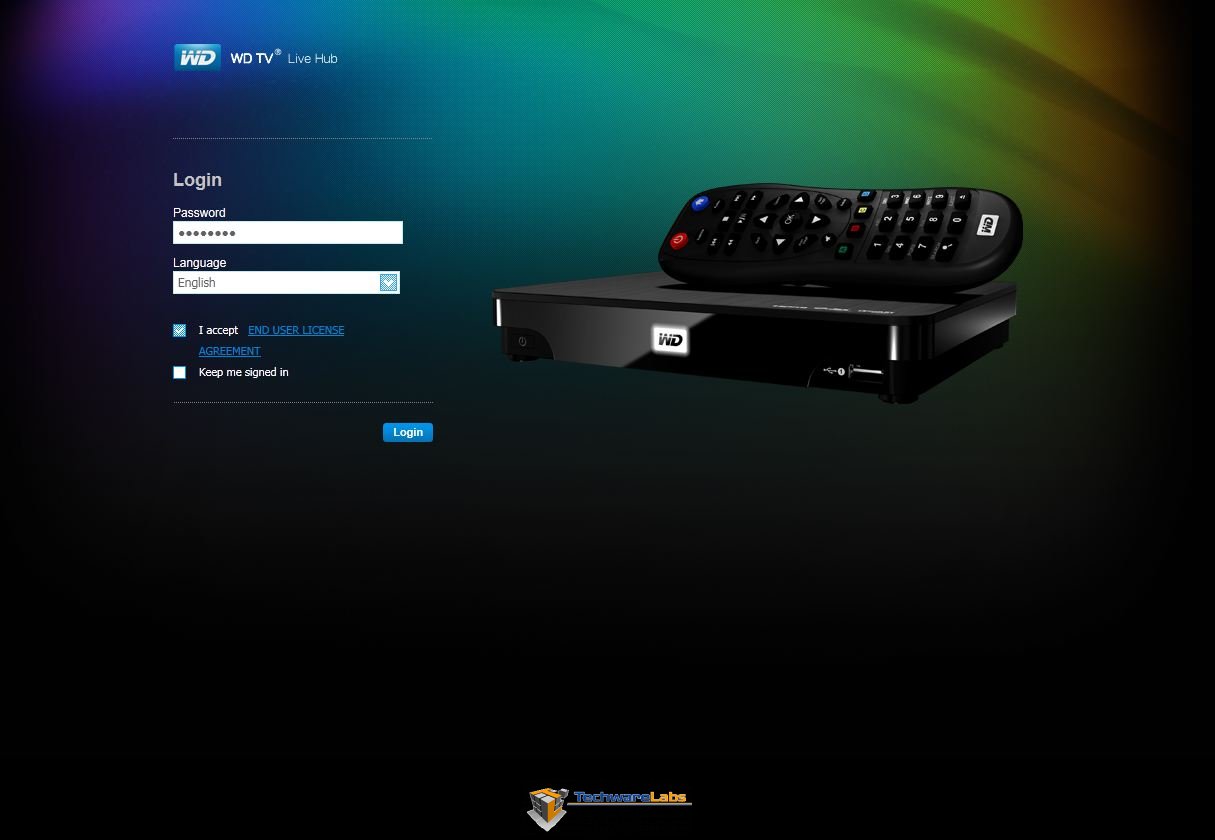 |
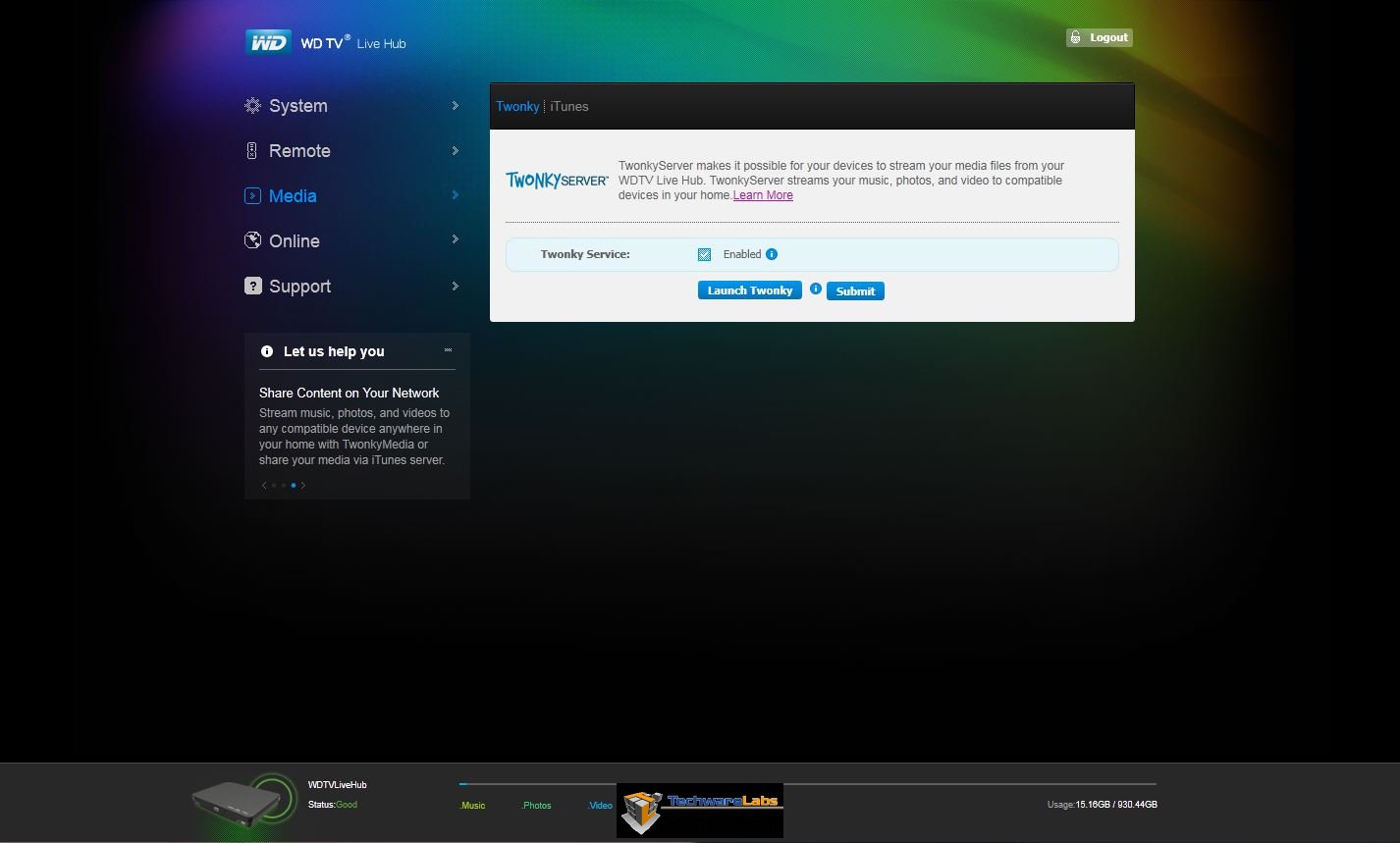 |
The entire web interface is very clean and is supported in both the android browser as well as iOS. |
–~~~~~~~~~~~~–

Summary and Conclusion:
In the beginning Western Digital gave us the WD TV which was a great little media player but required the user to bring their own media and also didn’t support any sort of networking. Western Digital did release several other versions with variety of added features but the Live Hub really feels like it got the best of the entire lineup, it really feels like it should be the main piece of your home entertainment setup. The Live hub performs far better than its competitors with the only real competition being the Boxee box which currently has issues of its own that it needs to work out. That being said I did feel it was irritating that Western Digital markets the Live Hub as having a gigabit network port but actual transfer rate is that of 10/100 other than that I feel that the Live Hub is a great value for its price.
With the recent trend of TV’s moving towards smart devices that are network enabled, I wonder if we will continue to see media centers such as the Live Hub be all that useful in the coming future. What need do you have of a separate device if its all integrated into our TV’s? If media centers continue to hold their ground in the TV market I would love to see dual core devices with full HTPC functionality such as both Netflix and Hulu support, full skinning and animated movie wall support and generally beefier hardware than is absolutely necessary to run the original optimized UI.
I choose to give Western Digital’s TV Live Hub the Awesome hardware award for the massive amount of features packed into a small package and at a decent price point. With the addition of regular firmware updates we have the potential to see even more functionality out of this little box. I was very happy with the entire user experience from the super easy setup to more advanced features such as streaming to several devices. The entire UI is very clean and while not heavy on the flash still manages to look nice and be super easy to use.
The Good
|
The Bad
|


is this like 2010? or even 2009? Actually WD are nearing the releeaseof the next gen of media streamers 8670 chipst, this thing has been out for 18-24months. It should have dropped in price more as well. The new thing supports full gigabat speeds, and powerline networking built in. Could be very nice
Is this device wireless capable?