Network Services
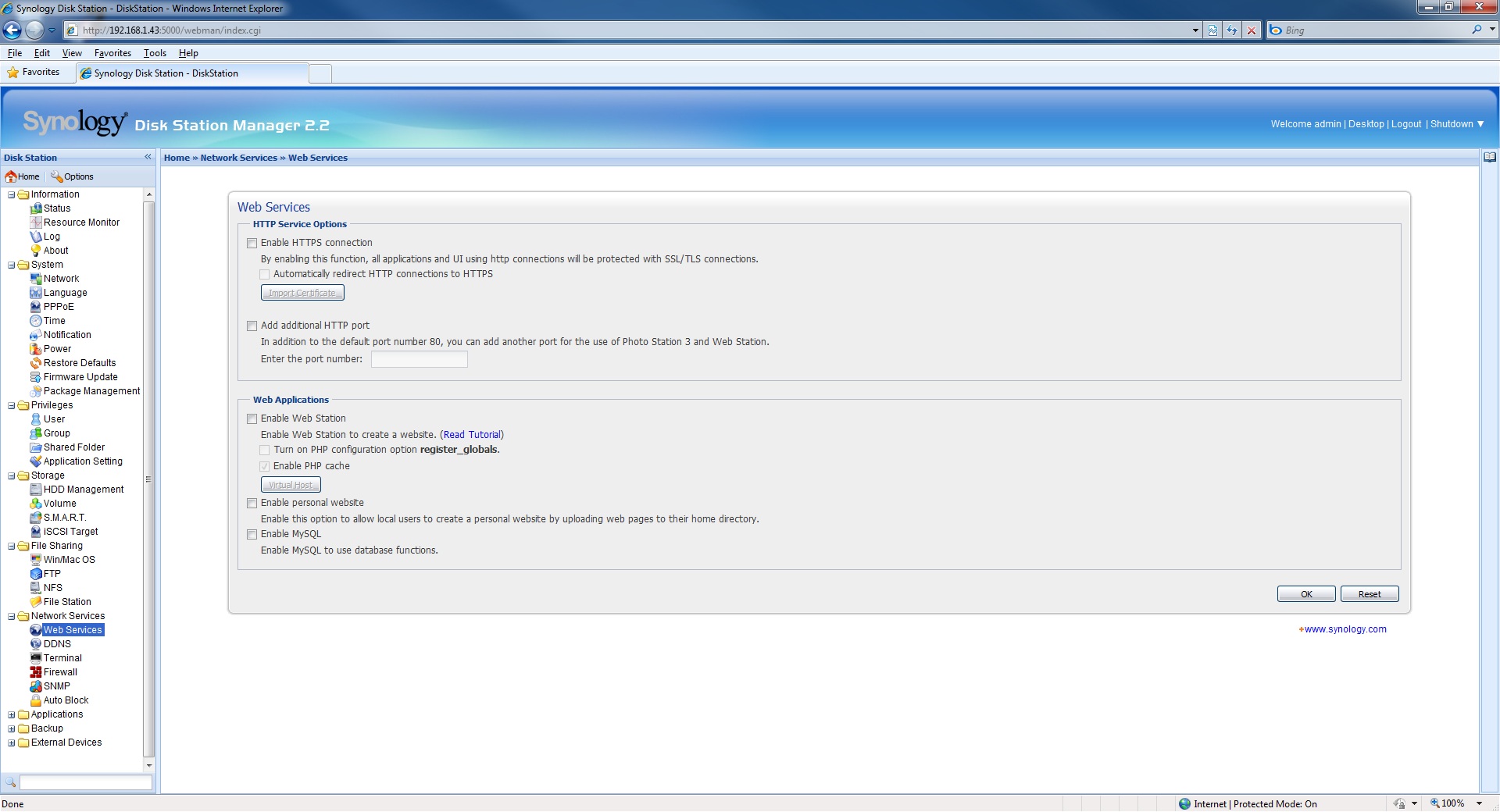
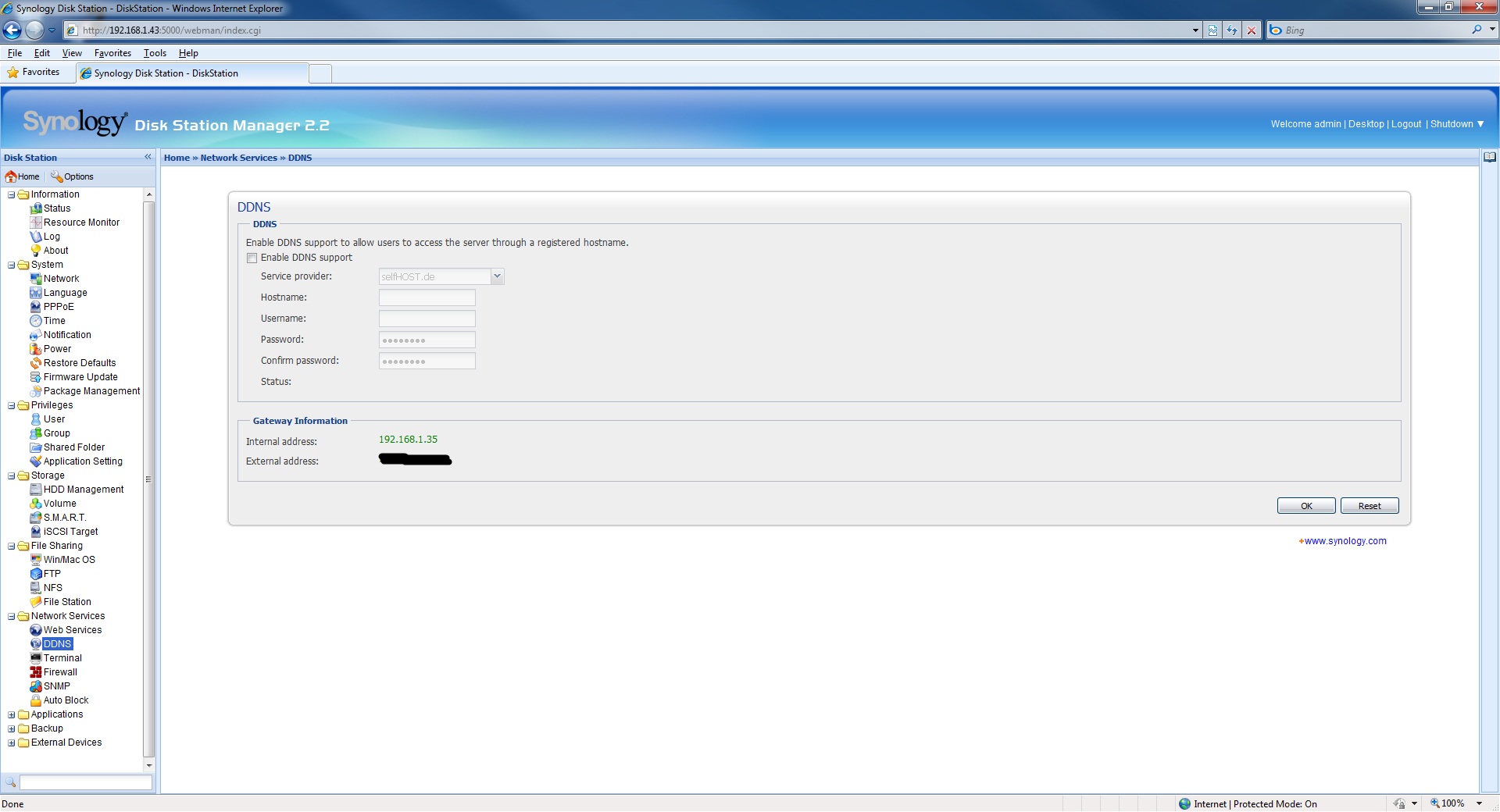
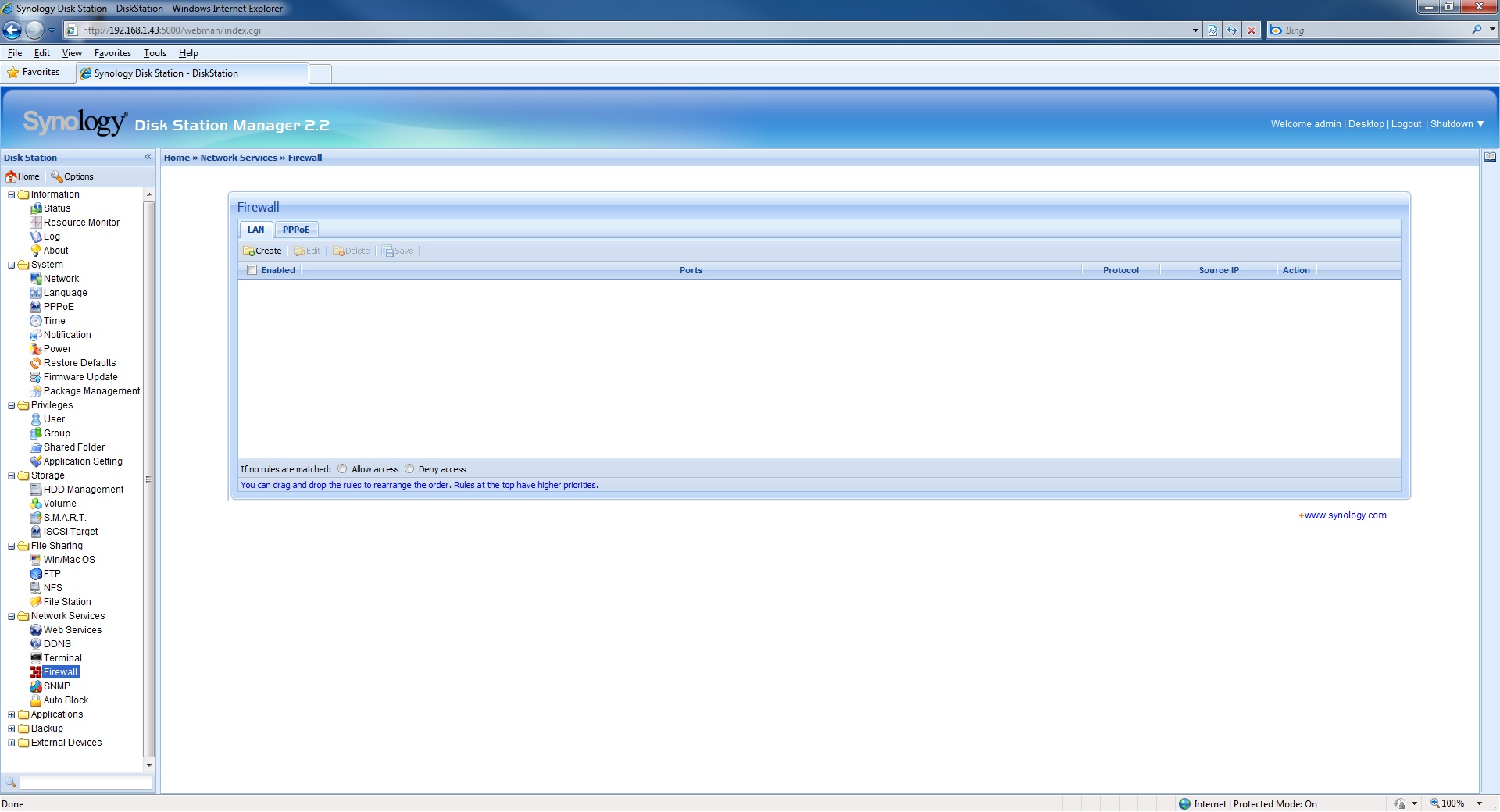
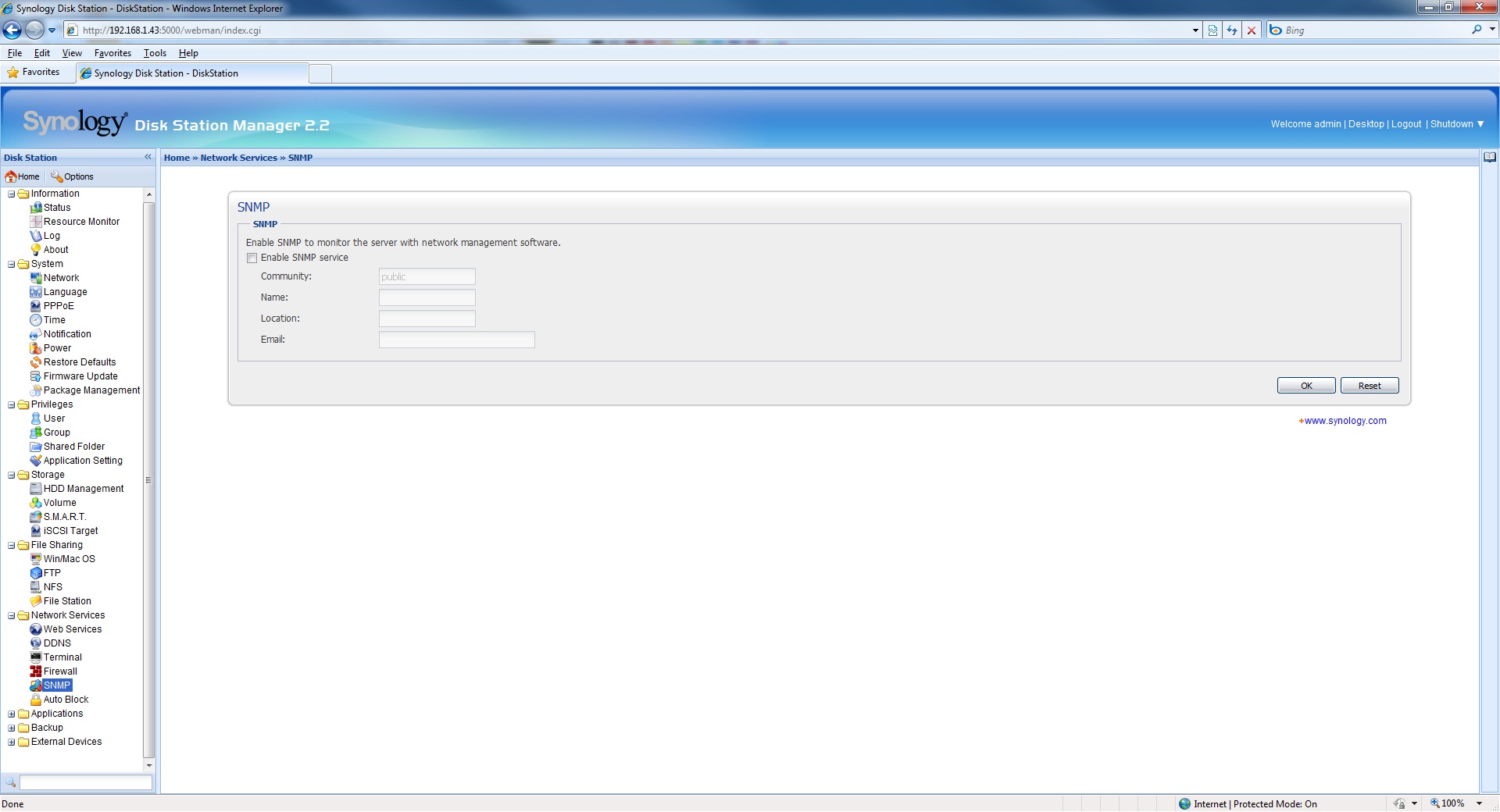
The Network Services area is where you will file a multitude of configuration and support for such things as:
- Web Services
- DDNS
- Terminal services
- Firewall
- SNMP
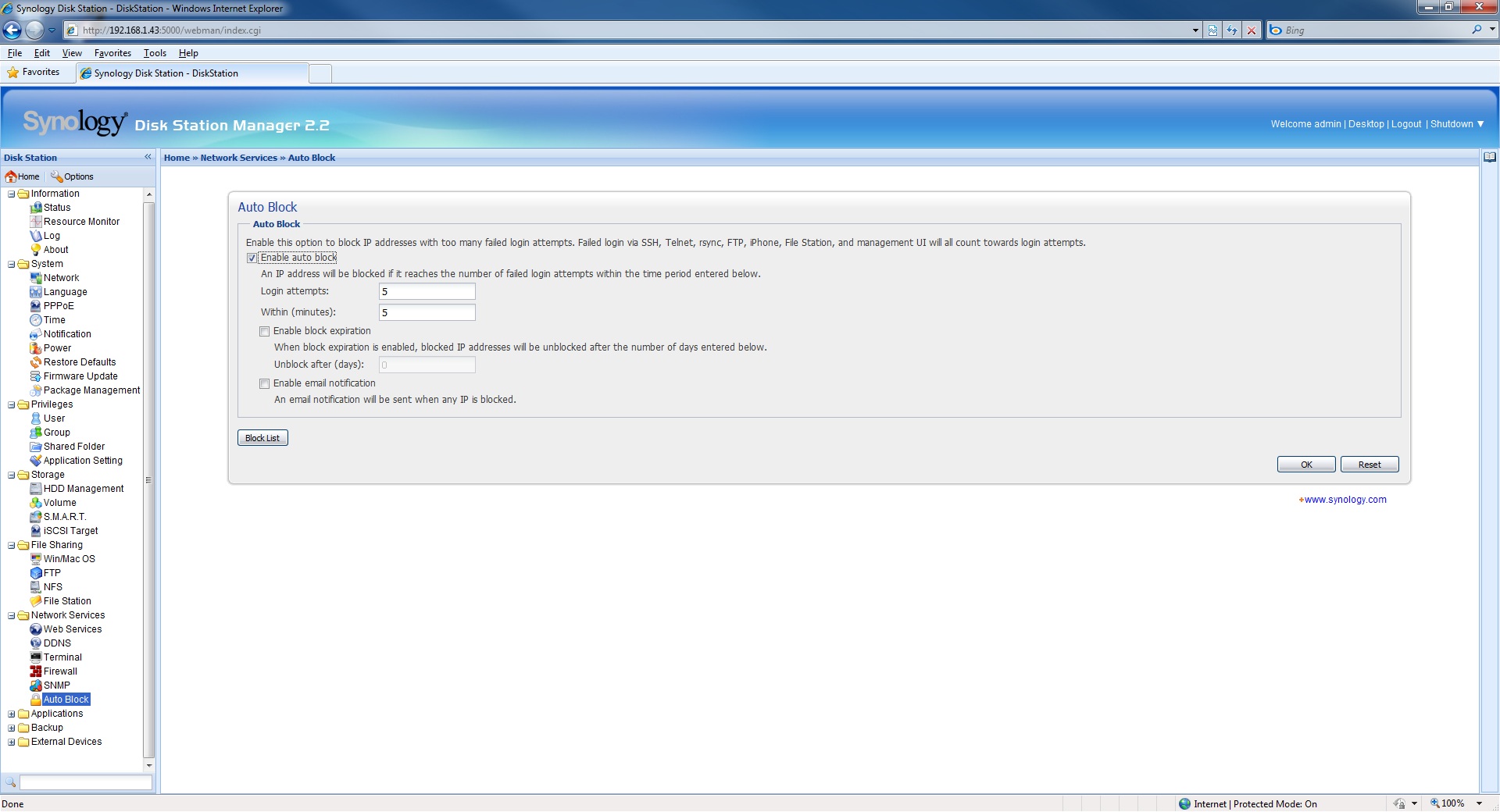
- Auto Block
These configuration pages will allow you to specify such things as the security settings, access to the DS410j via DDNS for those who do not have a static IP address, and the ability to host a website. It should be noted that the DS410j does also allow the creation an HTTPS connection so that all incoming visitors and data are protected via an SSL/TLS connection. Redirection of HTTP to HTTPS is also supported and as such this makes for an idea small website server for online businesses. The DS410j also supports the use of website database and language tools such as MySQL and PHP as well as giving you the ability to upload your own webpages to the DS410j. This greatly expands the functionality of the DS410j as use as a website server giving you creative freedom.
 |
 |
 |
 |
 |
 |
Applications
The applications area once again proves my “kitchen sink” theory that if it was possible to do it with the DS410j, the software engineers built it in as well. Here you will find a:
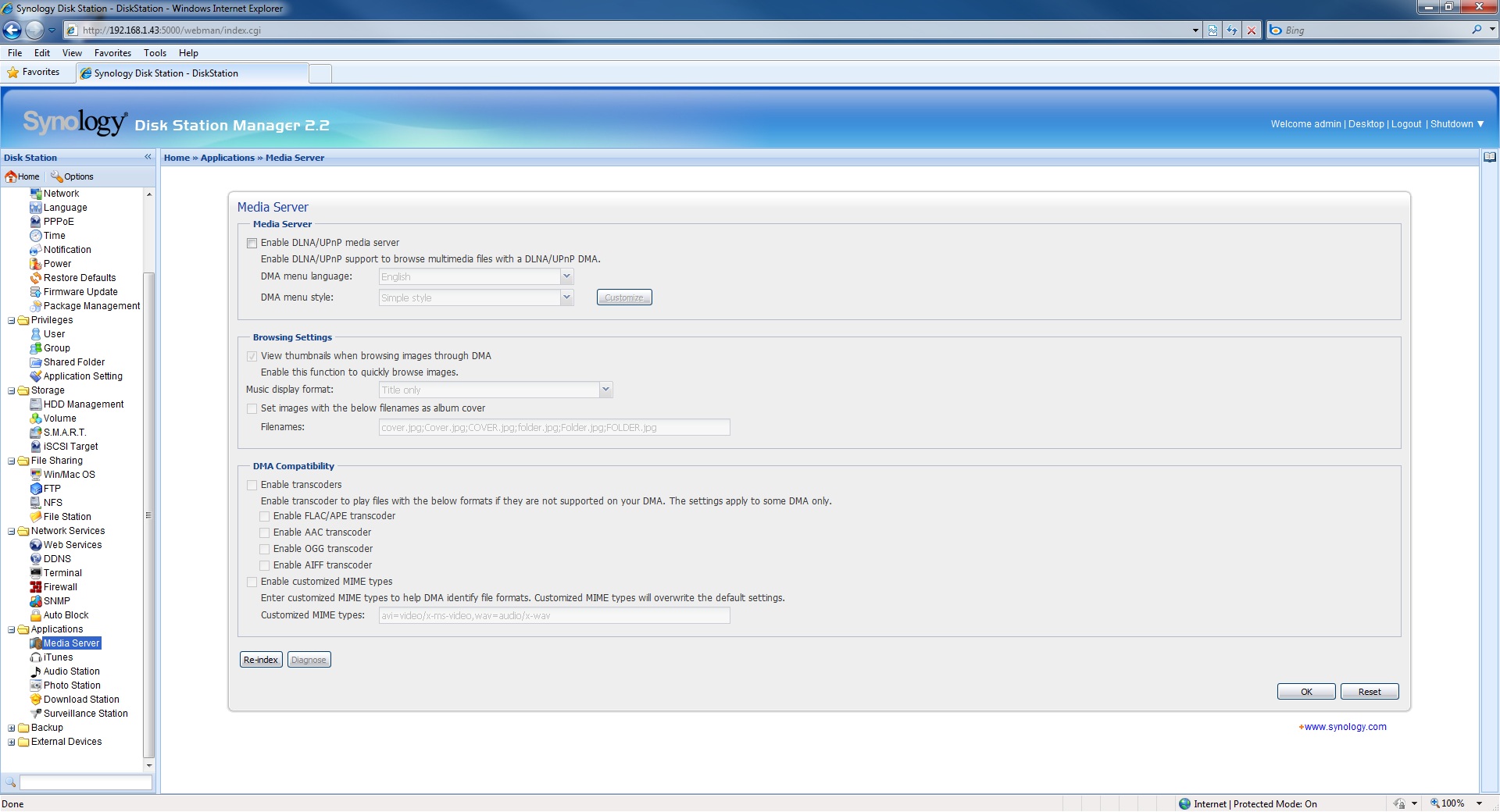
- Media Server
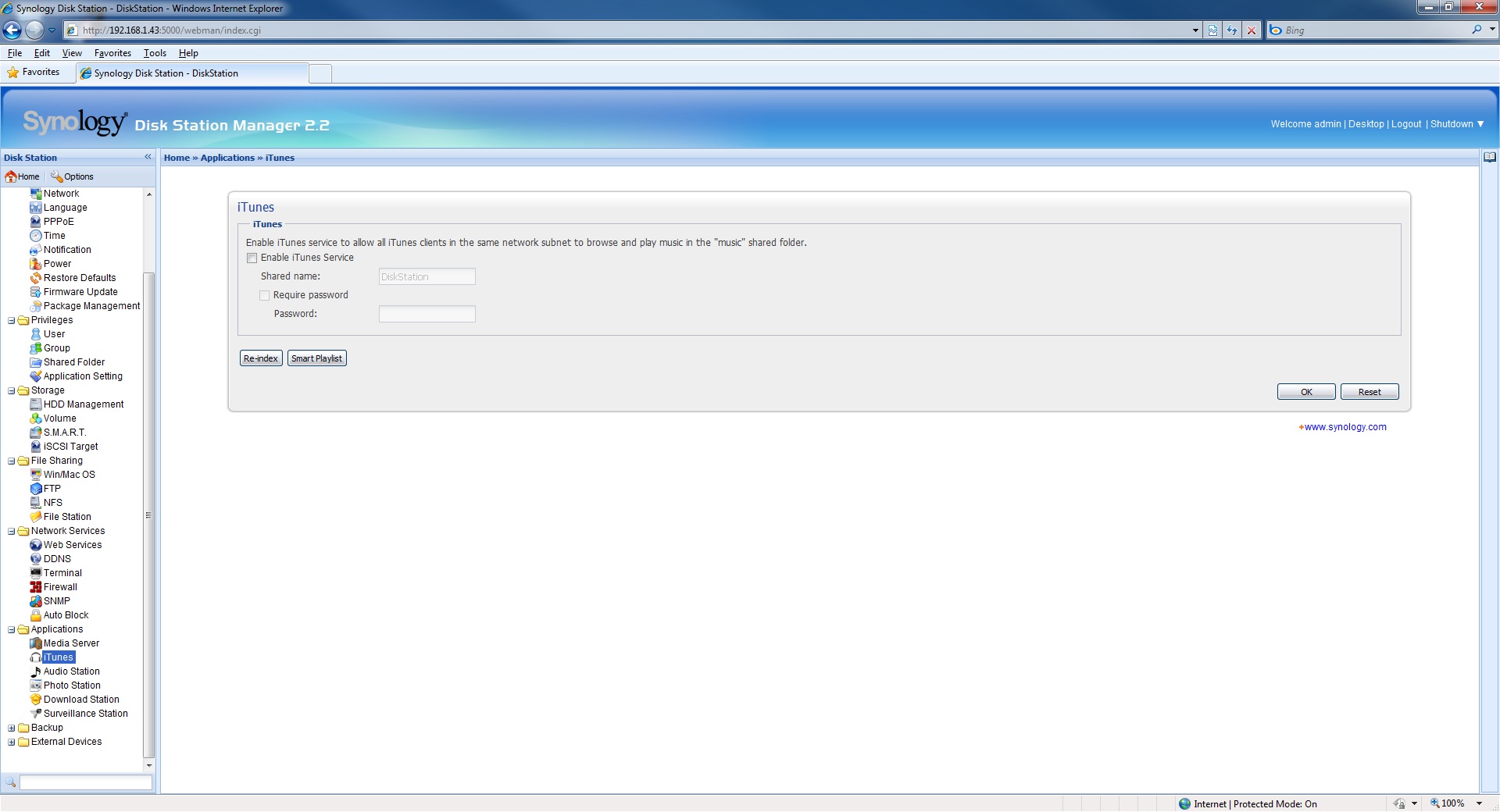
- iTunes Service
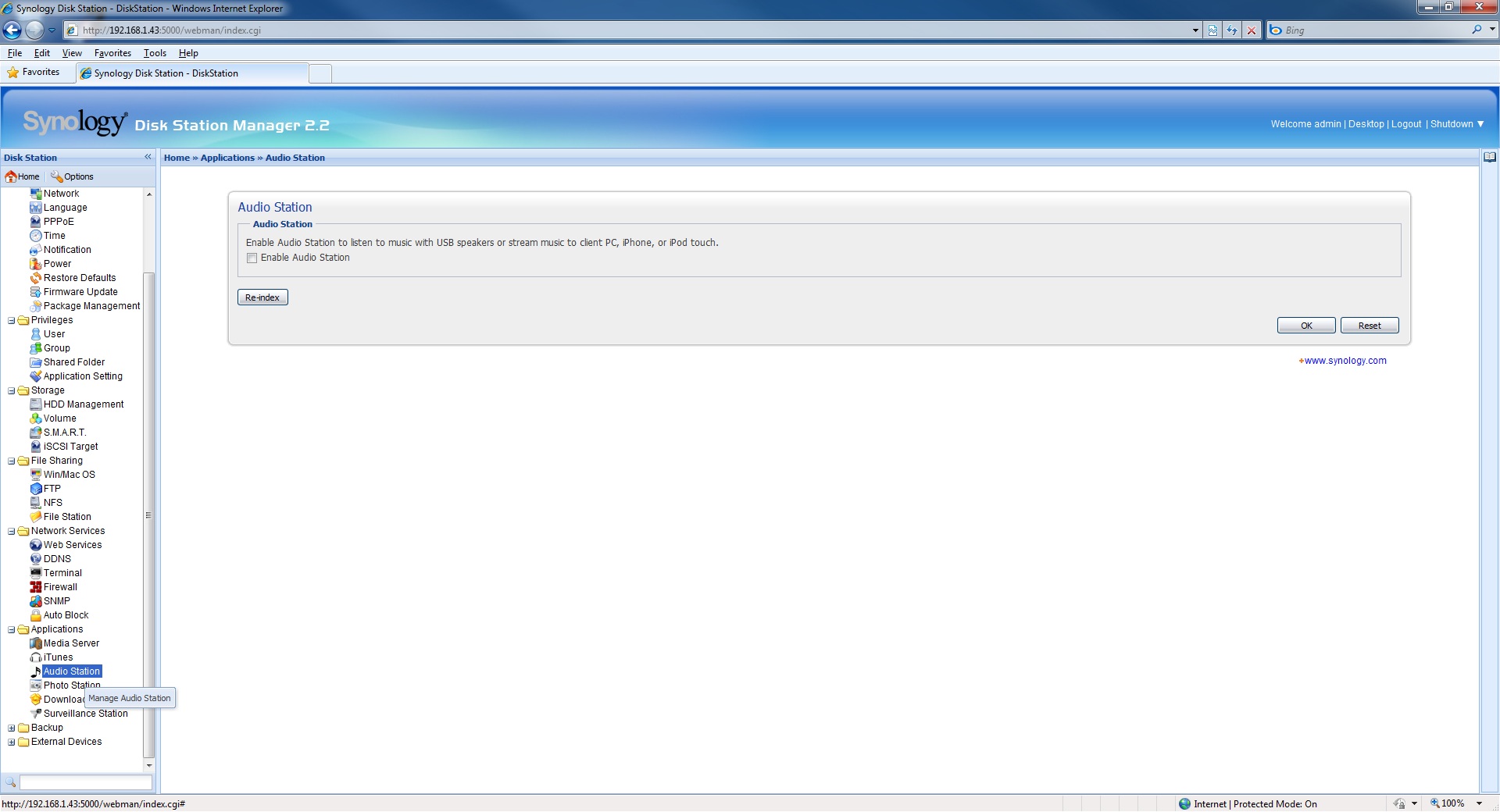
- Audio Station
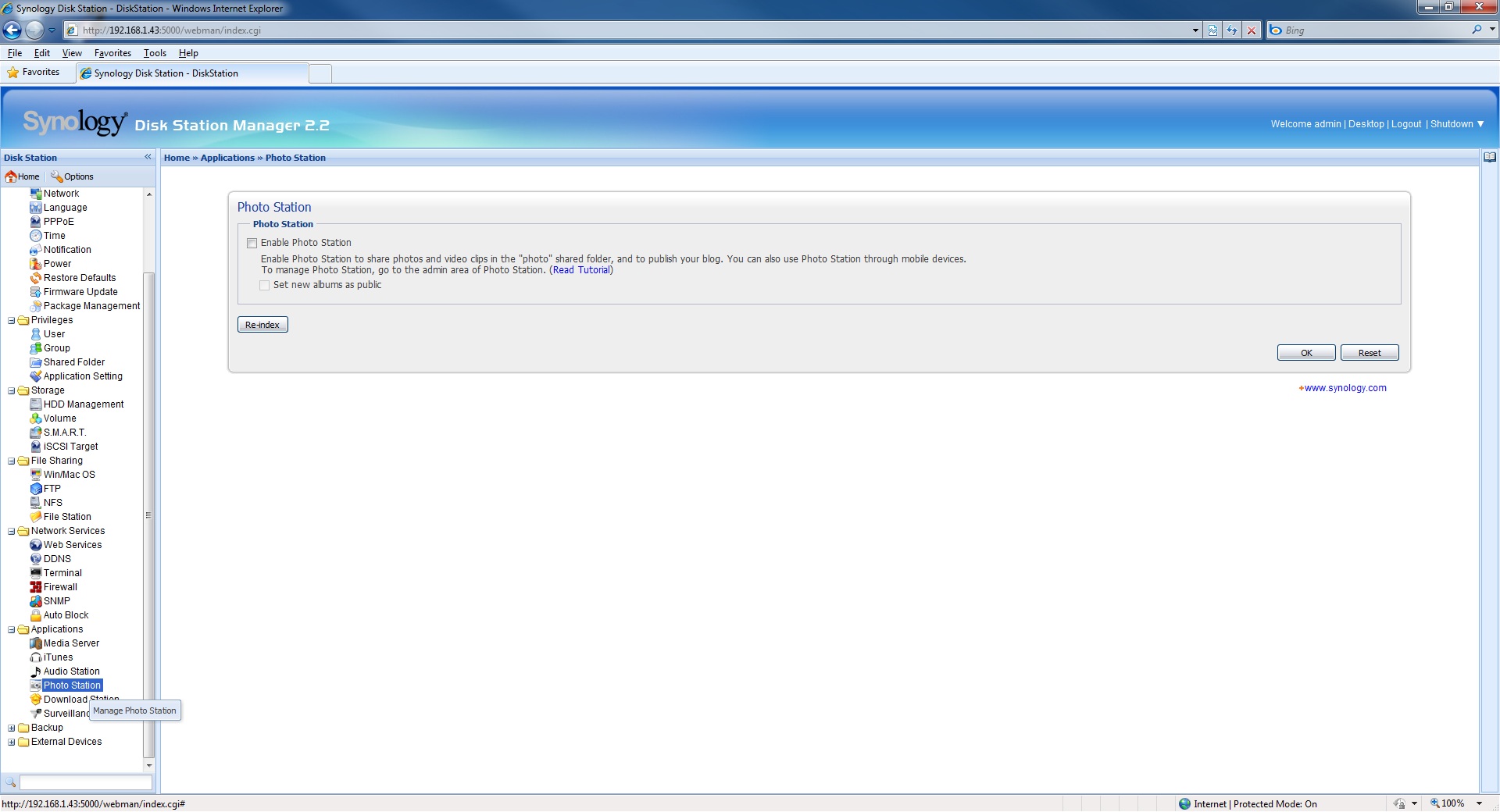
- Photo Station
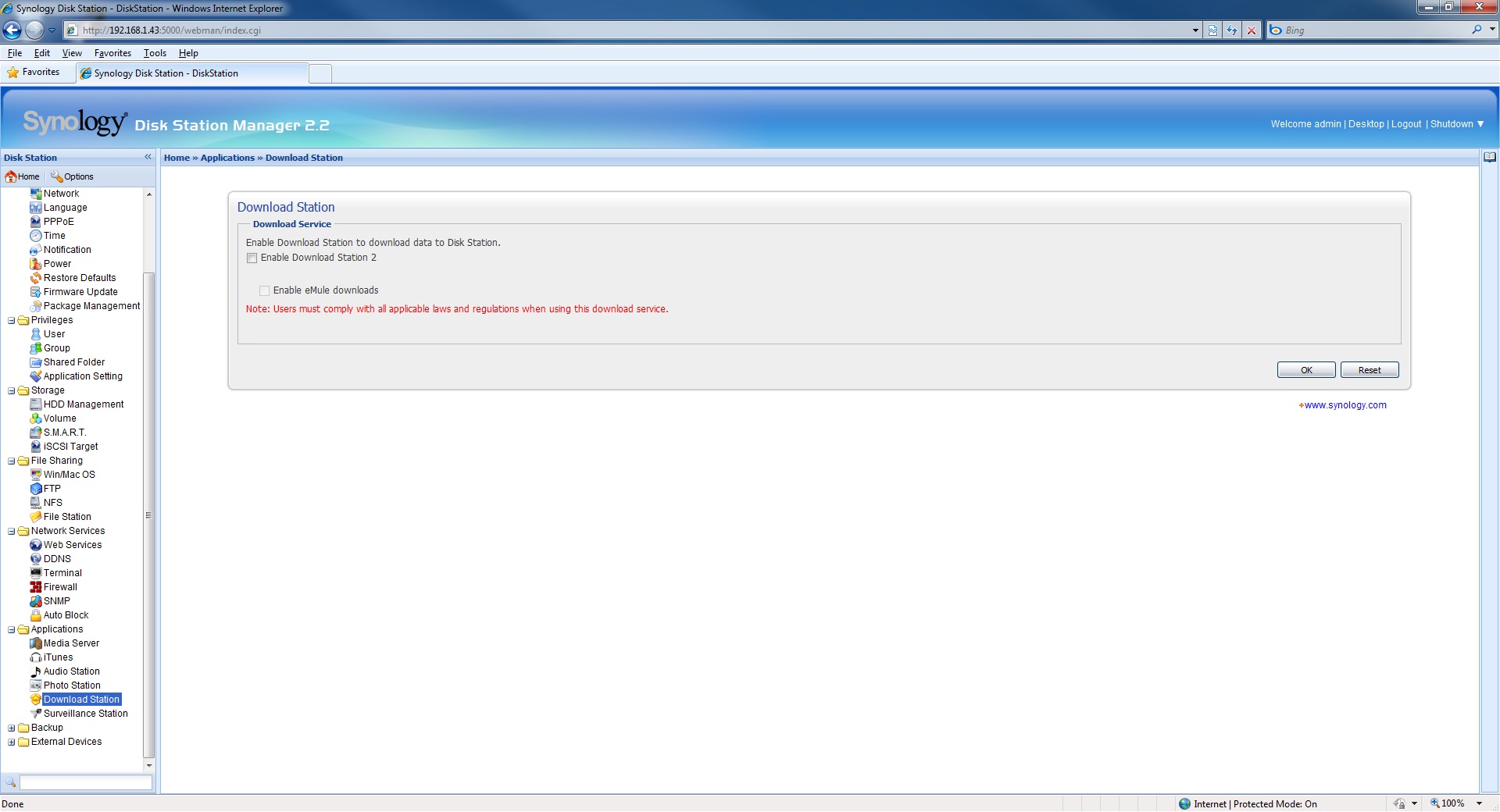
- Download Station
- Surveillance Station
Noticeably absent from this lineup of features is an e-mail service for exchange or other e-mail. We suspect that while the storage capabilities of the DS410j are more than capable of handling incoming e-mail, the CPU may not be able to handle the needs of outgoing e-mails for a small business and as such this capability was left out. At least we have found one thing that the DS410j cannot do . . . yet. Most of these sub-categories are self explanatory but the possibilities of the audio server are actually rather impressive for a device of this size and cost. Once configured and loaded with music files the DS410j is capable of streaming music to a business lobby, throughout a home, or any place music can be heard. Nearly all doctors, lawyers, dentists, and real estate offices and demo homes have music playing as you enter. This device supersedes all of the devices on the market today that perform this function and kiss your subscription to these services goodbye. Now all you need is access to the internet to download free music and you have your music playing with a simple set of USB speakers or through a PC, iPhone, or iPod Touch.
The Download Station is where you will find support for torrent files through an eMule download. Synology does make note that all downloads must comply with applicable laws to cover themselves from the use of the DS410j as an illegal download dedicated machine.
 |
 |
 |
 |
 |
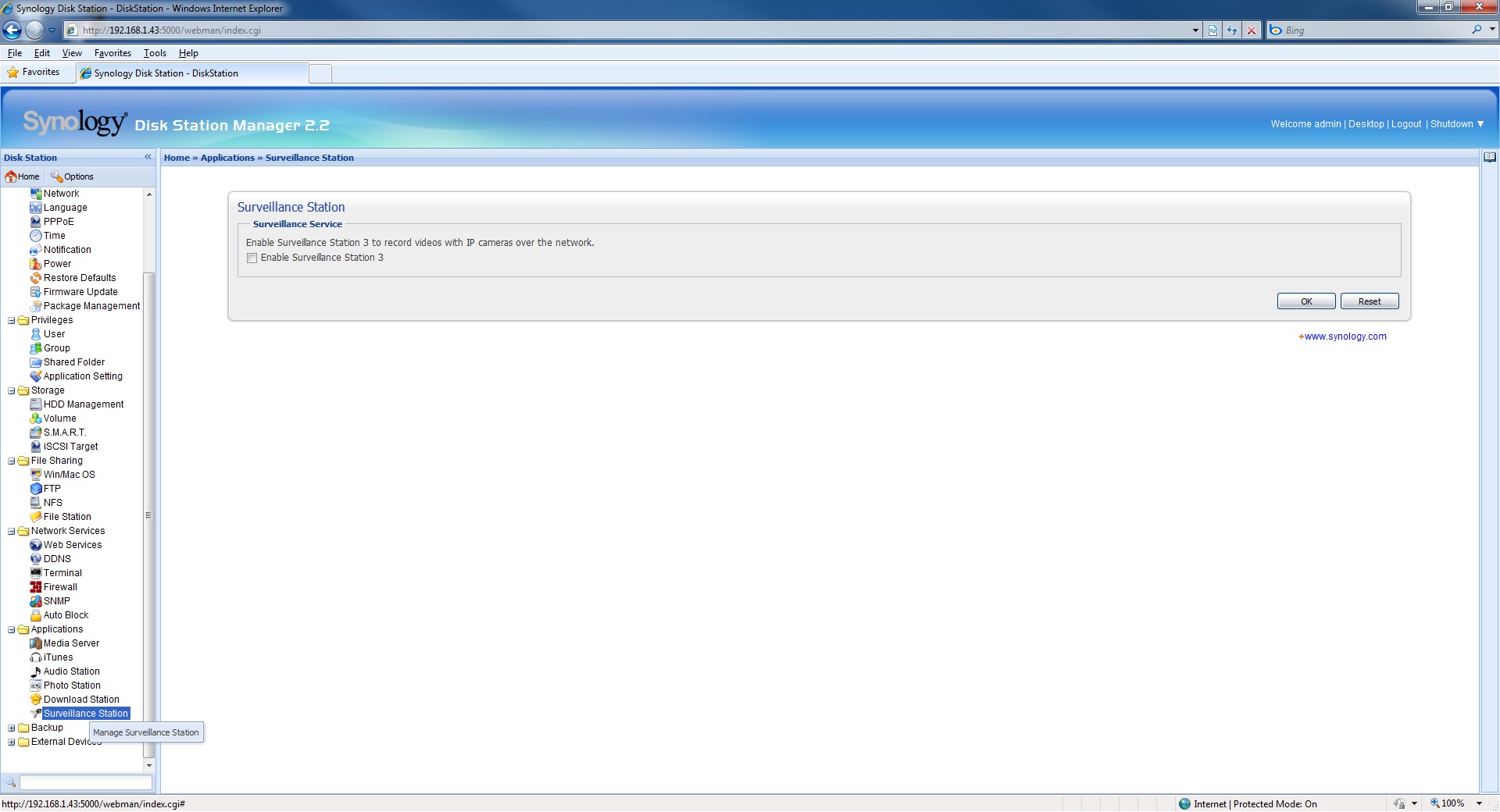 |
As we mentioned earlier Synology has also included the ability to connect the DS410j to IP based surveillance cameras and record video. The DS410j supports up to 5 cameras and when enabled it will take you to a much more serious looking screen in which you can add your cameras, view live feeds, check events, and add camera licenses if needed.

Backup
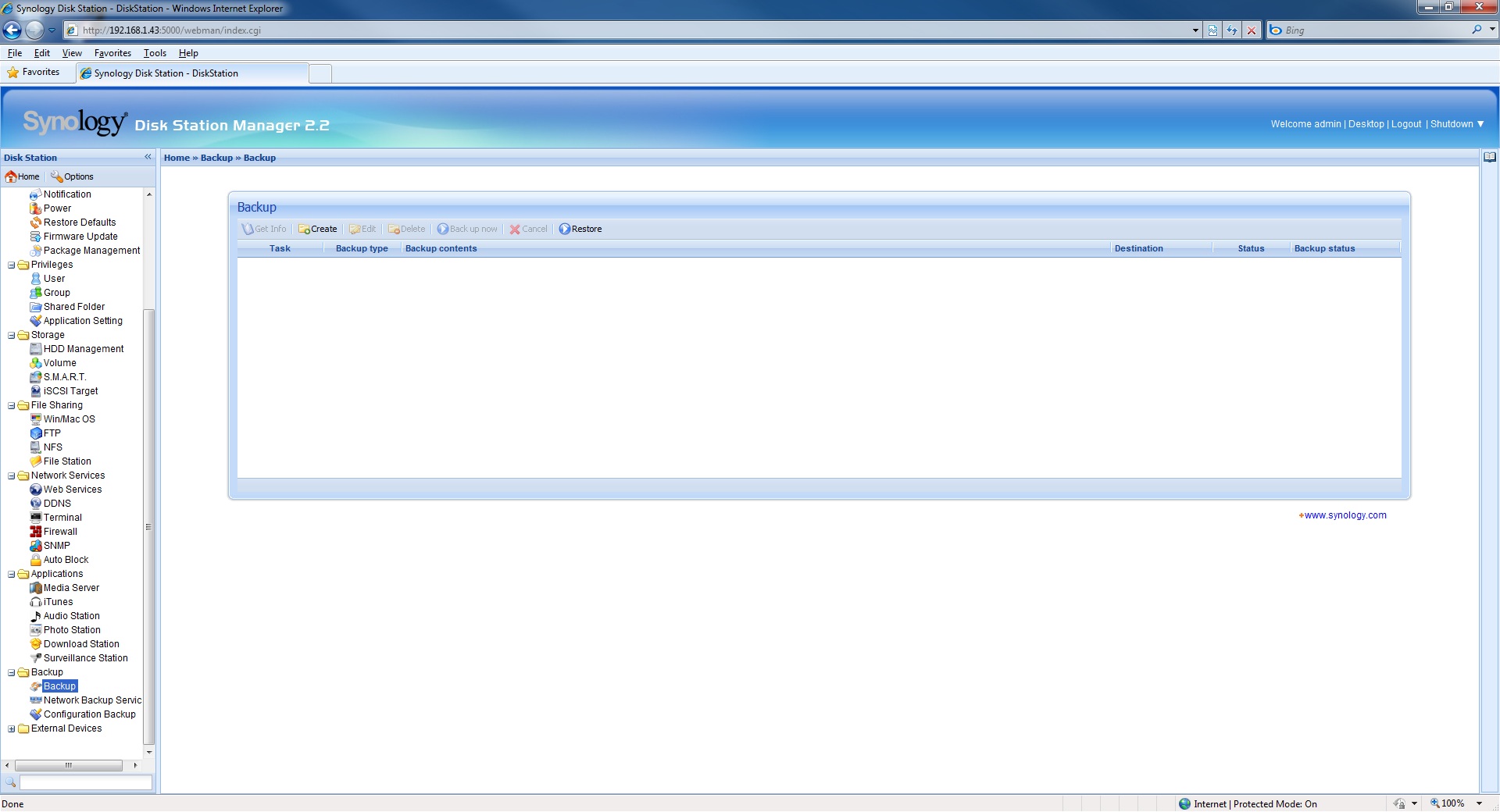
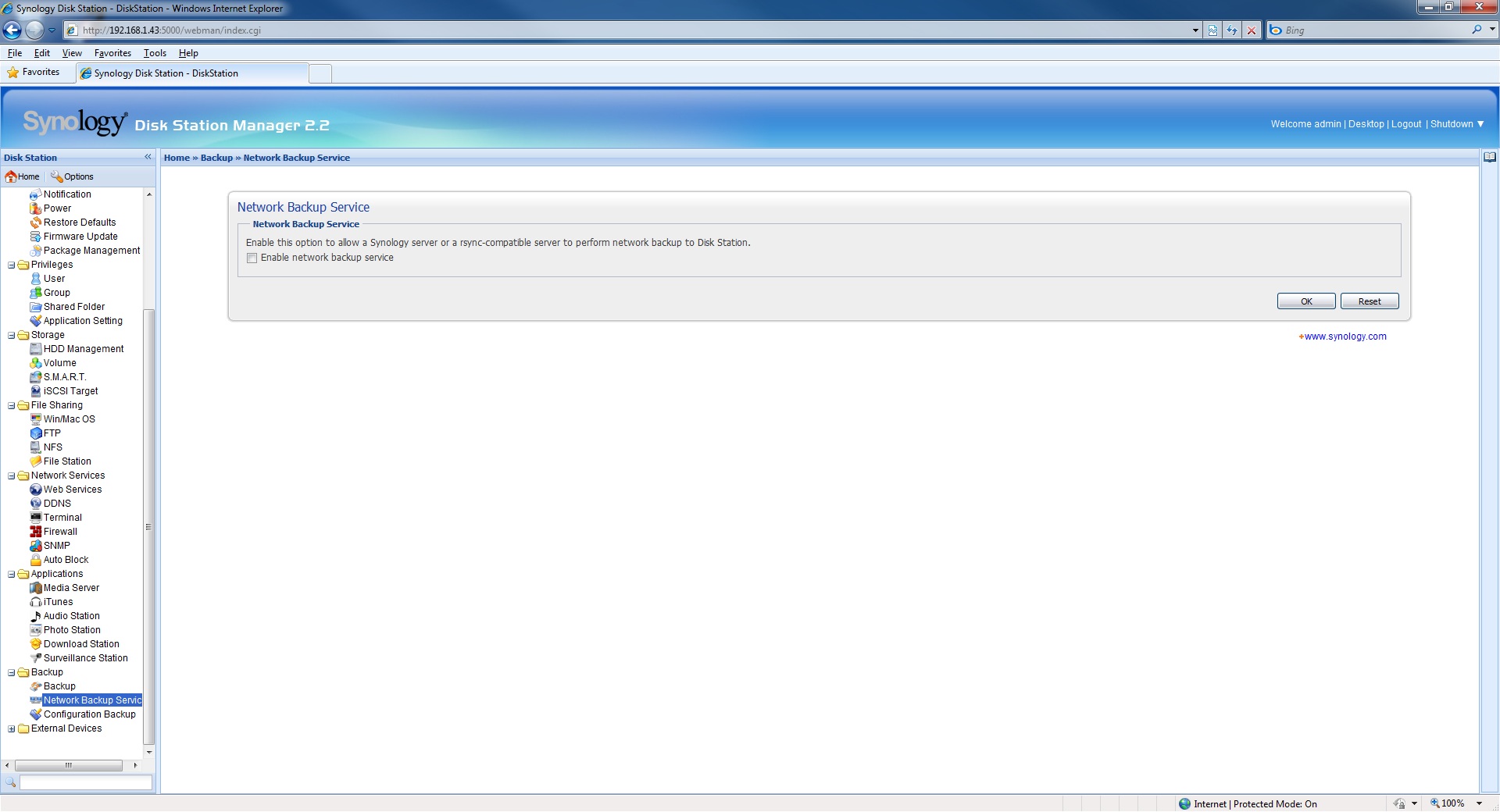
No NAS device would be complete without the inclusion of a backup service and the DS410j is no exception. The DS410j does not disappoint here and true to what we have come to expect from Synology the DS410j does go above and beyond a normal backup service. in addition to supporting the backup of local network machines the DS410j additionally supports backup of external drives, network servers (synology), and rsync-compatible servers. Synology includes a very nicely crafted wizard to step you through the setup of backup jobs and the home screen displays a list of jobs and their status. All in all a very nice piece of software that we are happy to say works as expected. . . flawlessly.
Also to be found in the Backup area is a means to backup the configuration for the entire device. This makes sense if you think about it really. You have just purchased the DS410j and have spent the time to configure a numbers of services and settings. You of course do not want to lose all of that time and effort should something happen to your drives or the device, as such Synology has included a way to save those settings. Aside from something happening to the drives of the device we find it much more likely that the we as the user have tinkered too much and screwed up some settings that prevent us from using the device properly. Synology has included a method to help you restore those settings which last worked for you.
 |
 |
 |
External Devices
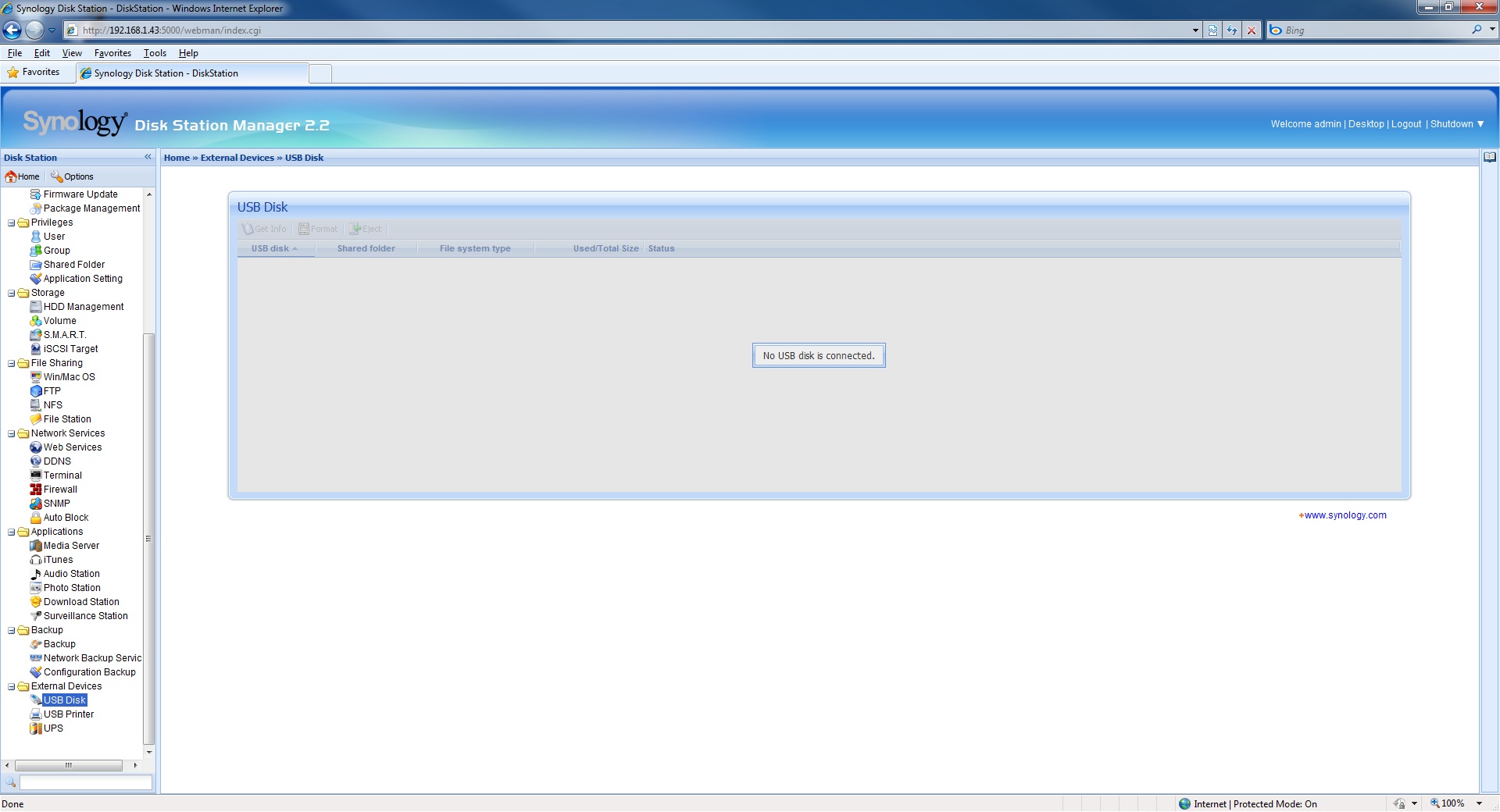
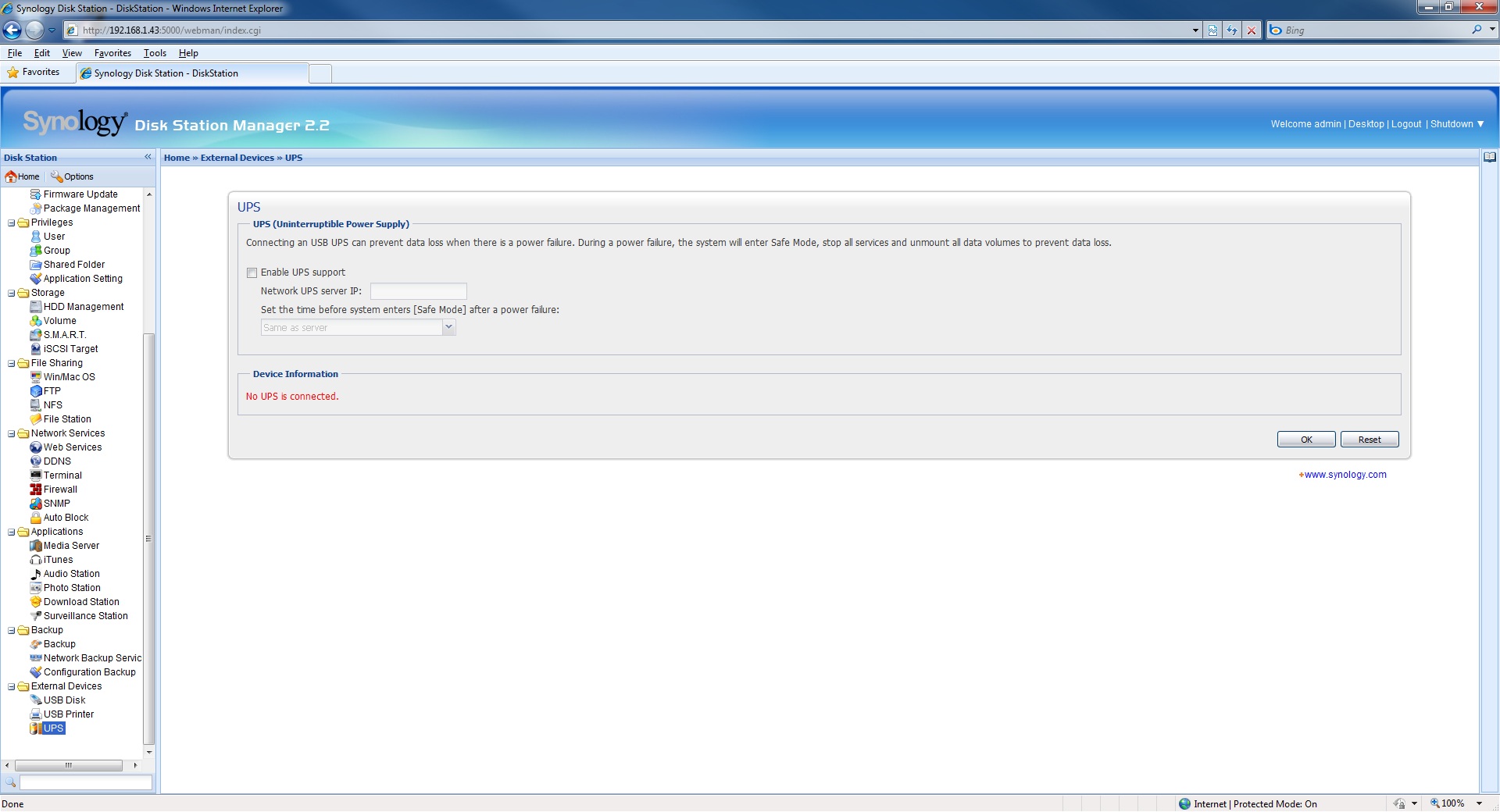
Lastly we find that Synology has included support for additional external devices such as printers and USB hard drives because Synology knows that you can never have too much storage or enough expandability. Remember our theory for this device . . . “kitchen sink”, this applies. The external devices area includes support for three main categories of add on devices:
- USB Disks (Hard Drives or even Flash Drives)
- USB Printers (for use as a print server)
- UPS (uninterpretable power supply)
Each of these is pretty self explanatory but we find the inclusion of a print server to be an extra nice feature. As a matter of a fact the print server even includes a button to assist in cleaning of the printer. You couldn’t ask for more from this device.
 |
 |
 |

You tested thoughput over a 10/100 switch? Why in the world wouldn’t you want to post meaningful numbers instead of this garbage? 12.5MB/s is the theoretical max of a 100Mb connection!
I understand your viewpoint and perhaps I should have clarified in the review. I tested using a 10/100 switch as unfortunately most SOHO and small businesses still employ as a standard those types of switches. Our numbers are therefore meaningful to the intended consumers of this device and not garbage.