Unboxing and A Closer Look
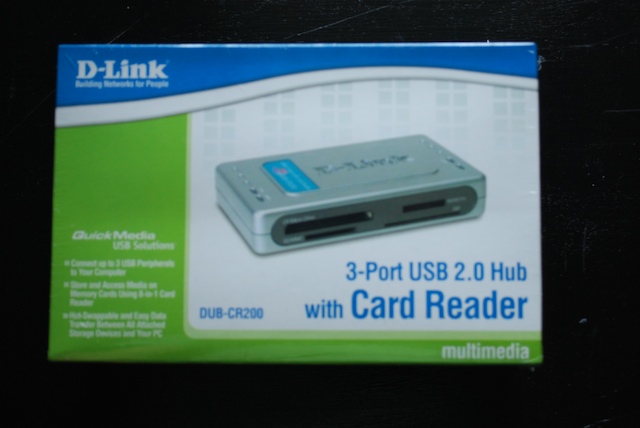
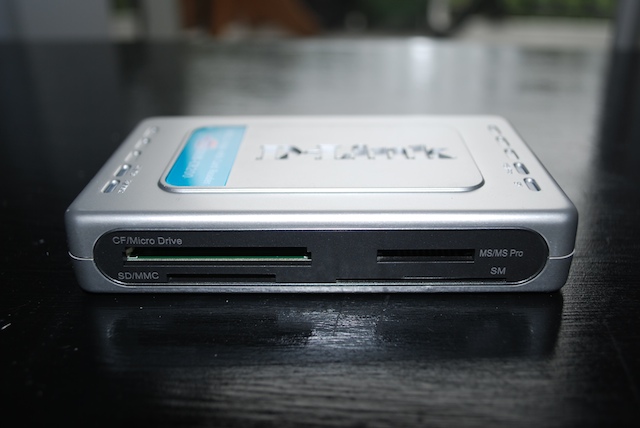
The D-Link DUB-CR200 USB 2.0 Hub with Card Reader features D-Link’s standard Teal and silver coloring and fits in nicely with the rest of their networking line-up. Here are some images after unboxing.
 |
 |
 |
 |
 |
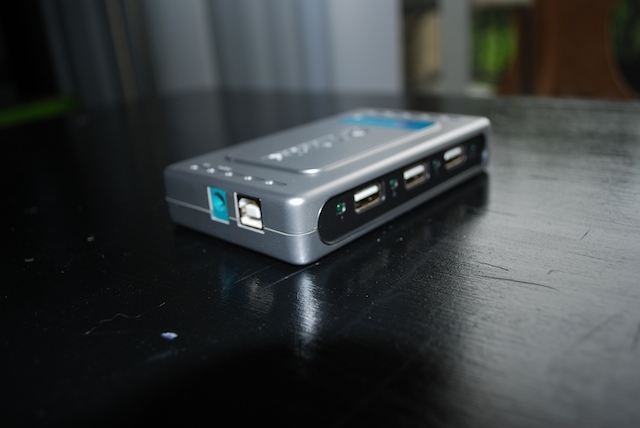 |
As you can see, nothing too special, though I do like the power brick. This design allows you to easily plug it into and power strip without sacrificing any other ports. Take note that this does not require wall power to run, it will run fine for most people powered through the bus.
Something else to take note. This devise does not support SDHC cards, so anyone looking to use this with SDHC cards should look elsewhere; it’s not going to work.
Software
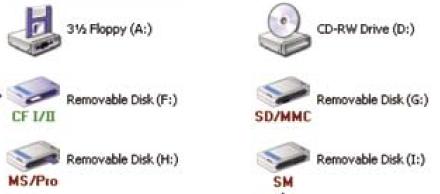
The D-Link DUB-CR200 USB 2.0 Hub with Card Reader comes with an optional software install CD that adds easy to use icons to quickly identify the device you’ve plugged in. While this may not be for everyone, it certainly is useful.

[…] D-Link card reader: D-Link DUB-CR200 USB 2.0 Hub with Card Reader | TechwareLabs I dont know if you can get that one but it looks solid. AMD SiX core coming soon for a little […]
[…] TechwareLabs hooks up with the D-Link DUB-CR200 USB 2.0 Hub with Card Reader […]
[…] & Reviews D-Link DUB-CR200 USB 2.0 Hub with Card Reader review @ TechwareLabs.com RaidSonic Icy Box IB-MP309HW-B HD Network Media Player @ tweaktown.com Test: […]
[…] TechwareLabs reviews the D-Link DUB-CR200 USB 2.0 Hub with Card Reader […]