Packaging Continued:
 |
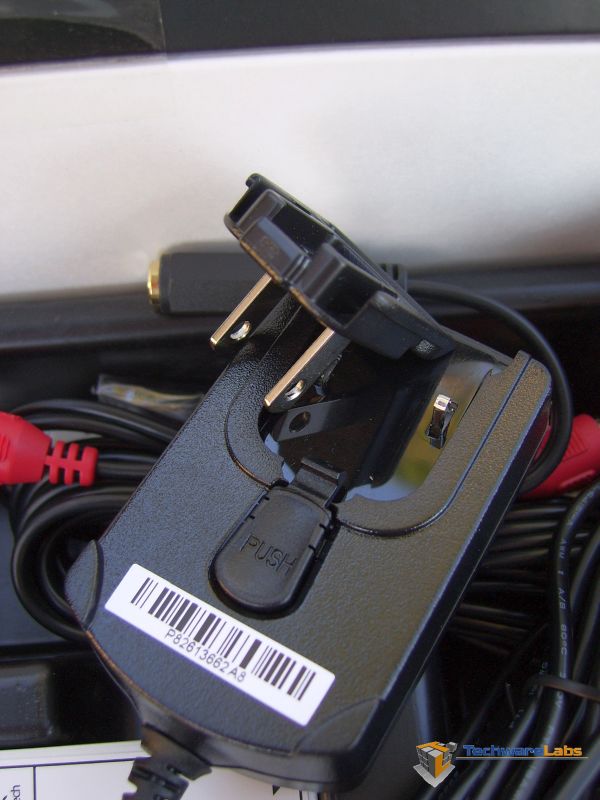 |
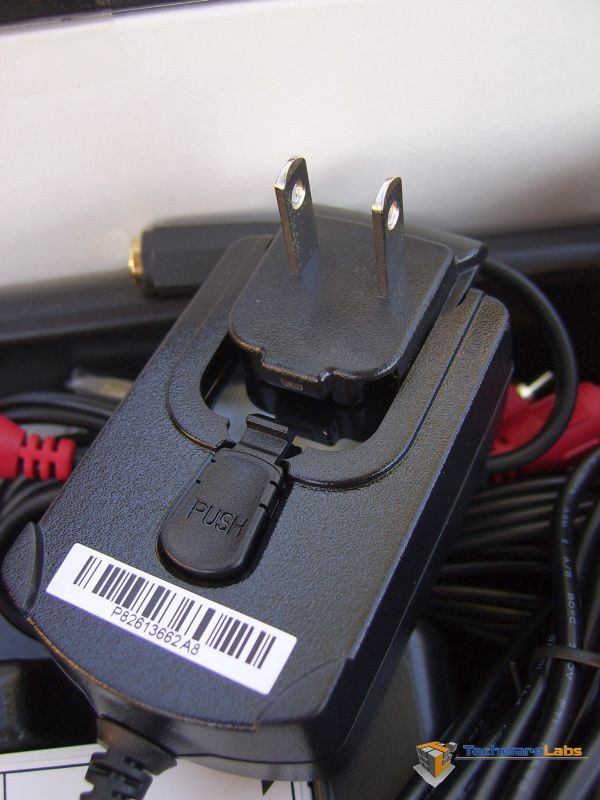
| Universal Plug with 110v | The 110v plug shown here simply slides out to allow you to install any other. |
 |
 |
| Custom battery for the controller, which may be hard to locate later when this one dies. | General look at the back of the receiver. |
 |
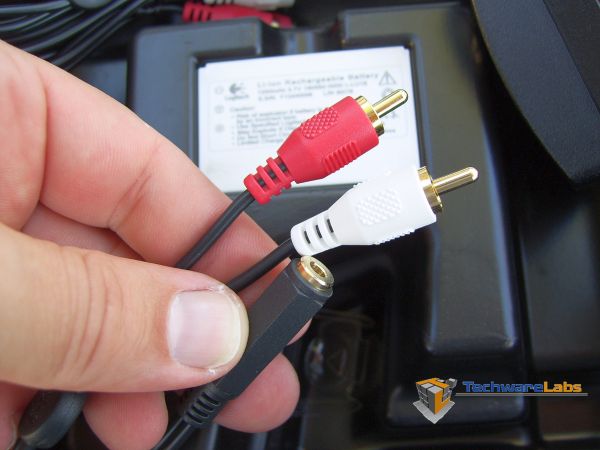 |
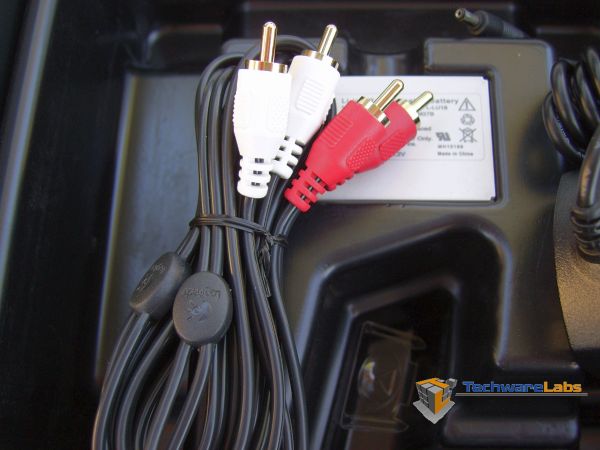
| Stanard RCA Coax cables provided | RCA to Audio jack provided. |
Specifications:
Shown here, you may use the Squeezebox Duet with multiple operating systems, so your not limited to just one platform. This is very nice for those out there who want to run other operating systems making the Squeezebox very attractive to everyone. NOTE: the requirement for the use of a computer is really needed for setup and other updates of the user’s account, a computer is not needed to listen to the Squeezebox Duet.
| PC | Mac | |
| Windows® 2000, Windows® XP, Windows Vista® | Mac OS® X (10.3.5 or later) | |
| 256 MB RAM | 256 MB RAM | |
| 80 MB available hard disk space | 80 MB available hard disk space | |
| Ethernet or Wi-Fi (802.11b/g/n) home network | Ethernet or Wi-Fi (802.11b/g/n) home network | |
| Broadband Internet connection required | Broadband Internet connection required |
| Linux/BSD/Solaris |
| Perl (5.8.3 or later) |
| 256 MB RAM |
| 80 MB available hard disk space |
| Ethernet or Wi-Fi (802.11b/g/n) home network |
| Broadband Internet connection required |
Technical Specifications:
| Squeezebox™ Controller | |
 |
2.4-inch Color LCD TFT display with backlight |
| Rechargeable Li-ion battery | |
| Built-in 802.11b/g wireless | |
|
Squeezebox™ Receiver
|
|
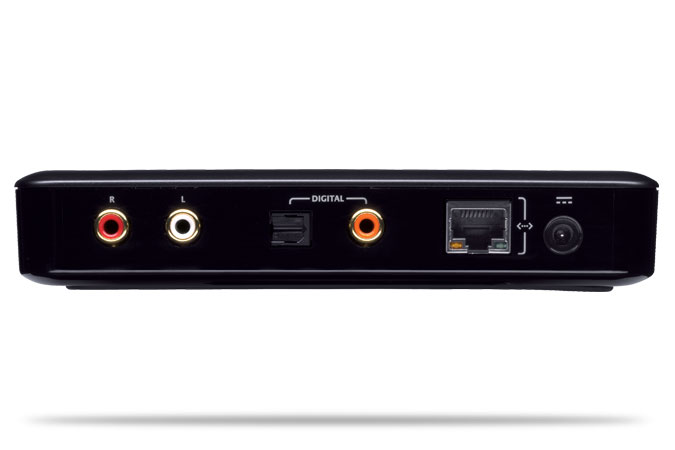 |
Digital optical, coax, and analog connectors |
| High-fidelity 24-bit Wolfson DAC | |
| Plays MP3, AAC, WMA, Ogg, FLAC, Apple Lossless, WMA Lossless, and WAV music files | |
| Built-in 802.11b/g wireless | |
| 10/100 Mbps Ethernet port | |
| Connects to SqueezeCenter™ software, providing access to music libraries on local computers | |
| Connects to SqueezeNetwork™ for access to Internet radio and online music services | |

Agreed the price is a little much, and you can use your PC to connect to your home stereo and play your music source. The duet is for the consumer who doesn’t want to commit their PC to their home stereo (one possible reason). The Duet also comes with an awesome remote that connects via your wireless access point so you don’t have to be in the room to change settings/songs etc. So if you have the money, it is worth it. I have been using mine ever since this review was posted and it has been very handy. If I had the extra money, I’d likely build a media PC and connect that to my home stereo. The media PC wouldn’t have a remote like the squeezebox duet that I could use in other rooms of the house, but if the price of the duet was cheaper than a media PC and all I was looking to just play music, I would favor the Duet.
i dont get it – you can get a laptop with i tunes on it and do the same thing
get a bluetooth audio link – no?
400$ is way too much
Correct. The controller is wireless 802.11b/g, and it has an RJ45 also. Wireless is the way to go.
“The controller requires a RJ45 network connection”
No it doesn’t. Neither does the receiver. It’s all wireless.