Closer Look:
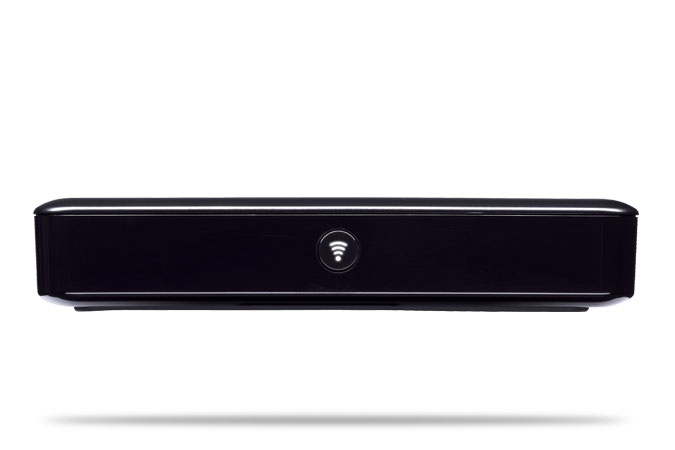
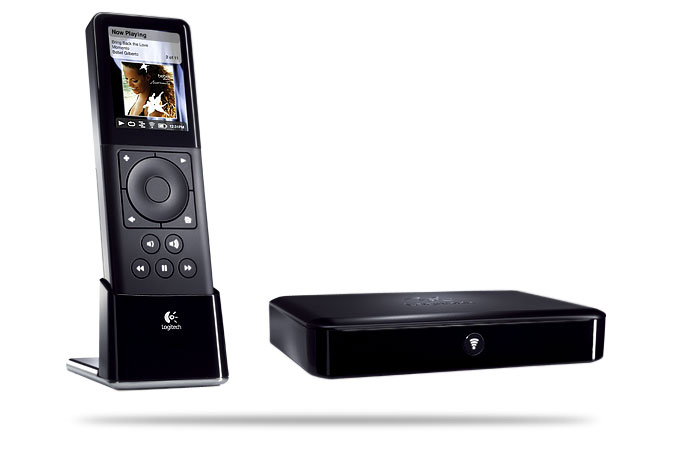
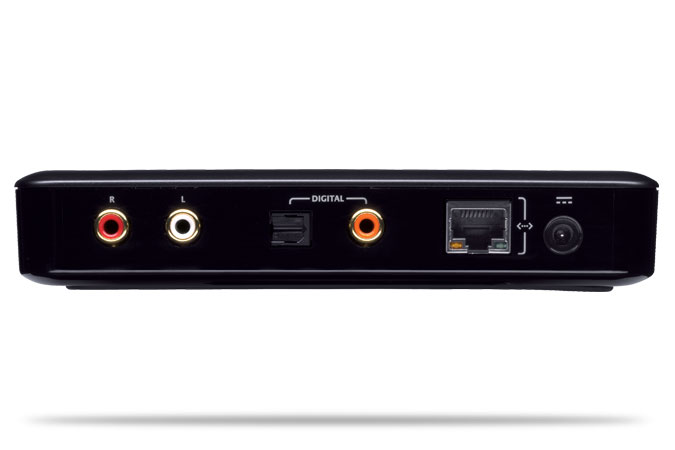
The photos provided by Logitech are very detailed and better than any we could take to show you everything, so below are Logitech’s photos of the Squeezebox Duet. We will save our photos for when we cover the setup and use of the Squeezebox Duet.
 |
 |
 |
 |
 |
 |
Setup and Configuration:
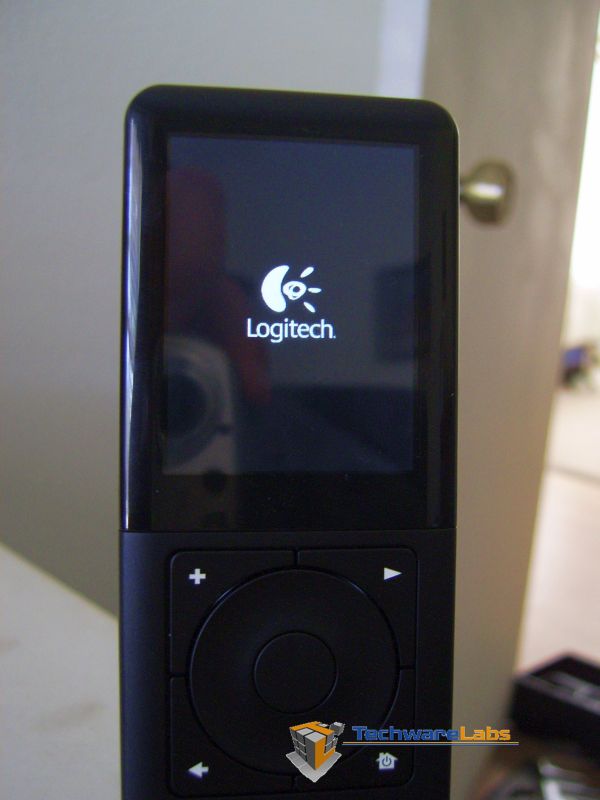
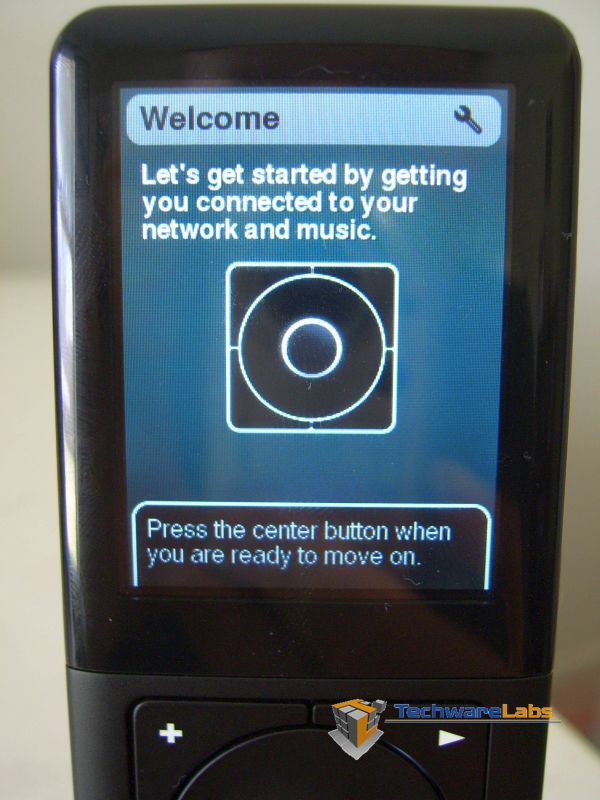
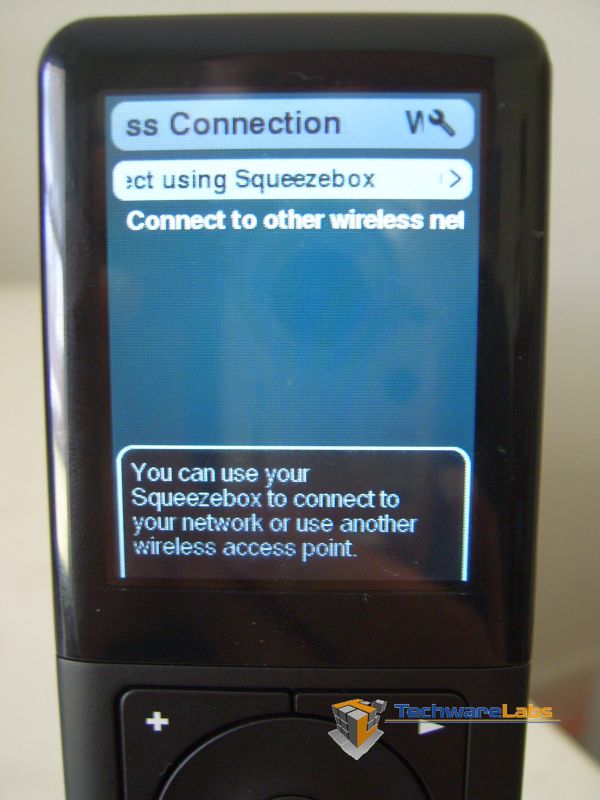
The Squeezebox Duet is one of those very simple to setup products on the market today. We first connected the Squeezebox Receiver into our LAN and plugged in the power adapter. Next we connected the Squeezebox Receiver into our home theater system. Now we had to choose between digital/optical or the standard L-R Coax plugs to connect to the home theater. The Squeezebox Duet does come with a audio cable which takes the L-R Coax and bring it to a audio plug for a set of desktop speakers or headphones if you like too, so you are not limited to just digital/optical and Coax. Next we took the Squeezebox Controller and installed the custom battery and dropped the controller into the cradle which was also plugged into the wall for power only. Immediately the Squeezebox Controller came to life. After a few screens such has choosing a language etc. we were provided with a website of http://squeezenetwork.com/ where we registered an account and downloaded the Squeeze Center software. NOTE: The Squeeze Center software has several options for supported operating systems.

 |
 |
||
| Inital power up | Splash screen during boot up. | ||
 |
 |
||
| Connecting the Receiver. | First menu screen | ||
 |
 |
||
| Next Choose a language | Setting up the system |

Agreed the price is a little much, and you can use your PC to connect to your home stereo and play your music source. The duet is for the consumer who doesn’t want to commit their PC to their home stereo (one possible reason). The Duet also comes with an awesome remote that connects via your wireless access point so you don’t have to be in the room to change settings/songs etc. So if you have the money, it is worth it. I have been using mine ever since this review was posted and it has been very handy. If I had the extra money, I’d likely build a media PC and connect that to my home stereo. The media PC wouldn’t have a remote like the squeezebox duet that I could use in other rooms of the house, but if the price of the duet was cheaper than a media PC and all I was looking to just play music, I would favor the Duet.
i dont get it – you can get a laptop with i tunes on it and do the same thing
get a bluetooth audio link – no?
400$ is way too much
Correct. The controller is wireless 802.11b/g, and it has an RJ45 also. Wireless is the way to go.
“The controller requires a RJ45 network connection”
No it doesn’t. Neither does the receiver. It’s all wireless.