Installation:
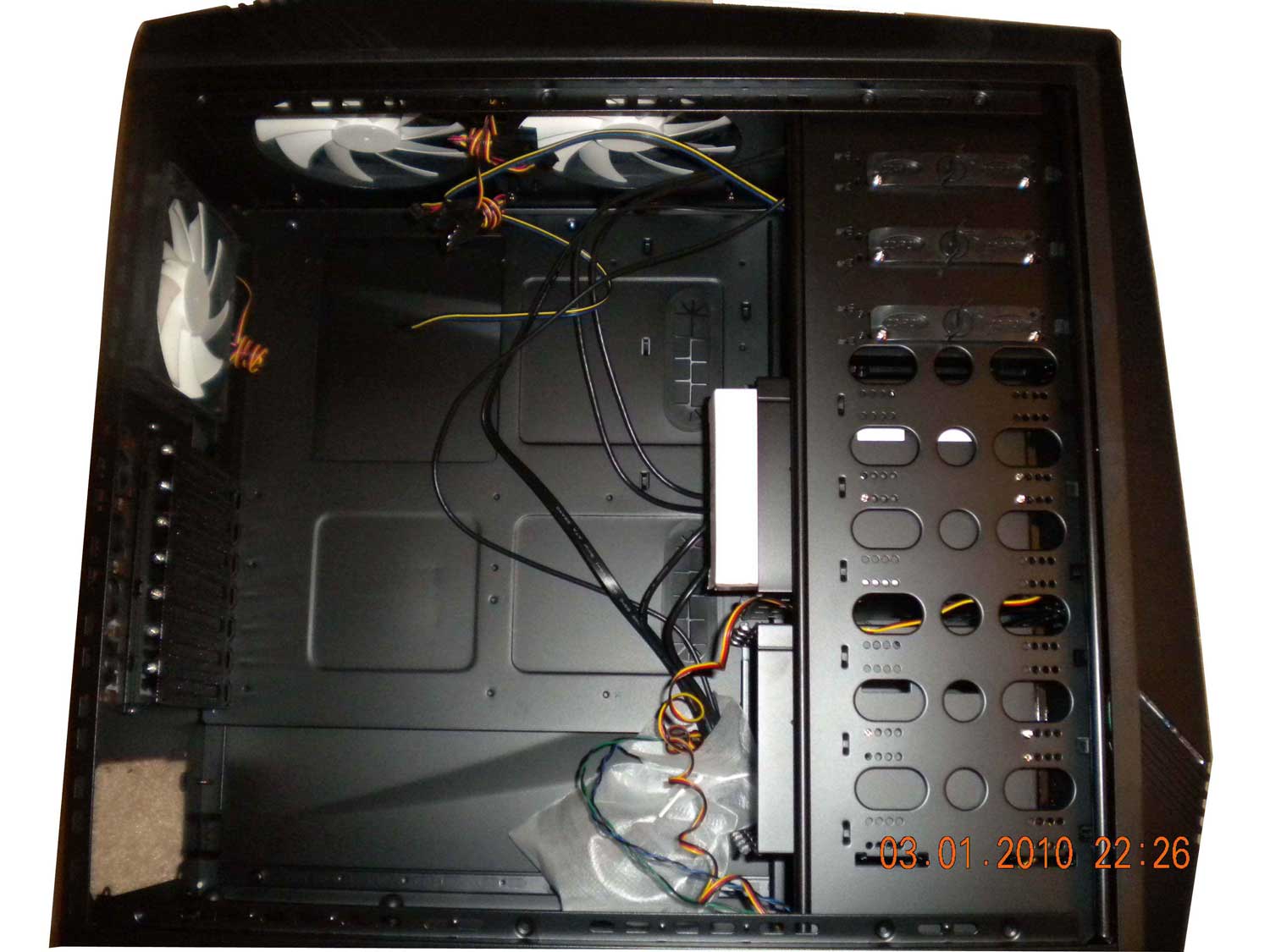
Thumb screws are plastic, I prefer metal, but i suppose that's preference.
Once inside the case; all of the installation accessories are in the white box. Right off the bat I noticed the eight 3.5 drive slots, with the case room in here along with the cooling, you could easily turn this into a pretty beefy file server. The case supports the standard spectrum of motherboard sizes including extended atx. The case comes with tool-less rails for 5.25″ and 3.5″ drives. All of the edges inside the case are rounded so there is low chance of cutting yourself on install.
Installing the motherboard and power supply go off without a hitch. They included rubber feet for vibration dampening on the power supply. Also the cable management holes on the underside of the case have rubber sleeves for better appearance.
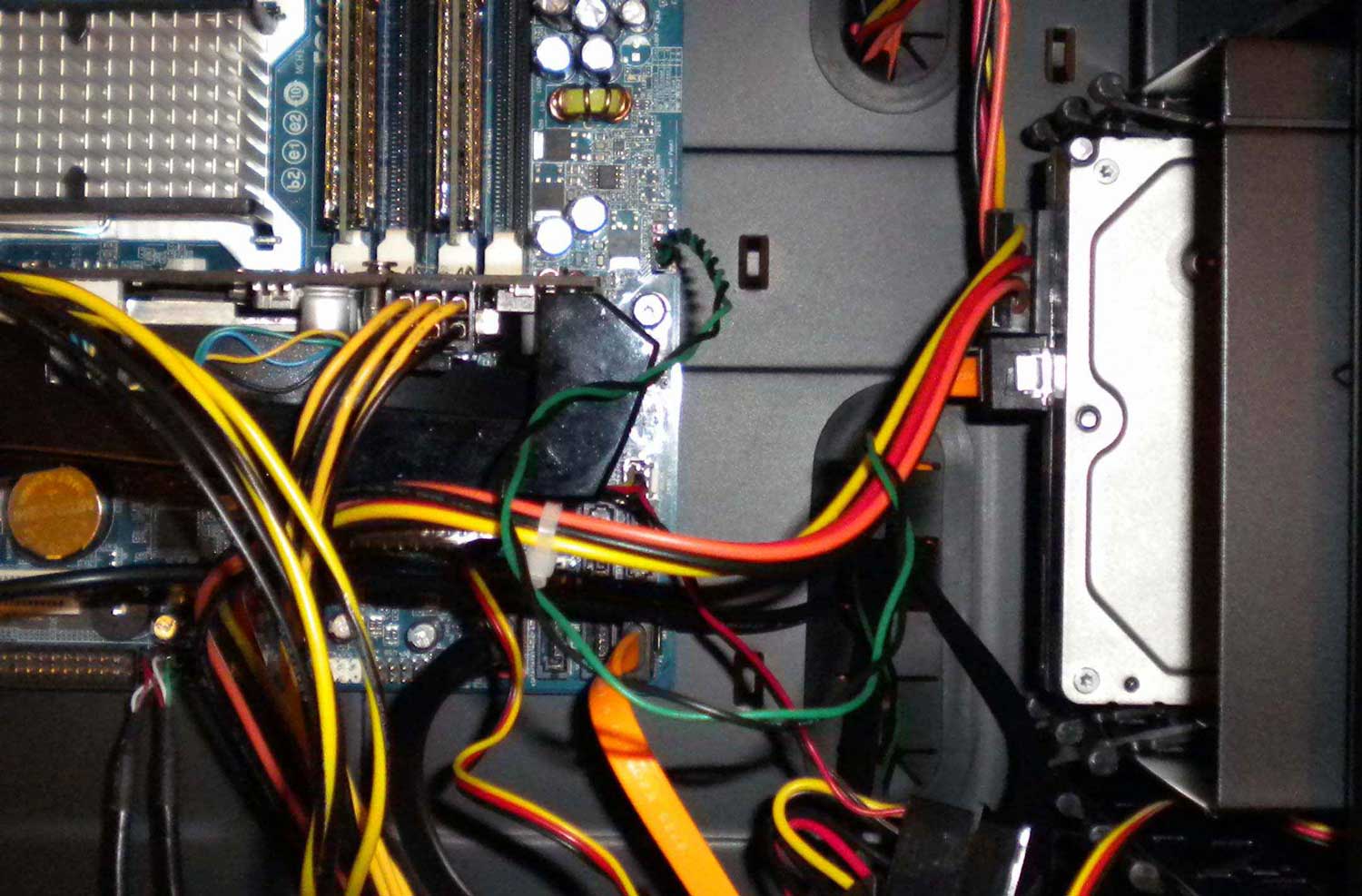
After I installed the video card however, the top four 3.5 slots became inaccessible (largely due to the previously mentioned tool-less rails). It should also be mentioned i was installing a micro-atx motherboard. The cable management was very effective for the 24pin connector and optical drive, but proved ultimately useless in the war on cabling at large. NZXT included two mountable tie downs however, if you were to install any more than two hard drives even they wouldn’t help. The six included fans are surprisingly quiet, and displace a good amount of air. (I am sitting three feet away from the case and can still feel a slight breeze at my feet.) Visually the case looks nice as well the fans are all lit and there are two illuminated bars at the front.


You are correct it was a case review, not a instructional on computer installation. I appreciate the advice, in the future I will take that into consideration.
I am sorry but if this is the way you show how a computer is built I feel sad.
Especially the bottom area of the case with all those wires hanging. I know this is just a review but still does not make justice to show a photo like that when doing a review for a case.
You are correct it was a case review, not a instructional on computer installation. I appreciate the advice, in the future I will take that into consideration.