Advanced Settings:
Western Digital delivered on its promise of “easy to setup” but in my experience, if a company hits one mark they are severely lacking in another.
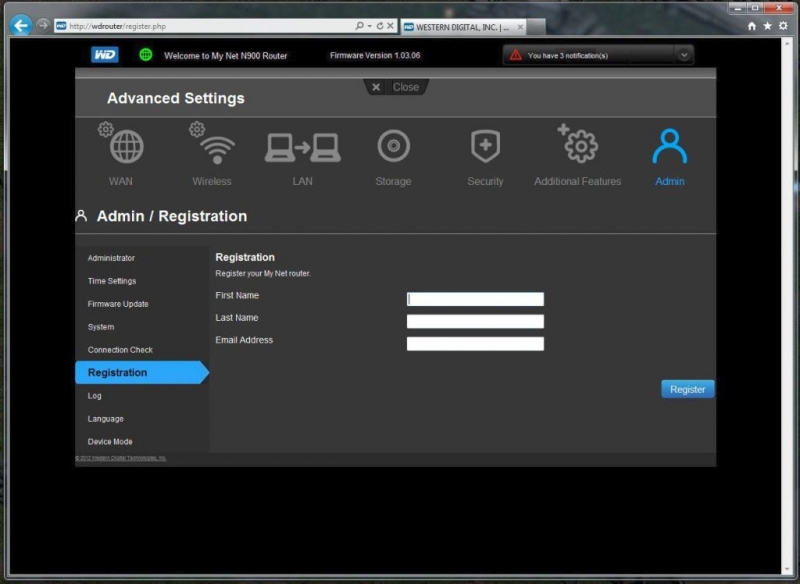
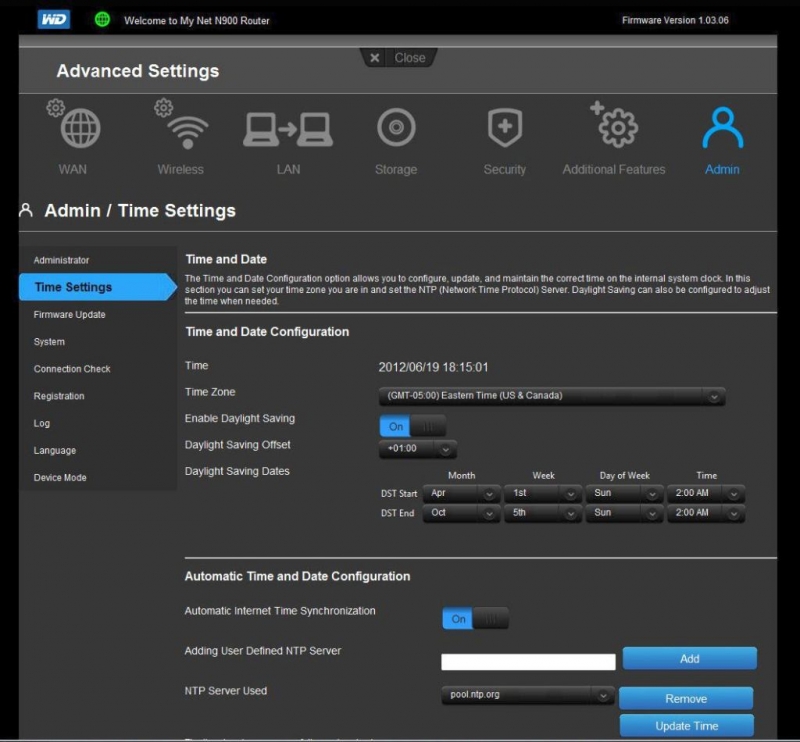
As you can see below the advanced settings are decent. They are neither complicated nor convoluted. While the maximum number of rules is limited for items like QOS, port Forwarding and Mac Filtering, I feel that for any home setup you should easily be able to work under these limitations. I have a very complicated home network including externally accessible storage and remote access and my final configuration is only 14 rules.
 |
 |
| Registration | Remote admin |
 |
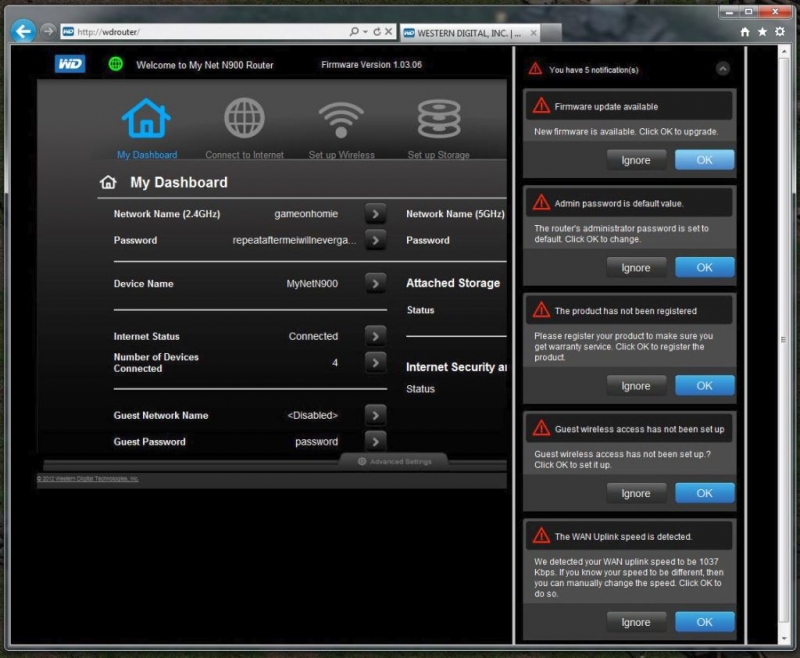 |
| Timezone settings | Web launch notifications |
The Advanced interface is a clean and straight forward to use. The initial screen of the Advanced settings is to auto-check for a firmware update. Keeping your system up to date can’t get much easier than that. The rest of the advanced screens were very clean and to the point, so if you are new to configuring routers or a professional, your should not be lost or overwhelmed with information you don’t need or care to read about.
 |
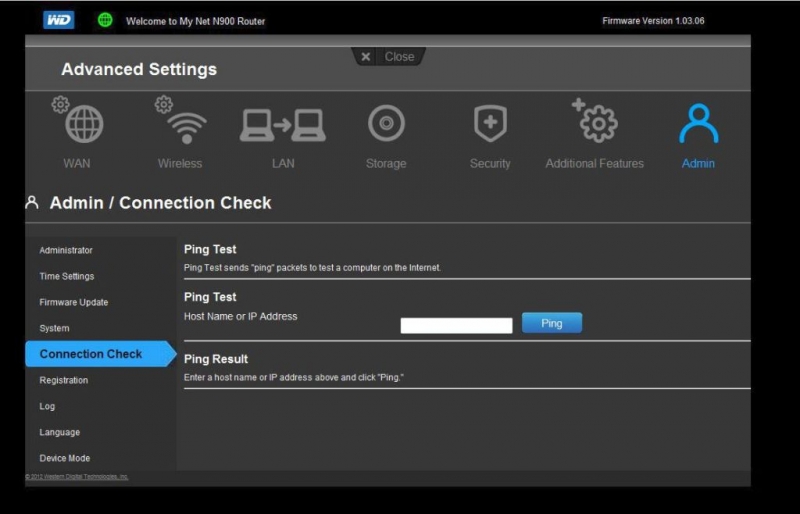 |
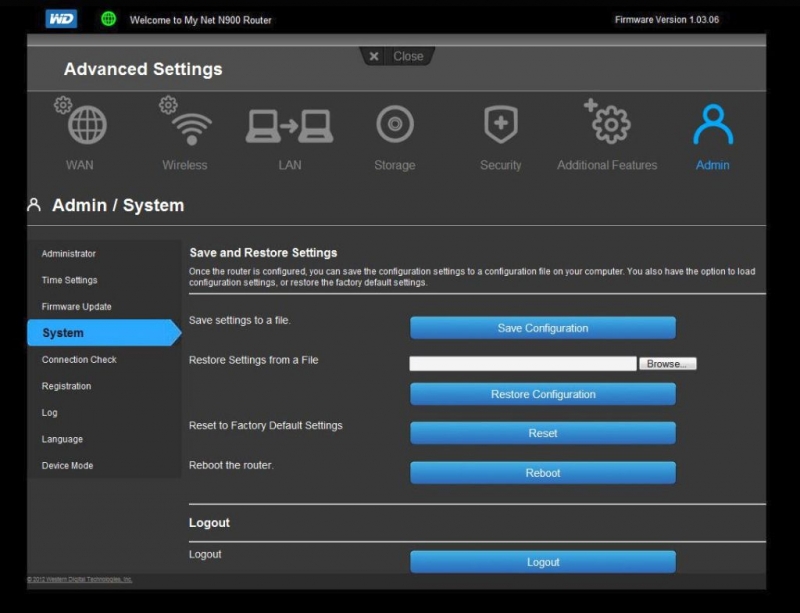
| Save/Restore the router’s configuration to your PC for a quick restore later. | Diagnostics and ping screen to assist with troubleshooting your configuration |
 |
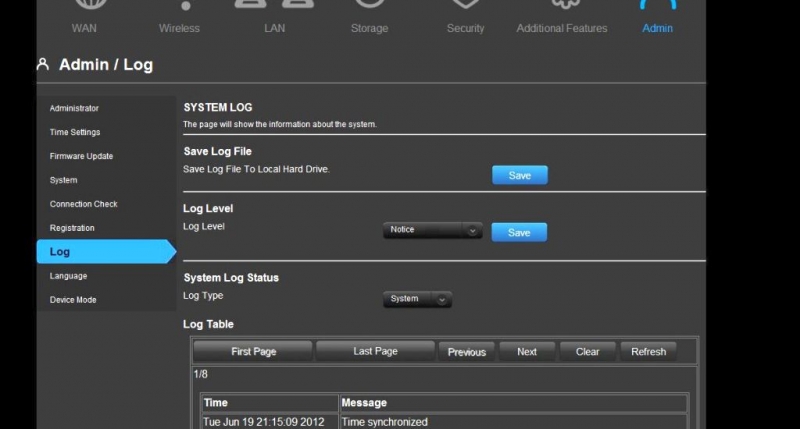 |
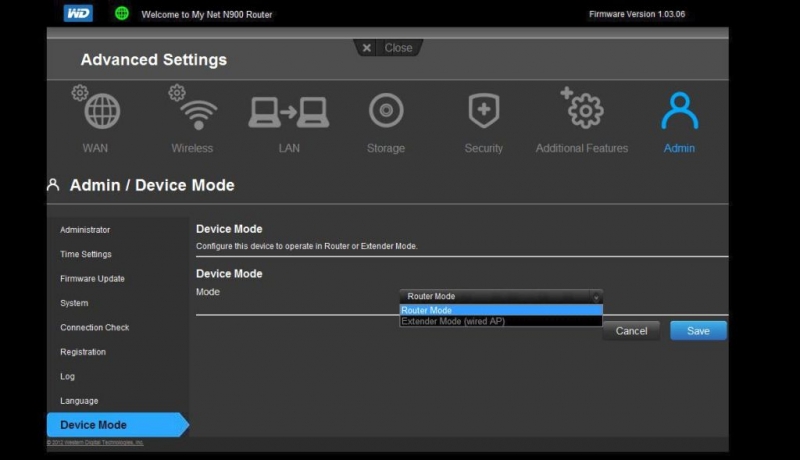
| Wireless AP mode | Logging |
 |
 |
| Dynamic DNS settings | Internet Status |
The N900 has a really nice diagnostic and ping screen along with the logging screen which works very well for troubleshooting any network issue(s) you may be having. The Backup/Restore is very handy for the times you need to bring your router back to a point in time where you have everything working. The Dynamic DNS feature is pretty common on most routers today, but is very handy for the users who want to setup a web site that is host from their home/office server.
 |
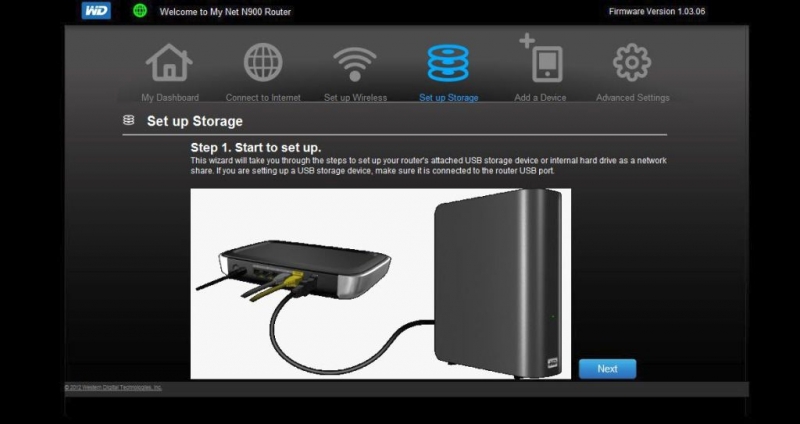 |
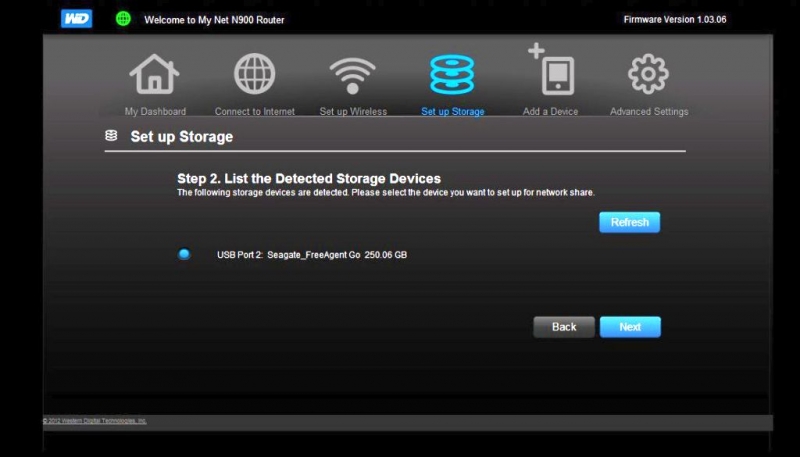
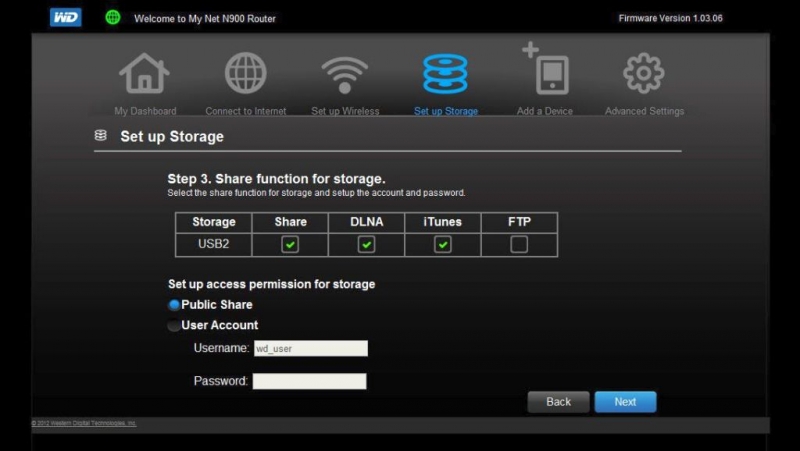
| Storage Options | Storage Configuration 1 |
 |
 |
| Storage Configuration 2 | Storage Configuration 3 |
One of the features about the N900 that makes it stand out from the rest of the routers we have reviewed is that is has a USB 2.0 port to allow you to connect storage to the router and share it out. Also since the connection is USB 2.0 it will be up to the speed of the storage device and the connection for data transfer speeds. This means you can connect a fast USB 2.0 external storage device and have your data backed up at much faster speeds than normally possible over standard network connected storage.

Thanks for the review–I’m interested in this router. However, both USB ports are 2.0 according to the WD website specs. (Got fooled by the blue colored port, didn’t you!)
That is correct. The router comes with two USB 2.0 ports.
http://wd.com/wdproducts/library/?id=334&type=25