 |
Closer Look
 |
 |
|
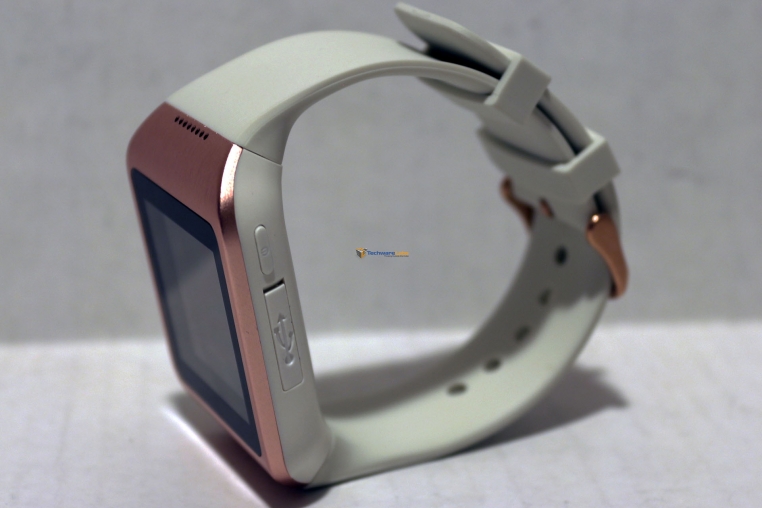
Going by the box, our particular M5 is the “white and gold” version but their idea of gold is questionable, it’s more pink than gold. There are of course other colors so you can choose one to your liking.
The charging port is located under a small cover on the right edge of the body. Above it is the power button. Pressing the power button turns the screen on, pressing it again brings you to the home screen if you aren’t already there, and holding it powers the watch on/off.
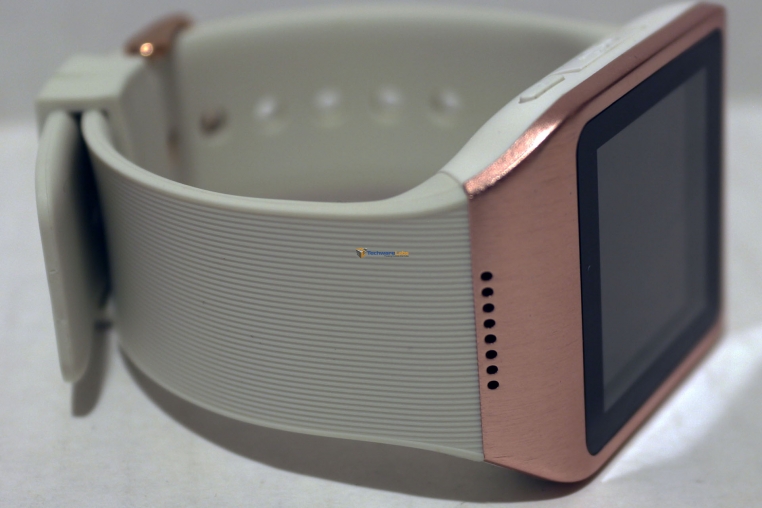
On the upper edge is the speaker and the lower left edge is where the mic sits.
The band is rubber with a fine “ridging” on the outer surface. Getting the watch on and off with the buckle system is a snap.
Overall the build quality is excellent with nearly seamless transitions from face to body to band. The strap is thick enough to feel like it wont get torn up over time but not so thick that it’s stiff or uncomfortable. The single power button is nearly flush but protrudes just enough to easily press it and the charging port cover sits perfectly flush.
 |
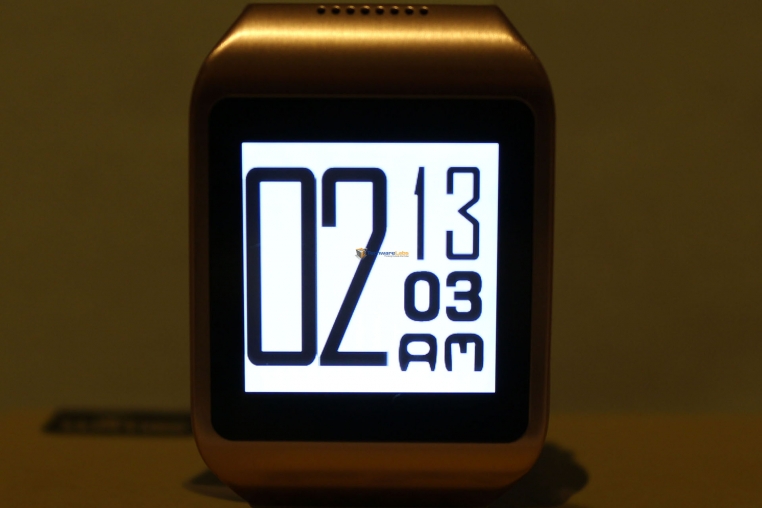 |
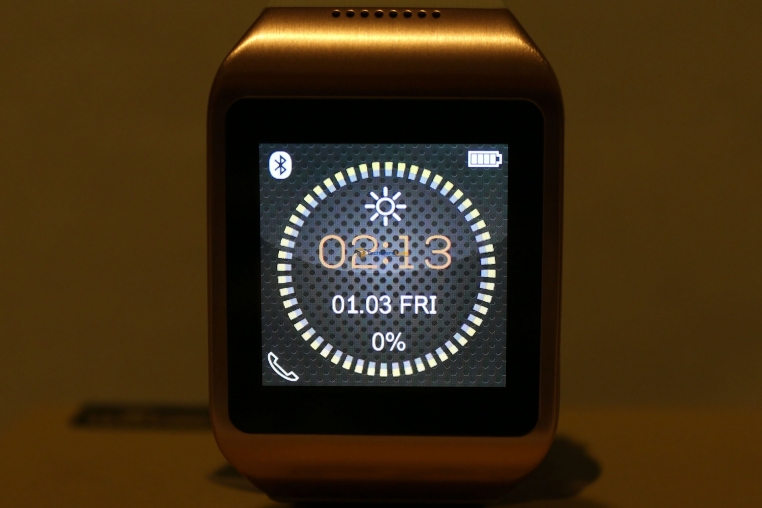
The “home screen” of the M5 gives us some important information such as bluetooth status, battery level, and obviously time. Swiping up brings up different watch faces including multiple digital and analog styles. Checking the time will bring up the most recently used face style.

[…] WiME Wi-Watch M5 Smartwatch Review | TechwareLabs – Get the Latest Tech News Click the icon or enter email address to receive reviews via email! We will not share your info!… […]
[…] WiME Wi-Watch M5 Smartwatch Review at TechwareLabs […]
[…] WiME Wi-Watch M5 Smartwatch Review @ TechwareLabs […]
[…] WiME Wi-Watch M5 Smartwatch Review @ TechwareLabs […]
[…] WiME Wi-Watch M5 Smartwatch Review @ TechwareLabs […]