Setup & Administration, continued
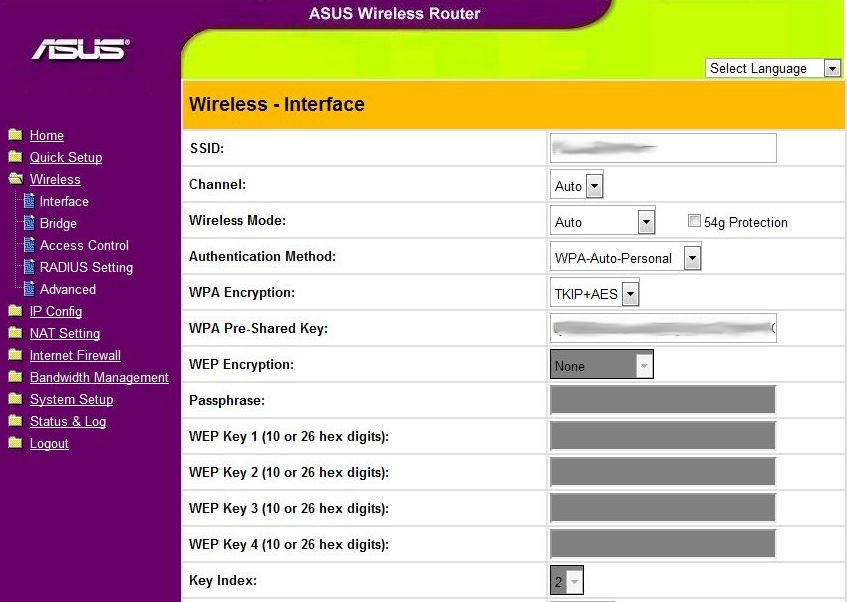
Opening up the wireless configuration, we get a bit more granularity of control over the wireless access point and its mode of encryption. As is usual, the radio channel and wireless mode can be set, as well as the type of encryption used. The 54g Protection checkbox causes the router to operate in a dual-band mode, connecting to 802.11b and 802.11g clients on separate channels. This is helpful in situations where you want to allow legacy clients to connect, without degrading the speed of everyone else on the network.
On the encryption side of things, WEP support is included, for legacy purposes, as well as support for stronger encryption methods like WPA. If you happen to be using this router as part of a larger network, support for RADIUS authentication is there as well.

Unusually for a cheap home router, the 520gU can be operated in a bridge mode, where it uses the WiFi radio to connect to another router on the same LAN.

For the especially paranoid, WiFi access can also be controlled with MAC address filtering. Accept mode is a whitelist, allowing the addresses on the list and excluding all others; while reject mode is a blacklist, excluding only those addresses on the list from connecting.
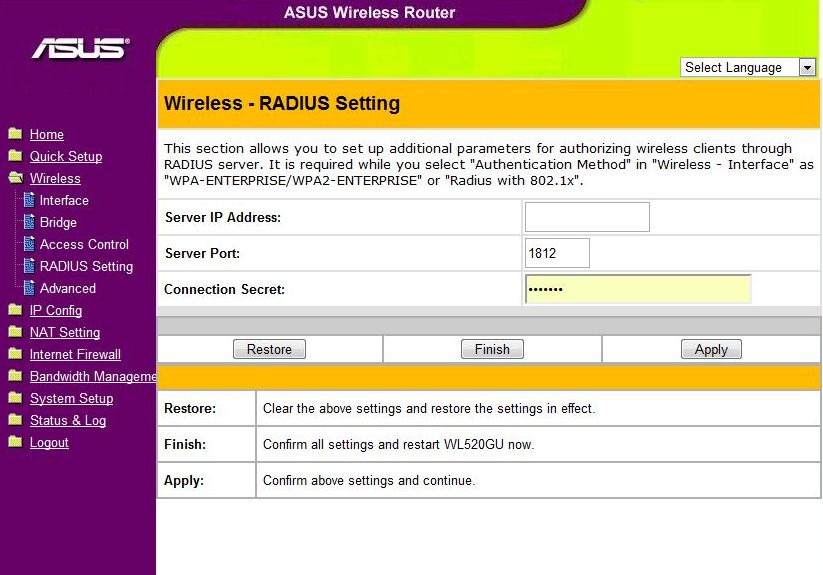
For those using this router in conjunction with a larger, corporate network, a RADIUS server can be used to authenticate users attempting to connect over WiFi.
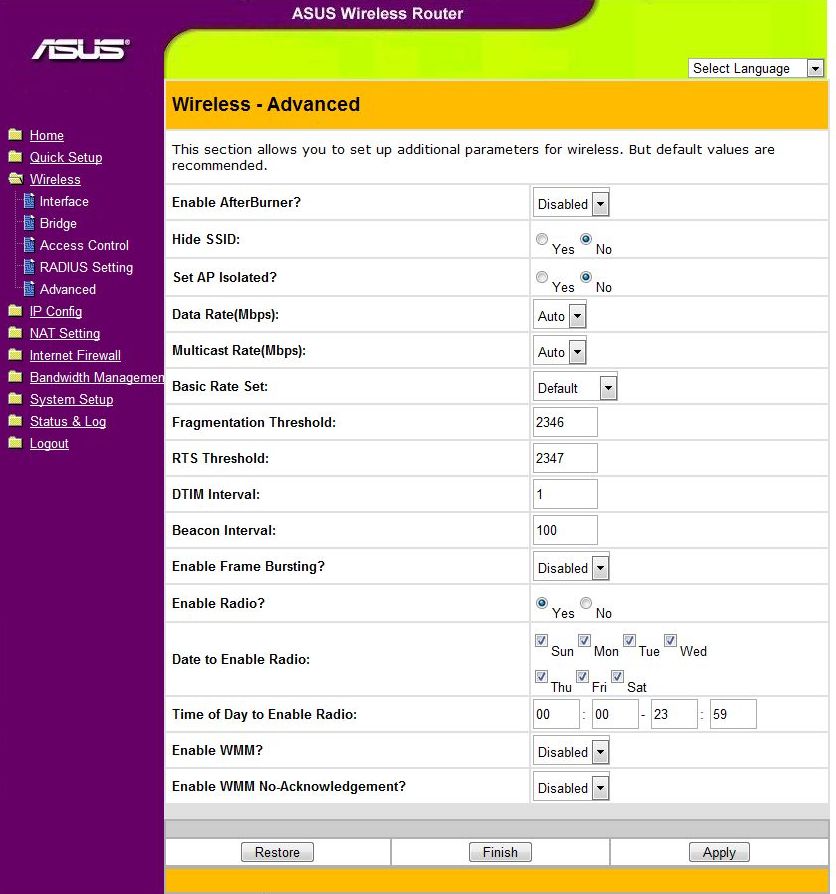
Here we see a bunch of WiFi-related settings that didn’t make it into the other pages.
- AfterBurner gets called something different by every manufacturer, but those WiFi network adaptors that support it will get a speed boost with this turned on. Everything else will actually see a performance drop, so only turn this on if you know you can use it.
- Hide SSID can be turned on to discourage casual connection hammering, though a determined cracker will be able to sniff out the connection anyway.
- AP isolation is a useful way to offer internet access to your guests without letting them see your local network.
- Everything from Data Rate to Beacon Interval is low-level WiFi AP tweaking, don’t mess with this unless you know what you’re doing.
- Frame Bursting can speed up access for a few clients by letting them send data in larger chunks, but it tends to have negative effects when more than 2-3 clients are connected.
- Scheduling when the WiFi radio is on is a nice feature for keeping the lines clear when you need them, or just forcing little Johnny to get off of FaceBook and go to bed.
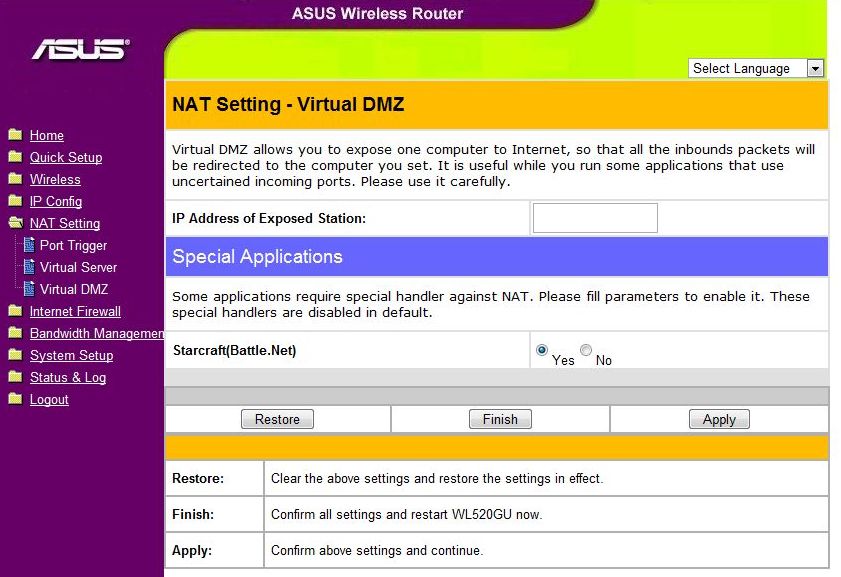
Virtual DMZ lets you designate one of the computers on your network as a DMZ machine, exposing it fully to the Internet at large. Since this disables the firewall completely, this is another of those “if you’re not sure, leave it off” items.
Amusingly, this page also lets you set special handling for StarCraft, though why this would be needed anymore is a mystery.

Virtual Server is the name ASUS gives to port forwarding, which is the process of exposing a port or range of ports on one machine to the Internet. There are a few pre-baked defaults, though manual entry is also supported.

[…] TechwareLabs hooks up with the ASUS WL-520gU Home Gateway Wireless Router […]
[…] ASUS WL-520gU Home Gateway Wireless Router Review @ TechwareLabs […]
[…] ASUS WL-520gU Home Gateway Wireless Router Review @ TechwareLabs […]
[…] ASUS WL-520gU Home Gateway Wireless Router Review @ TechwareLabs […]
[…] TechwareLabs has an ASUS WL-520gU Home Gateway Wireless Router Review […]
Social comments and analytics for this post…
This post was mentioned on Twitter by Ian_TWL: Review: ASUS WL-520gU Home Gateway Wireless Router – http://www.techwarelabs.com/asus-wl-520gurouter/…