
Closer Look
 |
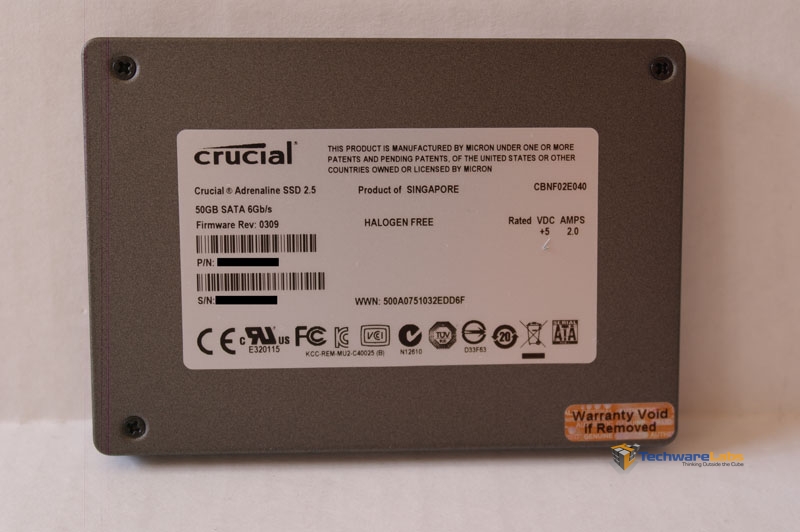 |
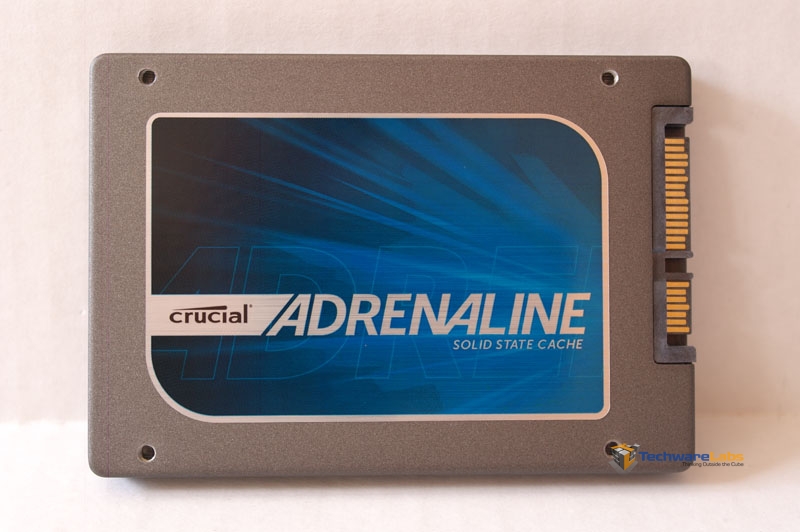
The Adrenaline is based off of the Crucial m4 design, using the same controller and NAND memory. Crucial claims read and write speeds of 500MB/s and 95MB/s respectively as well, identical to those of the 64GB m4. However, these numbers will mean nothing if the drive is being held back by the caching software so only testing will tell.
Installation
 |
 |
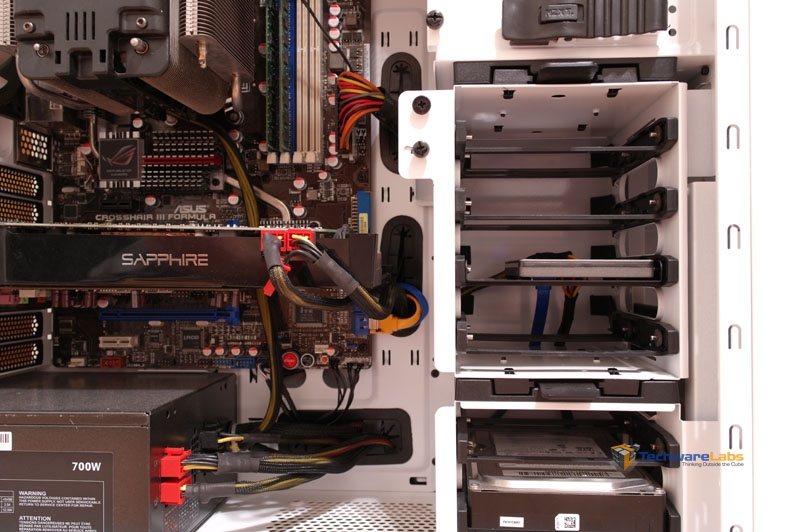 |
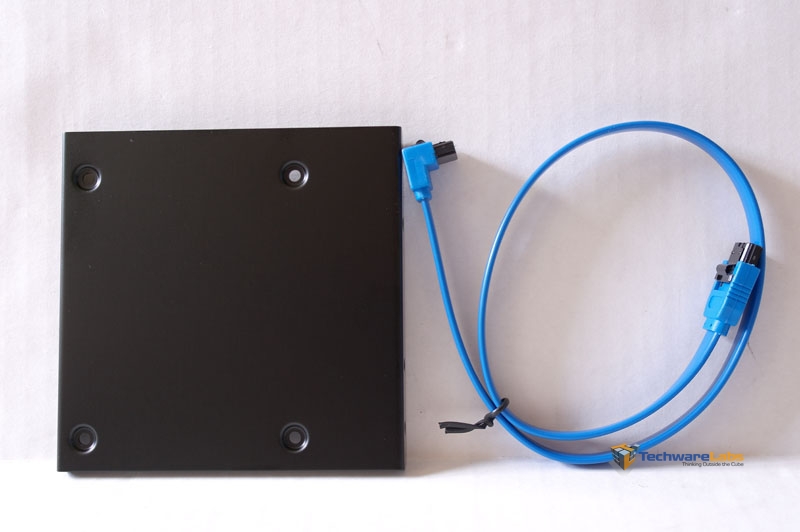
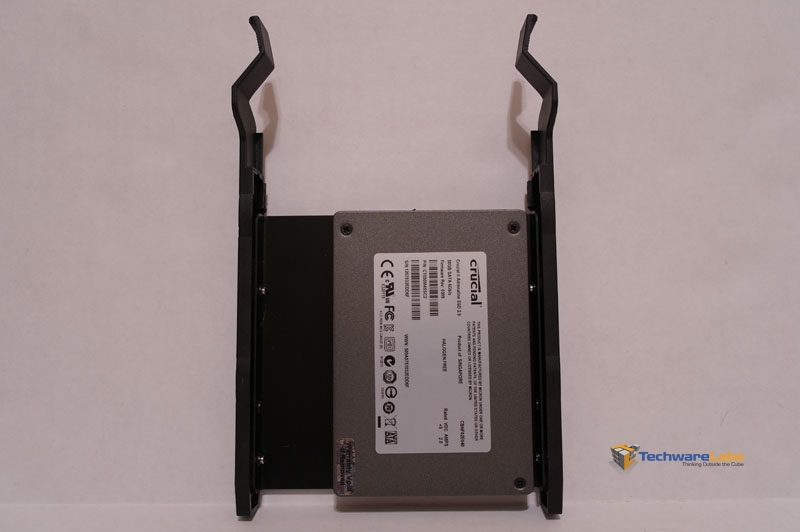
To install the drive, Crucial provides a 2.5″ to 3.5″ adapter to fit into a standard hard drive bay as well as a 90 degree elbow SATA cable.
I installed the drive into my NZXT Phantom 410 with no issues. Just screw the drive to the bracket with the included screws, plug it in, and you are set.
Dataplex Software
 |
 |
 |
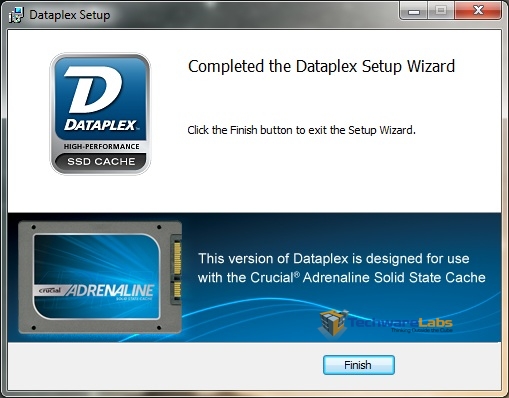 |
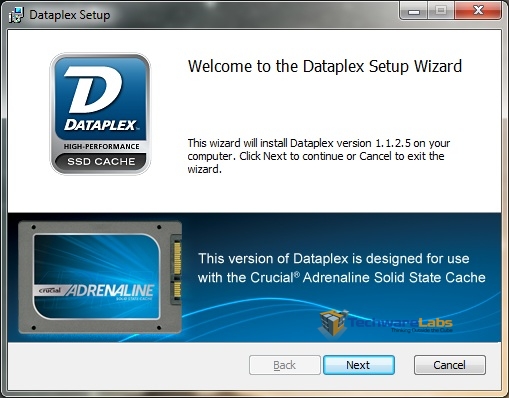
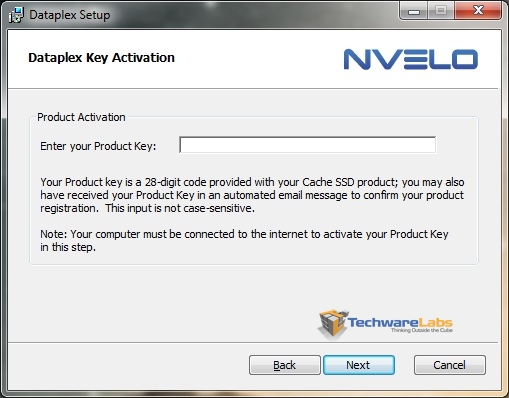
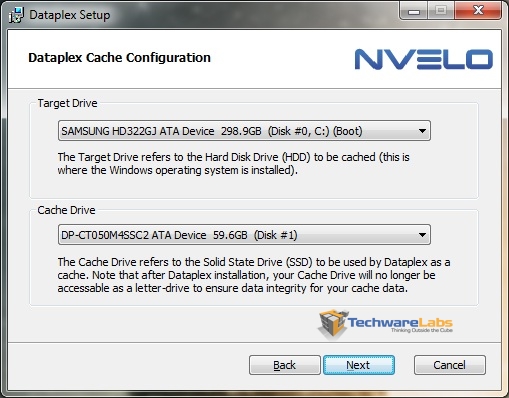
The Dataplex software, like the installation of the drive itself, couldn’t have been any easier. Start it up, enter your license key, choose the SSD cache and your target drive, reboot and you are finished. You don’t have to worry about formatting or anything. From start to finish it only took maybe 2 minutes.
 |
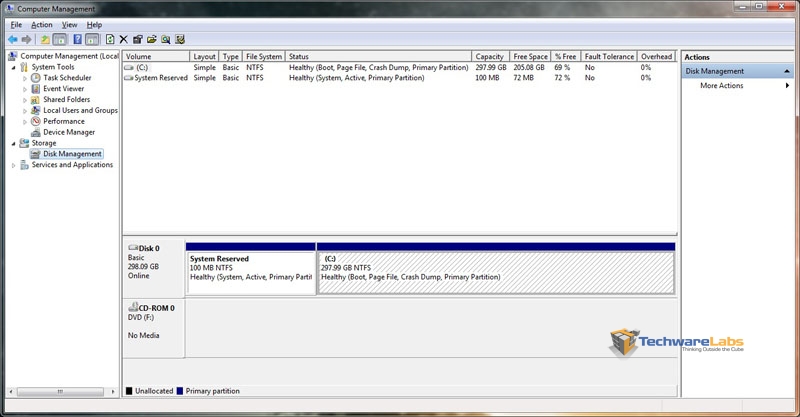 |
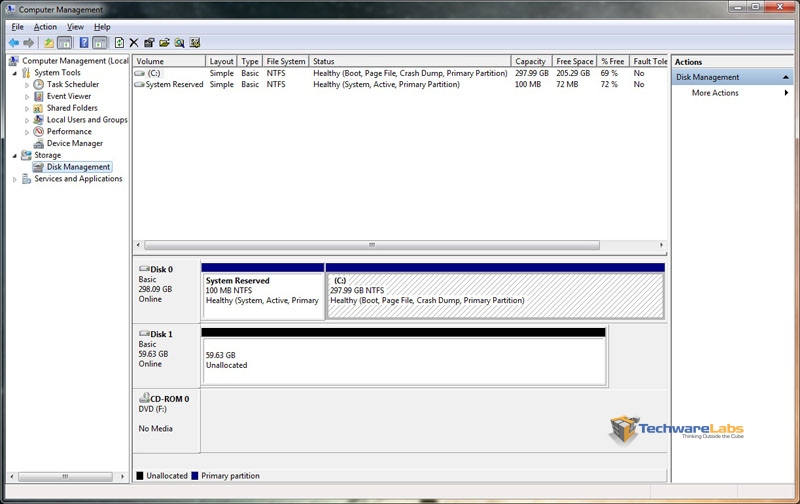
What is kind of interesting here is that in the left picture we see my hard drive and the SSD before the software is installed. In the right picture, after Dataplex was installed, the SSD disappears. Even your computer thinks its just one drive!

[…] Crucial Adrenaline Solid State Cache Review @ TechwareLabs […]
[…] me, and I had an excellent time. But now…back to work.TechwareLabs gets us started with the Crucial Adrenaline Solid State CacheBjorn3D taps away at the Corsair Vengeance K90 KeyboardTechReviewSource sits down with the Toshiba […]
[…] Crucial Adrenaline Solid State Cache Review @ TechwareLabs […]
[…] Crucial Adrenaline SSD @ HardwareHeaven Crucial Adrenaline SSD @ TechwareLabs OCZ Octane 512GB SSD @ Hardware […]
[…] a hard drive. Read on to find out if it will live up to its claim." Read the full review here. "Other girl's luxuries are my necessities, so buddy, […]
[…] Crucial Adrenaline Solid State Cache Review @ TechwareLabs […]
[…] Crucial Adrenaline Solid State Cache Review @ TechwareLabs […]