 |
Closer Look
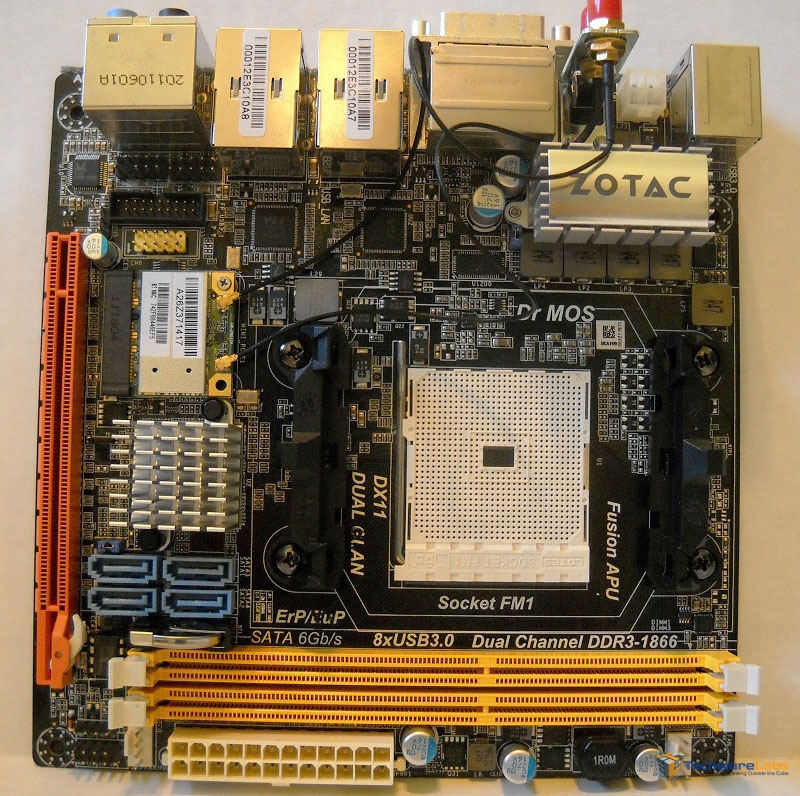
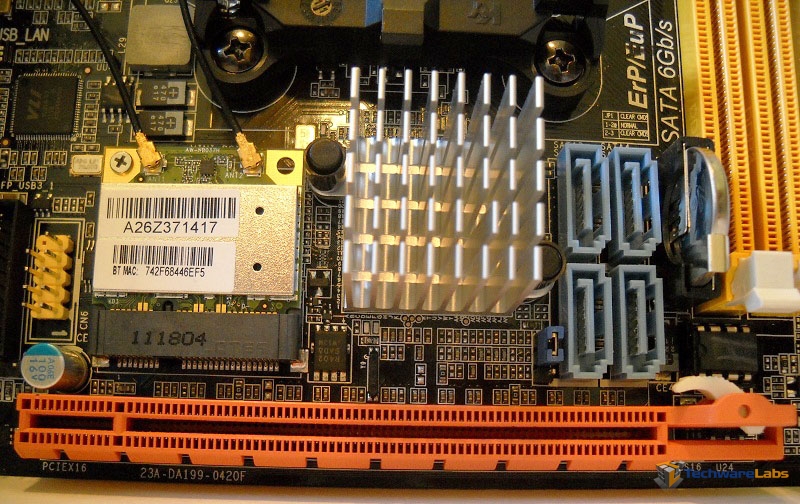
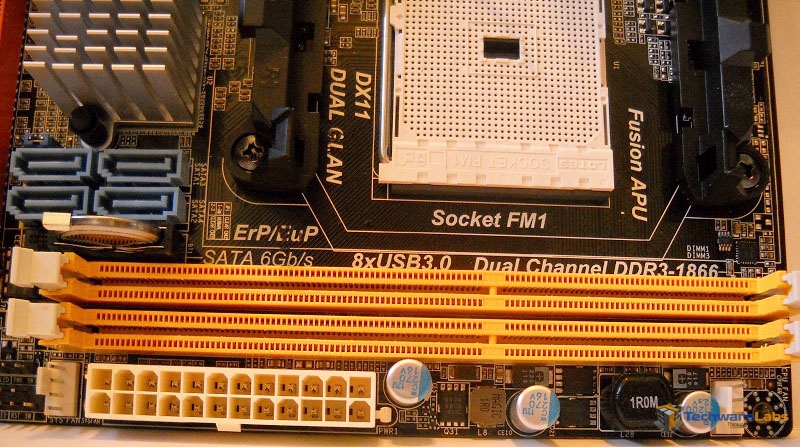
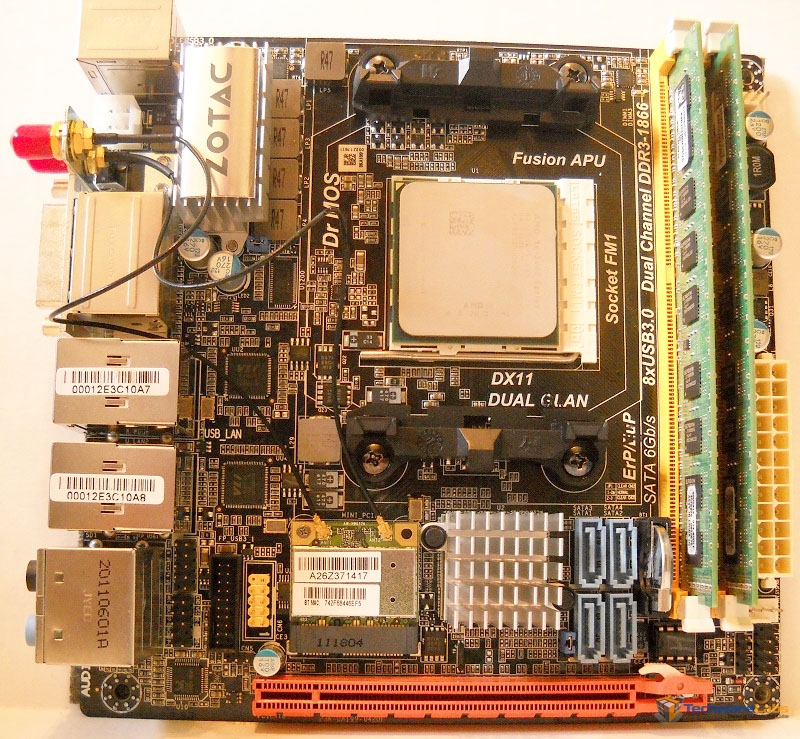
Being a mini-ITX form factor board, things do get a little cramped. However, the layout Zotac chose maximizes the given space and makes it fairly easy to manipulate wires and things even after a CPU cooler and GPU are installed.
 |
 |
 |
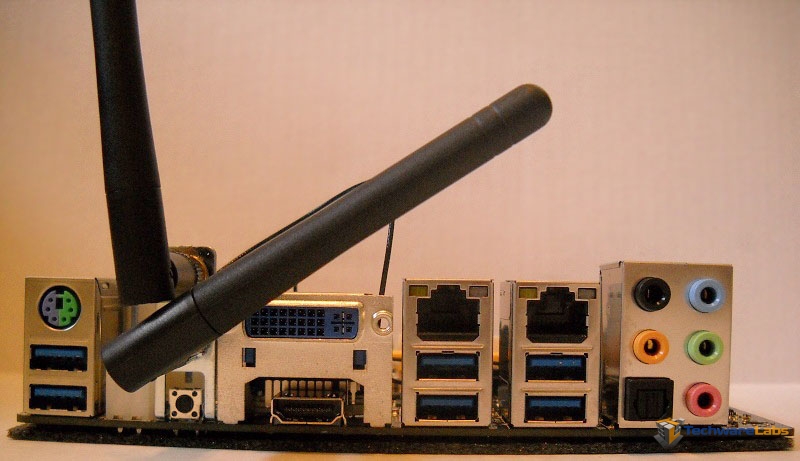 |
As you can see, no compromises were made with the I/O ports, giving two display options, 6 USB ports, two ethernet ports, a ps/2 port, and a full audio panel, as well as the WiFi antennas.
 |
 |
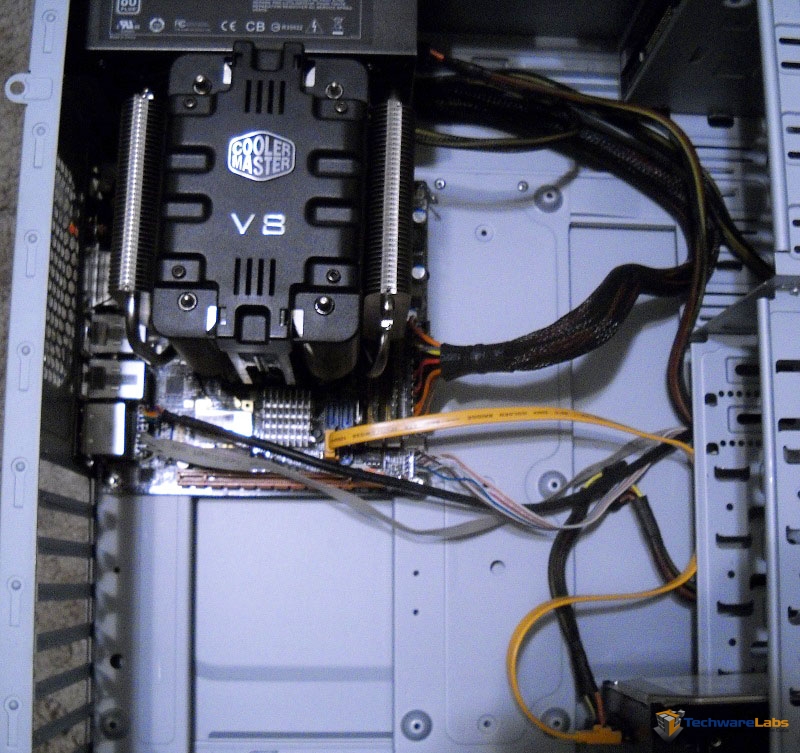 |
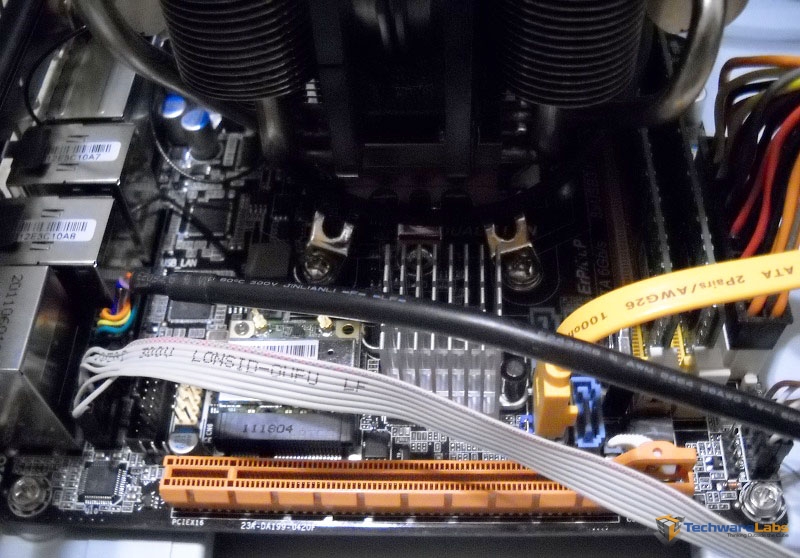
With everything installed you can truly see just how small this board is. Obviously in most cases the board would be paired with a small HTPC case and small, low-profile cooler but for testing and demonstration purposes this setup is significantly easier to deal with. Regardless of sizes though, you can see that anything that one might need access to after the board is already installed (SATA ports, front panel headers, power plug, etc.) is easy get to.

[…] TechwareLabs […]