Why Backup Online?
 CA Technologies (http://www.ca.com) is an IT solutions company that has been supporting Fortune 2000 companies with computer products and services since 1976. Now, they’re offering a suite of software aimed at the home user, including CA Internet Security Suite Plus, CA AntiVirus Plus, CA PC Tune-Up, and CA Online Backup. I’ll be looking at the latter product, the backup software, to see if it lives up to its promises of ease of use and anywhere-access.
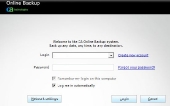
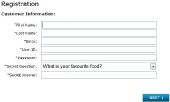
The install package is light, at just over 11MB, and installation was simple and almost optionless. Once it was complete, I was greeted with a logon screen for my account – which I didn’t have yet. Fortunately the Create New Account link was in the expected and easy-to-notice location, and two steps later my account was created and ready to sign in to.
The Wizard
Signing in with the account led to a wizard selection page, with descriptive text on the side to explain the options available. An Advanced button at the top accesses the Options menu as well as jumping straight to the Classic View mode, which has a much more direct interface. Unfortunately, I found that when setting up the software for the first time on a computer, certain settings could only be set in the wizard. You therefore are required to run the wizard at least once on each computer you wish to back up, even if you’re familiar with the software and its selections.
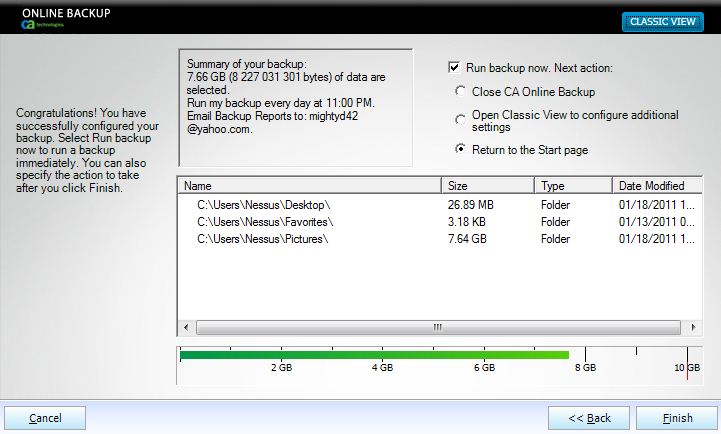
The wizard walks you through the setup choices, including your backup set and the schedule for automatic backups – as rarely as every month to as often as every hour for mission-critical files that are constantly updated.

Whether in the wizard or in the Classic Mode, anywhere that it shows a tree-like list of your hard drive’s contents it also includes a “Common Files and Folders” collection that has the profile folders such as Favorites and Documents, making it easy to find the usual places data is held if you’re not used to browsing the file system of your own computer. The wizard provides you an opportunity to set up an email address for backup alerts, which are easy to read and are sent as soon as the backup is complete (or has errors).



CA Technologies Online Backup Software | TechwareLabs…
Here at World Spinner we are debating the same thing……