System Options
The m3204 offers detailed configuration settings in the “System Options”. The security subsection provides the user with the the same features as the “Users” tab in the “Basic Setup” section with a couple of extras such as IP Address filtering and HTTPS. The HTTPS subsection provides the user with the menu as to what kind of connection policy is to be used with a particular user group. This is also the subsection where the user would manage the SSL certificates.
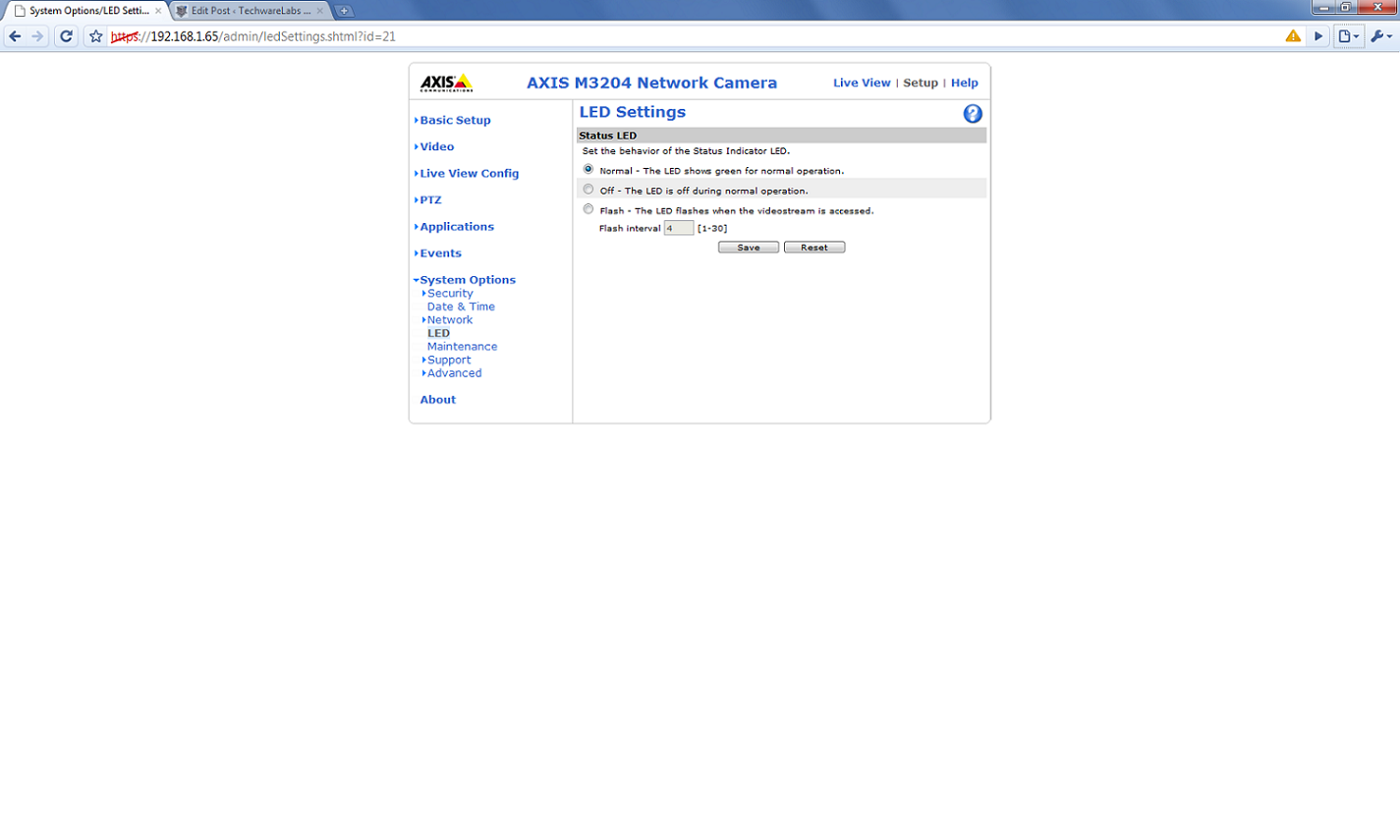
Other System Options include LED functionality settings. The Network subsection provides extensive configuration options for a set of network functionality as well as configuration settings for DNS discussed earlier in the article.
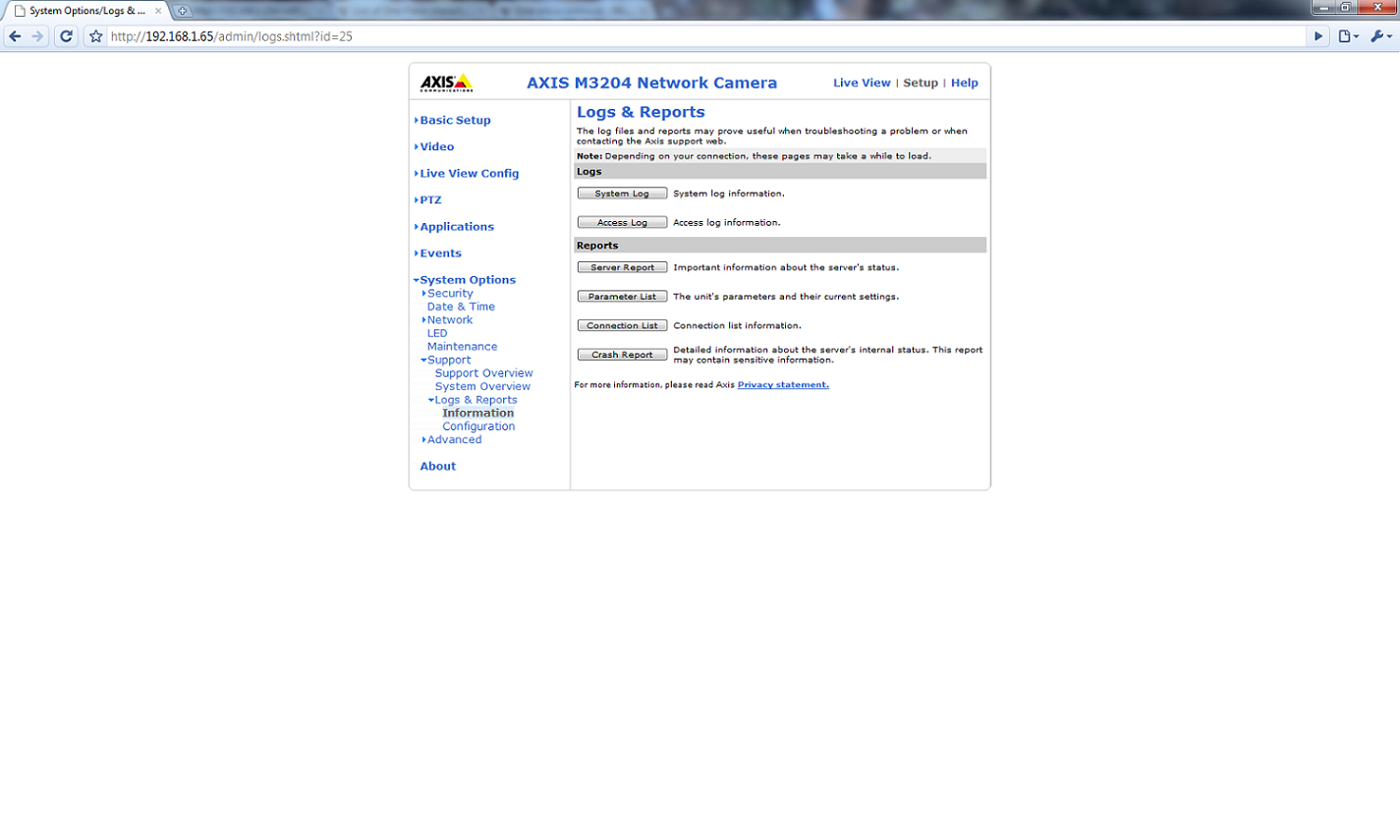
The m3402 also has other useful features such as system overview and logging. Logging is especially useful when troubleshooting the problem on the network. The user is given the ability to look at information such as who logged in and when. There are also a set of internal logs pertaining to bandwidth information, IP address information and event information. This information is kept for a default amount of time (400000 bytes of 100,000) unless the user specifies otherwise.

System Options – Network – TCP/IP Basic |
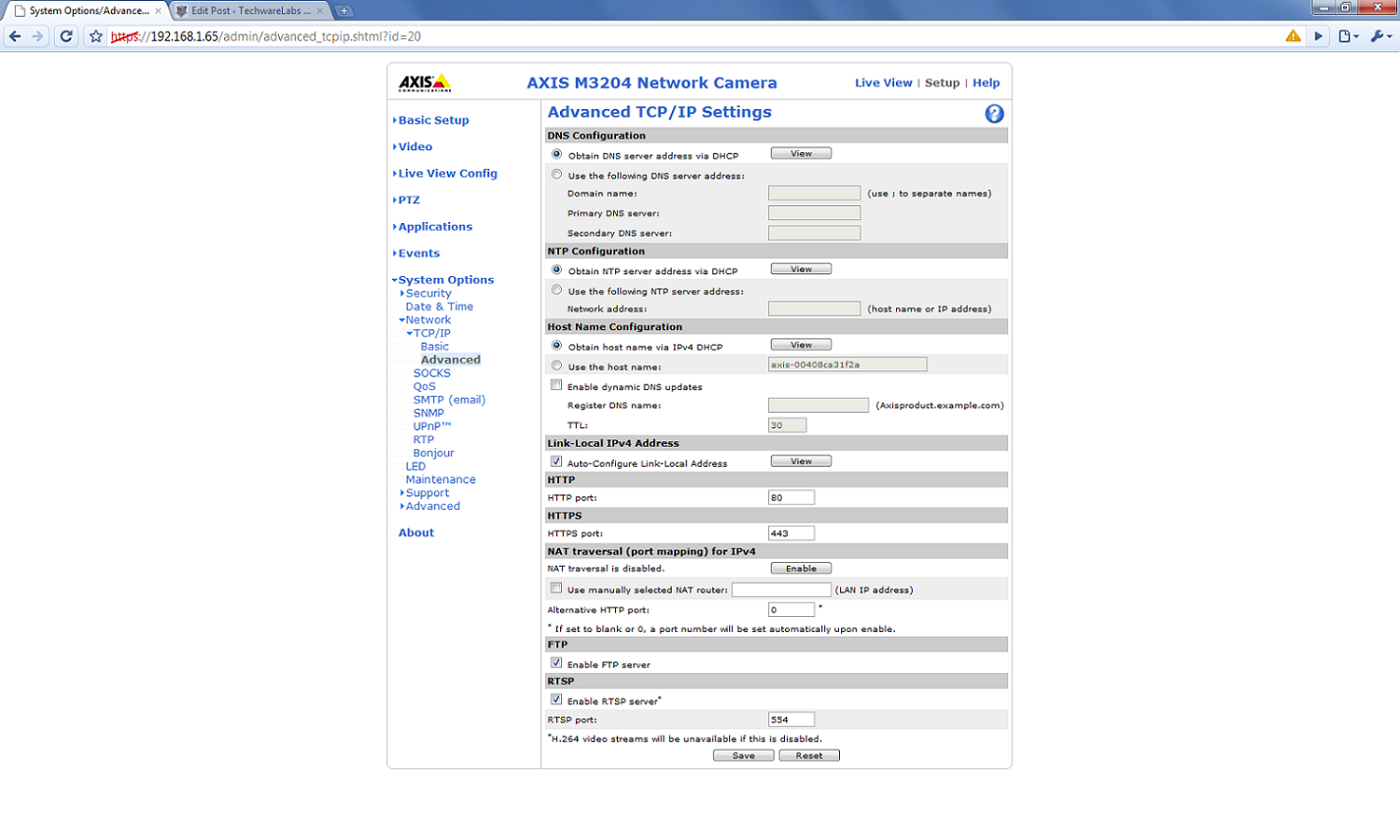
System Options – Network – TCP/IP Advanced |
|
System Options – Logs |
System Options – Security – HTTPS |

|
System Options – LED |
System Options – System Overview |

Additional Software
The CD that came with the camera advised me to install the AXIS Camera Station Client which is available for free download on the AXIS web site. The the use of the client is free for one camera, however, a license must be purchased for multiple cameras. After installation the software must first be configured to detect the networked camera. This can either be done through an automatic search or by typing the specific IP of the camera. If the camera is password protected, the password must be typed before the camera can be added to the list.
|
Initial Configuration |
Add Cameras – Search |


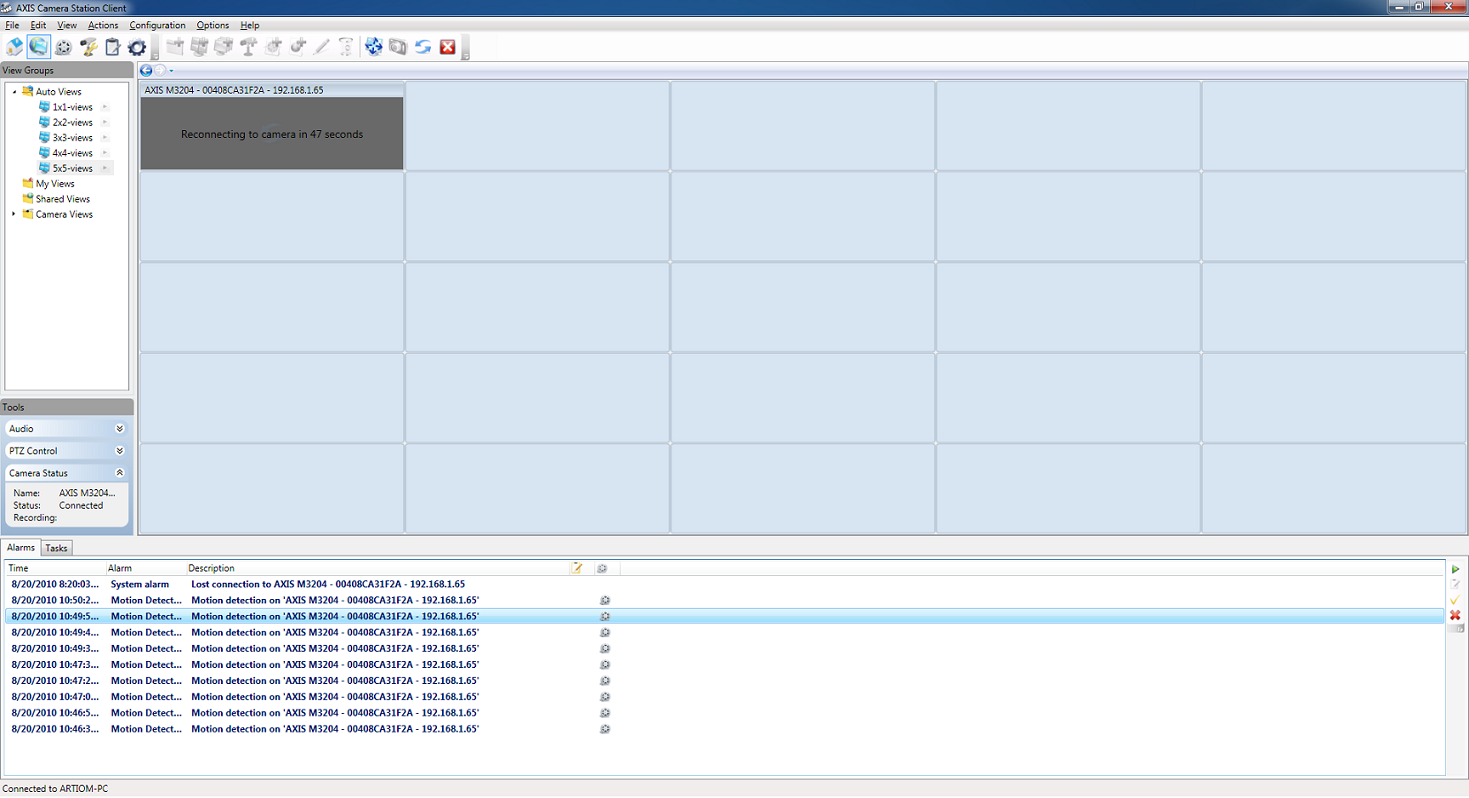
The client acts as a sort camera manager as well as a recording software. The Station Client has the ability to configure the cameras as well as record the streams based on the output of the cameras. Note that the actual event monitoring happens on the camera side, so the there is not extra load on the host computer for things such as motion detection or tamper detection. The alarms appear on the lower windows of the program and the associated video will play back if the alarm is double clicked.
|
Live View with Alarms |
Motion Detection |


away at the Arctic Cooling K381
Excellent features for a dome IP camera! Another highly recommended camera besides the VIVOTEK one!
Hi, we have new ip camera,touch screen dvr and Effio model ,Pixem model Camera.
pls contact with me if you interesting in it. Thanks
http://www.sanan-cctv.com
kathy@sanan-cctv.com
Not quite a cheap camera! Another alternative is VIVOTEK FD8134!
Great shots on the inside of the camera. Thanks for sharing. We sell this camera and more on our site. Check out our Axis Camera Superstore
The best part about this camera is that it is super affordable considering how powerful it is. Small business looking for futureproof surveillance should turn to the new Axis M Series. Plus, it comes in black — How sleek!