A Closer Look:
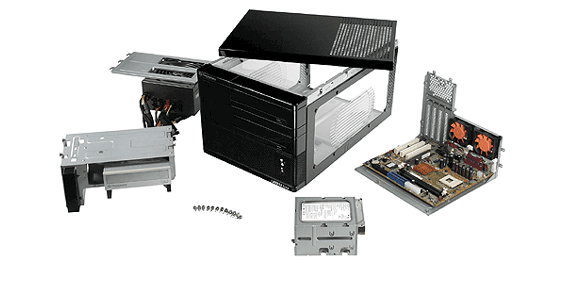 |
The entire case is modular, every component can be easily taken out or place in for system maintenance.
 |
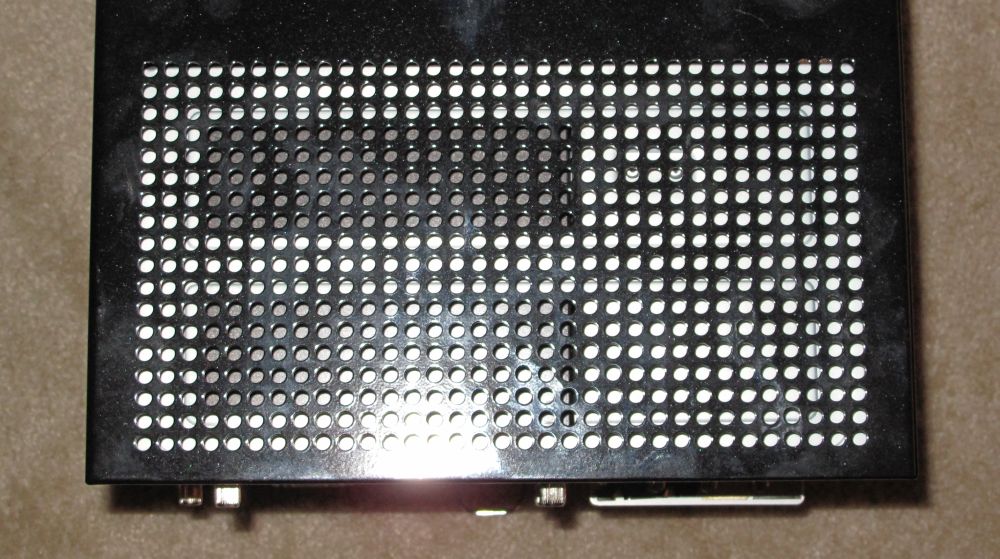 |
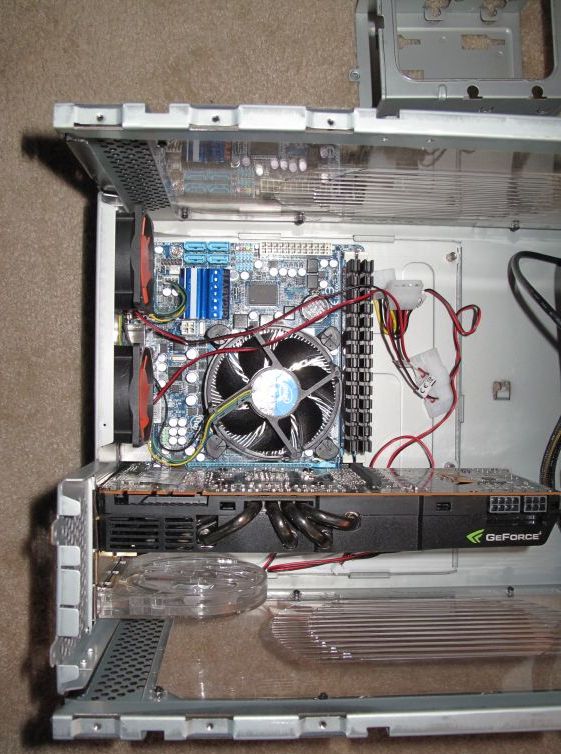
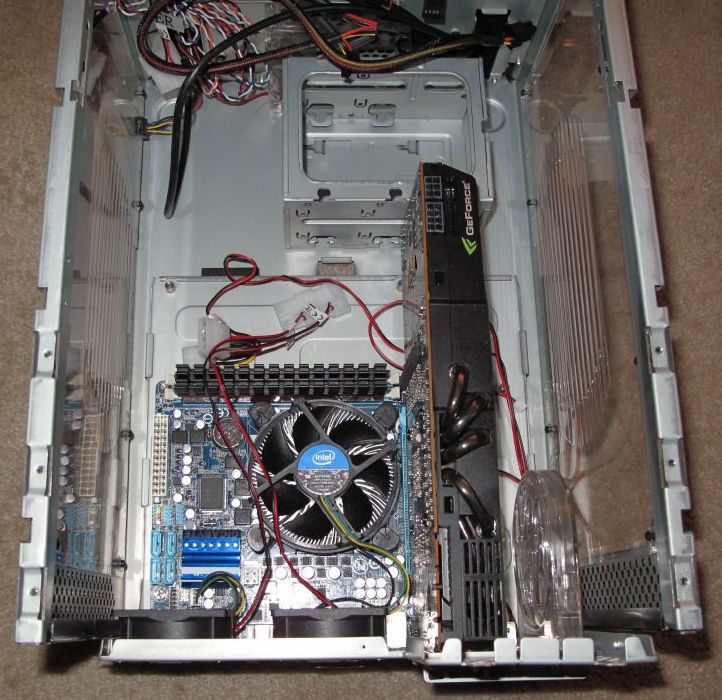
You can see the two case fans at the back of the mother board tray. the overall design of this case is to utilize a directed airflow. the side and top ventilation serve as outputs for the processor cooler, and the video card respectively.
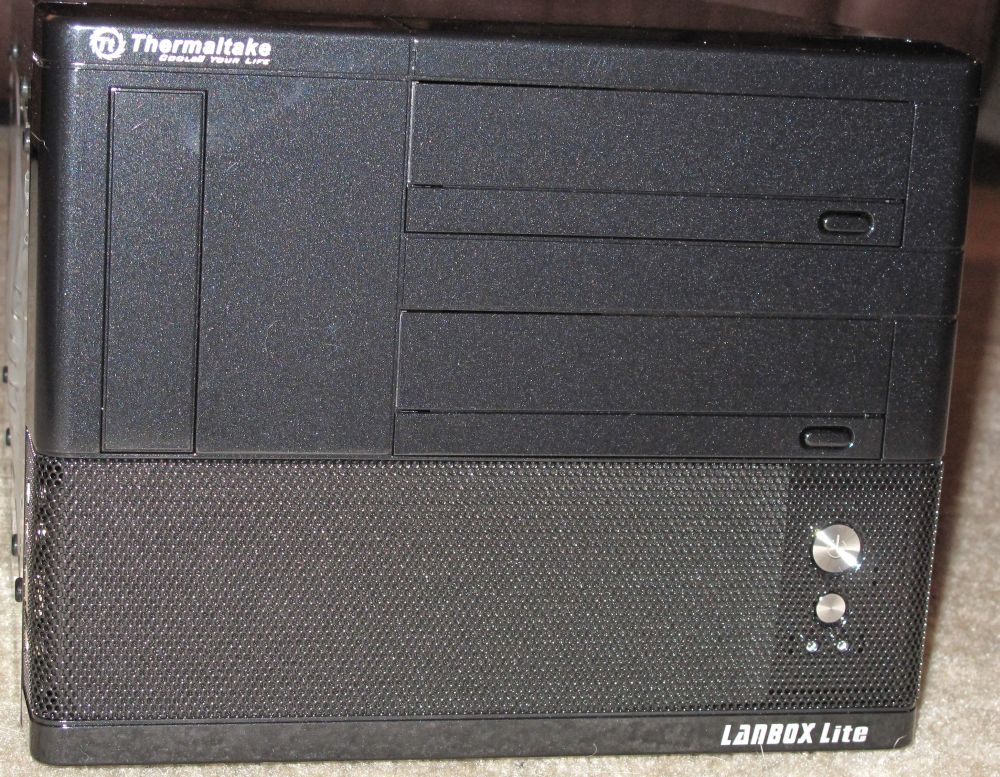
The case is designed to handle a full assortment of accessories including two optical drives a floppy or media card reader, and even the 8000 series full sized graphics cards. It is uncommon that you find a small form factor case designed to accept a full height graphics card, trust me I looked.
Installation:
I had very specific intentions while I was drooling over this case. It is a widely held misconception that with a small form factor comes severe limitations. And that a mid or full tower case is required to get any performance. I laugh at this misconception.
Test Rig:
Motherboard: Gigabyte H55N-USB3 Mini-ITX
Disk Drive: OCZ Agilty II SSD
Ram: 4gb Patriot Sector 5 Viper II
Operating System: Windows 7 Ultimate
Processor: Intel I5-750 2.6ghz Quad core
PSU: OCZ ModXStream modular 700 watt
GPU: Sparkle GTX 480+
Gigabytes release of the Mini-ITX spawned some very interesting debates about the capabilities and traditional roles of a “small form factor” system. The fully featured board allows me to completely take advantage of the space within this case as well as completely take advantage of my opponents assumptions.
 |
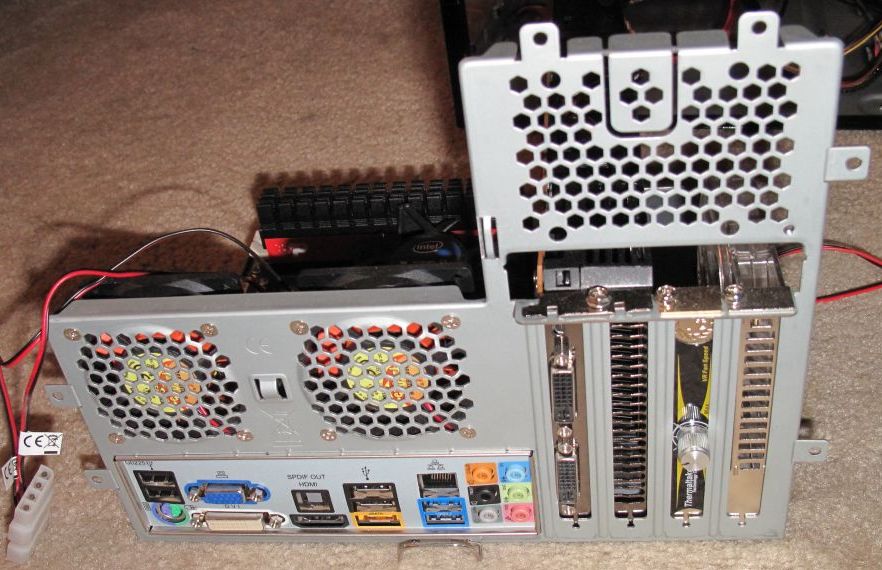 |
The motherboard installation was very easy. The motherboard fit perfectly in the space provided with room to spare.
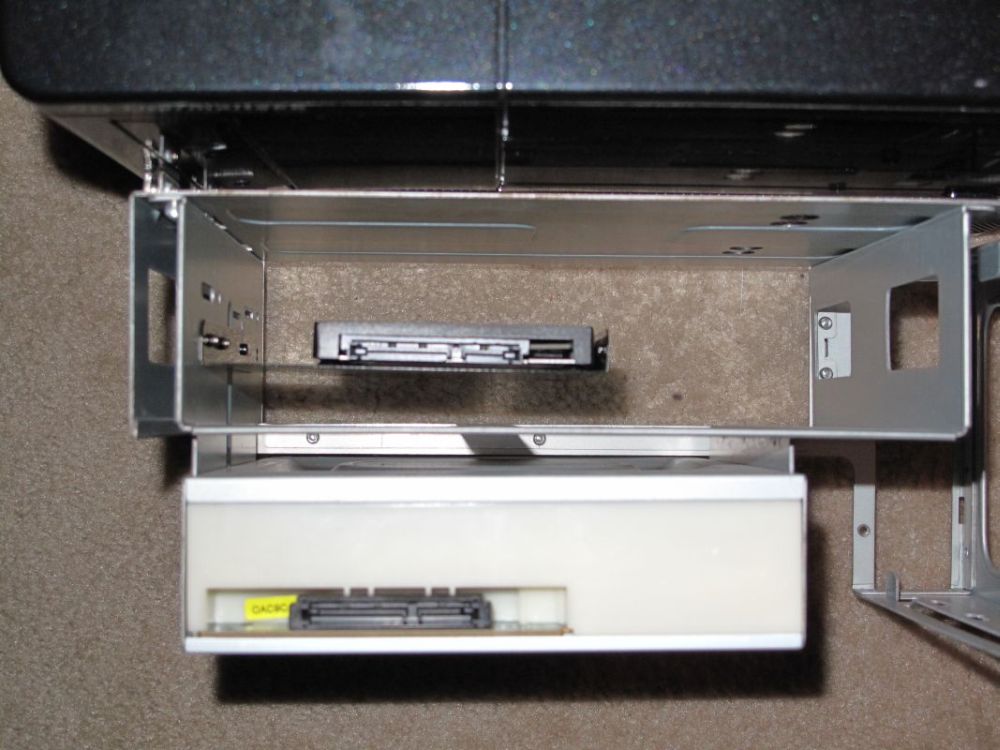 |
The Optical drive was also a very straightforward installation. The instruction manual had some helpful tips if your into that sort of thing…
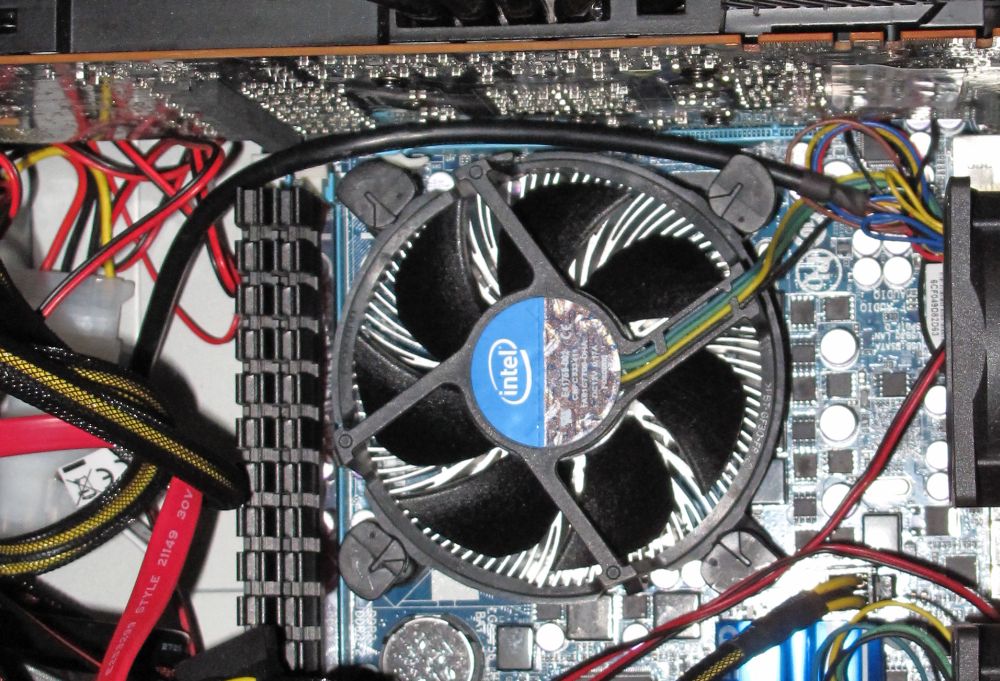 |
Due to the space constraints I was forced to use the Intel stock heat sink. While this does an adequate job I will be replacing it when I find a suitable option.
 |
 |
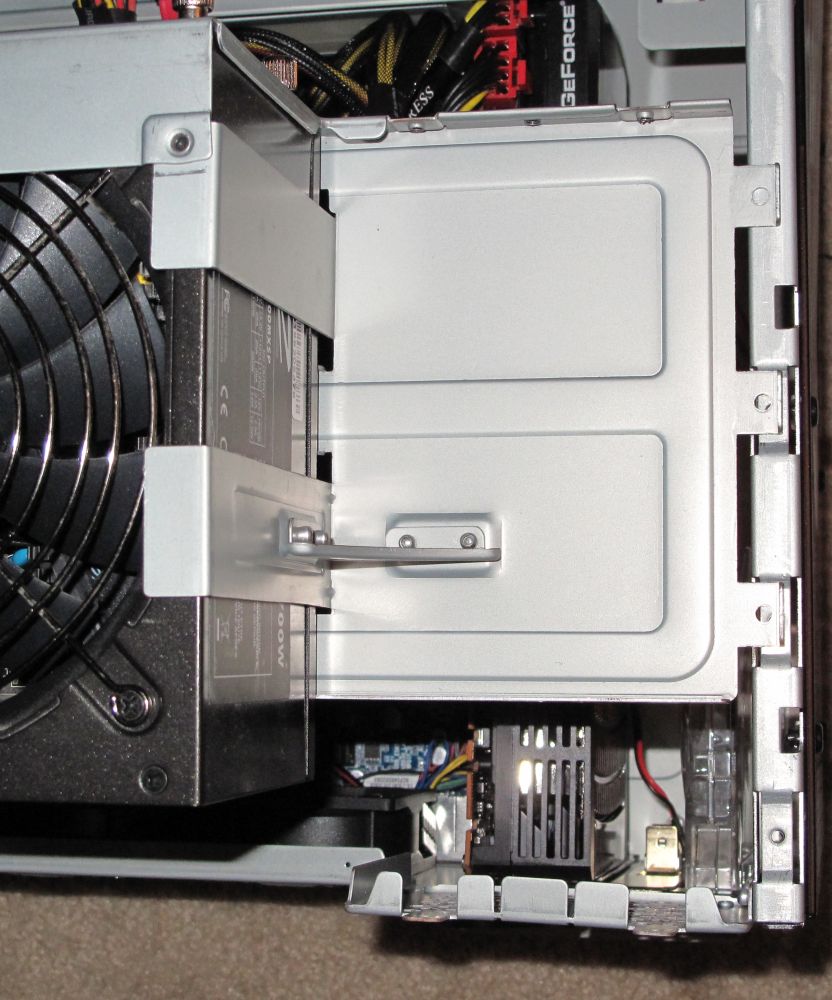 |
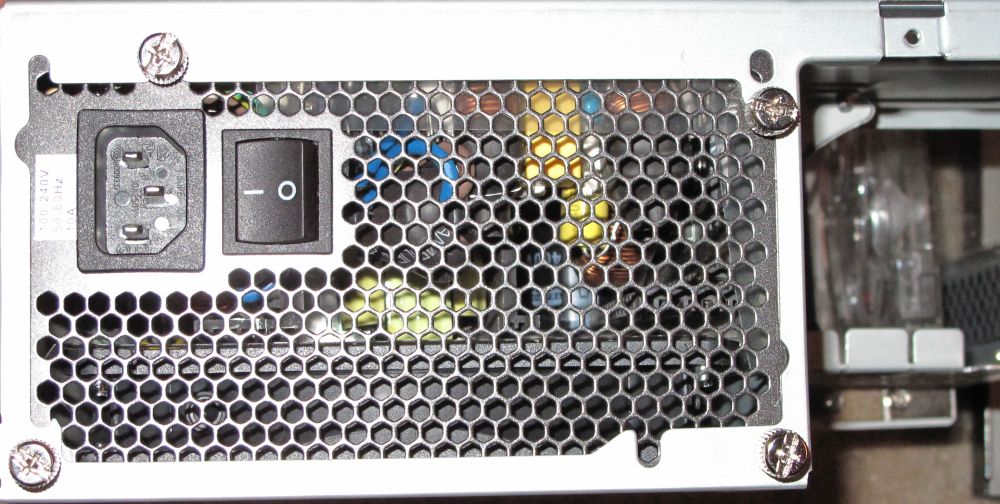
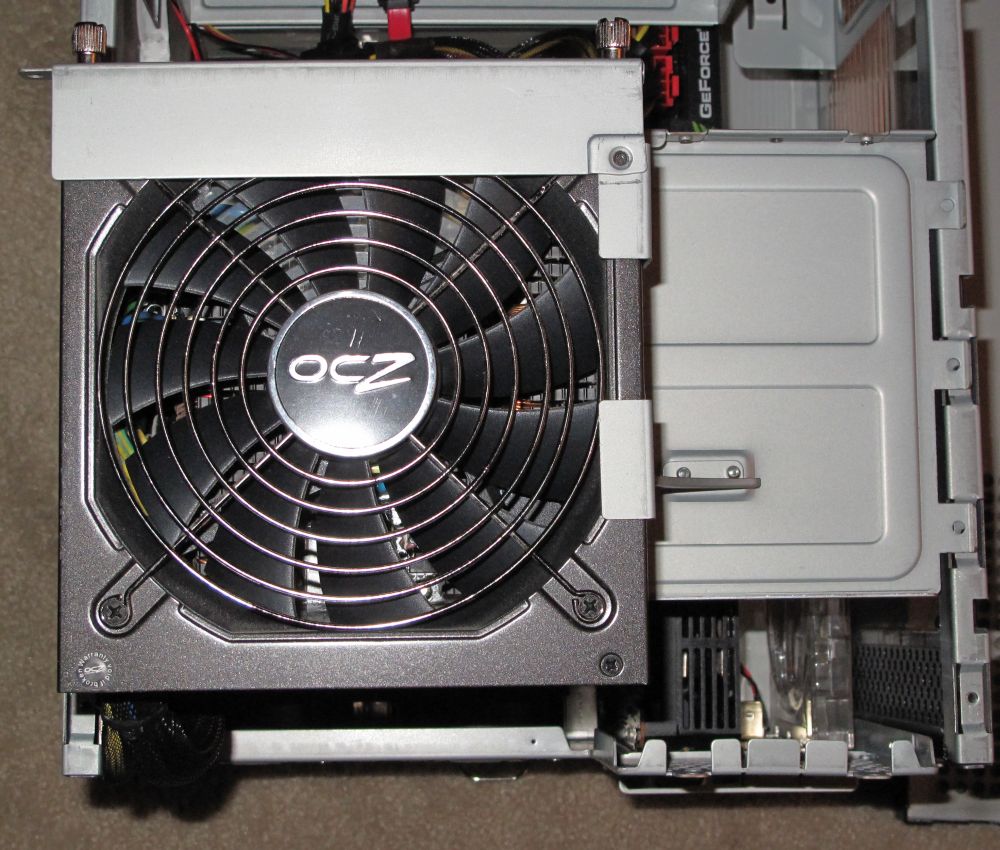
The power supply mounted seamlessly into the bracket and I was able to remove it from the frame so I could easily complete the wiring.
 |
 |
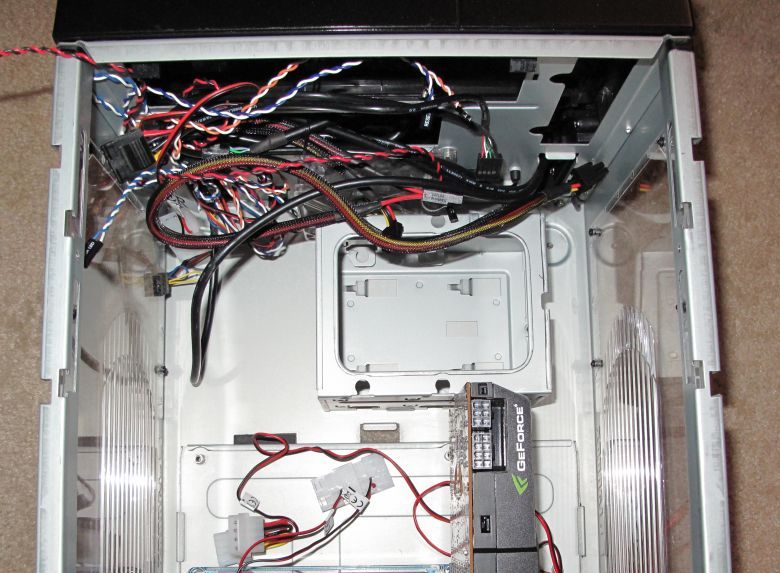 |
The installation of the GTX480 proved to be a bit of a situation. The case is designed to house the entirety of the 8800GTX, which is unfortunately 9 inches long as opposed to the 10.5 ” of the GTX 480. This was easily remedied however. I simply removed the hard drive cage from the floor of the case. It allowed for the extra room the card needed to fit. Because I am using an SSD I was able to mount the drive to the secondary optical drive bay. The SSD is neither heavy, nor subject to vibration so I feel there is no danger with this option.
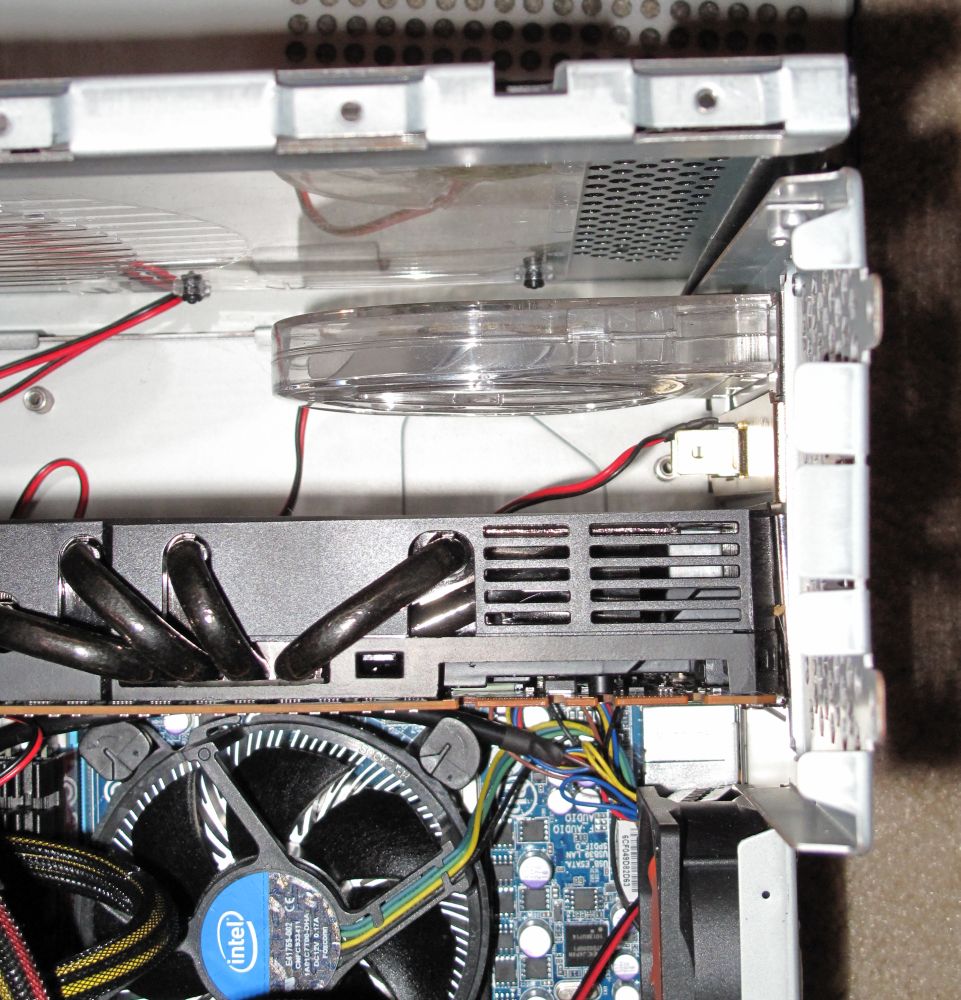 |
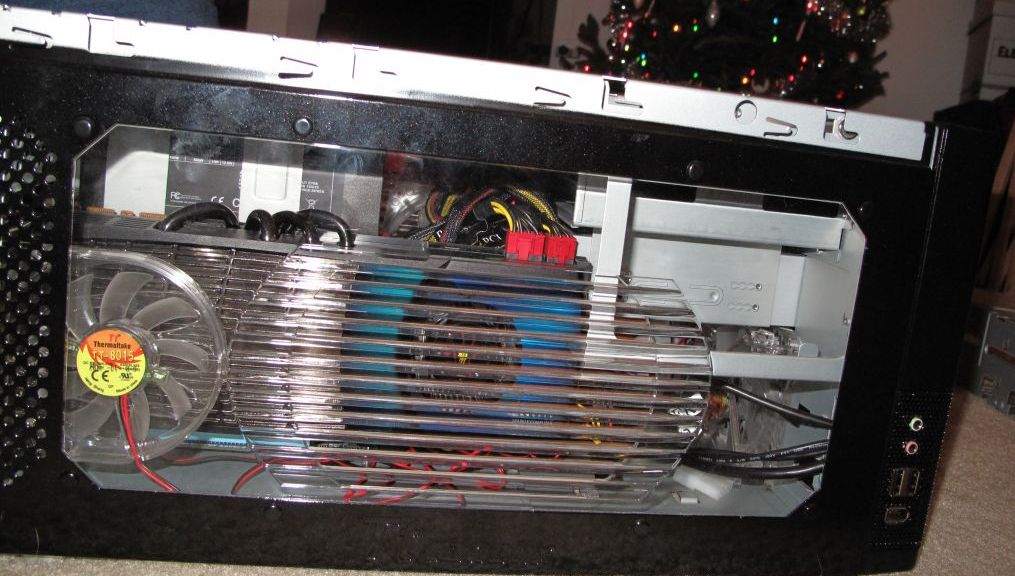
The other concern with putting this beast of a graphics card in such a cramped space is heat. The ventilation on this case with the included three fans is quite adequate for the intended running temperatures, however I have seen this card heat up to 130 degrees Fahrenheit. To combat this potential disaster, I installed a Thermaltake PCI slot fan. The fan removes air directly from the heat sink of the video card and helps to keep the entire case very cool.
 |

[…] be installed or removed outside the case. Review: Thermaltake LANBOX Lite Review | techPowerUp Thermaltake Lan Box Lite Computer Case | TechwareLabs – Part 4 Thermaltake Lanbox Lite Case Review Thermaltake LANBOX Lite SFF Case Review | […]
[…] – U.S.A. – LANBOX Lite – VF6000BWS Review: Thermaltake LANBOX Lite Review | techPowerUp Thermaltake Lan Box Lite Computer Case | TechwareLabs – Part 4 Thermaltake Lanbox Lite Case Review Thermaltake LANBOX Lite SFF Case Review | […]
[…] Thermaltake Lanbox-Lite Computer Case/Chassis (TechwareLabs) […]
[…] Thermaltake Lan Box Lite Computer Case | TechwareLabs […]
[…] the original post: Thermaltake Lan Box Lite Computer Case | TechwareLabs « Computer Video games Lagging Too Much! Tips on how to Fix This … Le Love: it scares […]
[…] TechwareLabs Review: Thermaltake Lanbox-Lite Computer Case/Chassis […]
[…] TechwareLabs Review: Thermaltake Lanbox-Lite Computer Case/Chassis […]